zoho
Zoho CRM Sandbox in 2026: A Safe Deployment Playbook
Zoho CRM sandbox explained: the four types, edition limits, what deploys, what silently does not, and a release process that protects production.
5 Nov 2026 · 10 min read · Abhijeet Singh
On this page 7 sections
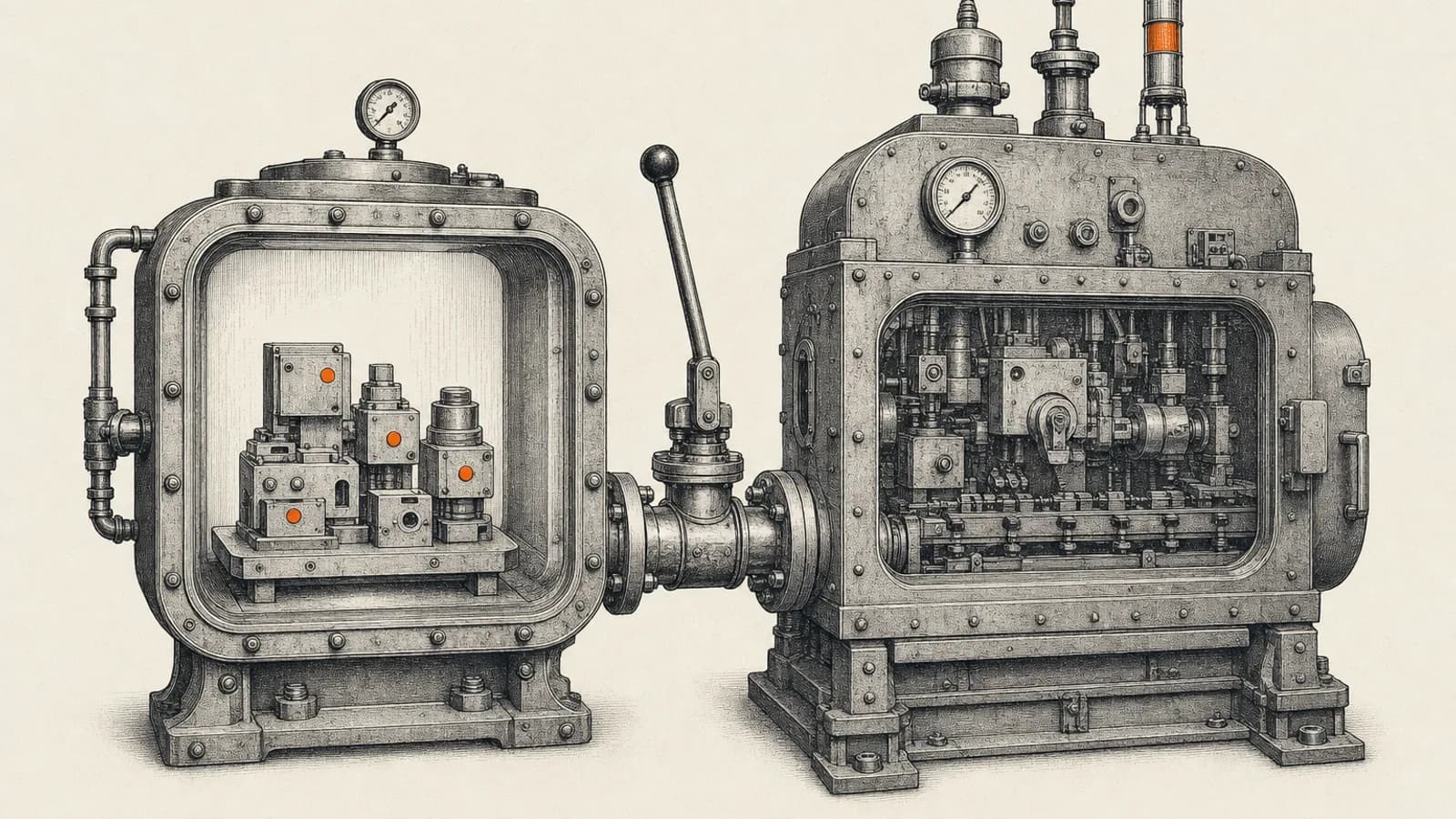
Most Zoho CRM implementations do not fail at the design stage. They fail on the Tuesday afternoon when someone edits a live workflow rule, a field quietly becomes mandatory, and twenty salespeople cannot save a record. A Zoho CRM sandbox exists to remove that failure mode: it is an isolated copy of your CRM where configuration is built and tested first, then pushed to production deliberately instead of accidentally. Zoho describes a sandbox as an isolated environment to test and validate various business cases in real time, and in most mid-size Zoho accounts it is the single most underused feature in the platform.
This guide covers the four sandbox types, the edition limits nobody checks until they need a second sandbox, what actually deploys and what silently does not, the rebuild rule that destroys a week of work, and a release process a small operations team can realistically run. It is the same discipline we bring to Zoho CRM configuration and automation work.
The four Zoho CRM sandbox types, and which one to pick
Zoho's setup documentation offers four types at creation, and the choice decides how useful your testing will be.
Configuration is for testing and deploying CRM configurations using your data. Sample Data populates ten sample records each for the Leads, Accounts, Contacts, Deals, Tasks, Calls, Meetings and Notes modules, which is enough to click through a page layout and little else. Partial Data lets you set how many records are populated per module, copies the newest records, and automatically pulls in related module data where a lookup field is mandatory. Full Data creates a complete replica of the production account, including all standard and custom modules along with their records.
The working rule I give clients is straightforward. Use Sample Data for a layout or field change. Use Partial Data for anything involving automation, because automation only reveals its edge cases against records that look like real ones. Reserve Full Data for work whose behaviour changes at volume: a migration, a mass update, a deduplication pass or a reporting rebuild.
One caveat that catches people out on Full Data. Zoho's own announcement for the feature states that attachments and files in image and file upload fields are not copied. The setup documentation also lists items the full-data copy does not support, including Campaigns, the Activities modules, draft records, integration-related modules, converted lead details, the Competitor related list under Deals, and picklist tracking. A full-data sandbox is a faithful copy of your structure and records, not a byte-for-byte clone of your account.
Edition limits: check these before you promise a release process
Sandbox allowances are per edition, and they are tighter than most teams assume. According to Zoho's sandbox creation documentation and edition comparison, as of November 2026 Enterprise gets three Configuration sandboxes and two Configuration-and-Data sandboxes. Ultimate gets seven Configuration, three Configuration-and-Data, and one Full-Data sandbox. Enterprise and Ultimate trial editions get two Configuration sandboxes.
Full Data carries its own terms: ten gigabytes of storage by default, with up to thirty gigabytes of additional storage available for purchase, rebuildable once every thirty days, and limited to one per organisation. There is a small documentation mismatch worth knowing about. The help article's edition table lists Full Data against Ultimate, while Zoho's community announcement for the feature says it is available to organisations on the Ultimate or CRM Plus editions. If you are on CRM Plus and planning around a full-data sandbox, confirm it in your own account before you build a plan on top of it.
The reason these numbers matter is simple. If you intend to run separate sandboxes for finance, sales operations and an external implementation partner at the same time, an Enterprise org will run out of Configuration-and-Data slots faster than you expect.
What deploys, what does not, and what arrives broken
Zoho's deployment documentation lists the configuration categories that can be pushed from sandbox to production: profiles, roles, data sharing settings, groups, multi-currency, territory management, automation, customisation, templates, custom schedules, webforms, auto response rules, workflow rules, blueprint, translations, wizards and tags. That covers the large majority of day-to-day admin work. Blueprint changes gain the most from this, because a broken transition stops every deal at that stage; our notes on what the Blueprint docs don't tell you explain why.
The exclusions matter more than the inclusions, because they are where release plans quietly break.
Records do not deploy. Zoho states plainly that records populated, imported or manually added to the sandbox account cannot be deployed to production. Anything you need in production, such as a picklist-driven reference table built as records, has to be created or imported there separately.
Scoring rules are not supported by sandbox at all, so lead and deal scoring changes have to be made and verified in production with the usual care.
Data cannot be migrated into a sandbox from other CRM sources, which rules out using a sandbox as a staging area for a third-party migration.
Any configuration assigned to or associated with a developer cannot be deployed to production, which is a genuine surprise mid-project if part of your build was done under a developer association.
Connections deserve their own warning. Zoho documents that when you create, edit or delete a connection in a sandbox, it appears on the deployment page and deploys with its functions, but it arrives inactive in production and must be authorised again there. If your release includes a function that calls an external service through a connection, the deployment will look successful while the integration stays dead until someone re-authorises it. Put that step in the runbook.
Change sets, dependency checks and conflicts
Every change made inside a sandbox is tracked in a change set for that environment. Zoho's documentation describes the change set list as showing the components and items changed, the module the change was made in, whether an item was added, updated or deleted, who made it, when, and any linked items associated with the selected one. A funnel icon filters the list.
From there you choose a complete deployment, which pushes everything in the change set, or a partial deployment, which pushes only the items you select. Partial deployment is the feature that makes a real release process possible, because Zoho also allows you to deploy changes in any order rather than the order in which they were made. A crucial fix does not have to wait behind an unfinished experiment.
Selecting changes opens a start deployment page that runs a dependency check and labels each item either qualified or conflicted. Qualified means Zoho expects no issues on deployment. Conflicted means you cannot proceed, because the change may override a name, exceed a feature limit, or reference a missing parent item. Zoho's own examples are instructive: a field created in a sandbox module whose parent module has since been deleted in production, and a sandbox field created with a name already used in the same production module.
Deployments are logged. Zoho states that changes deployed via sandbox in the last six months are listed in a deployment logs tab, showing the date, the source sandbox, the changes deployed and the user who deployed them, filterable by time, component and item, module, action and user. Administrators holding the manage sandbox permission can view logs for every sandbox environment, while users attached to a single sandbox see only their own. That log is your audit trail when someone asks why a field changed in an earlier release, so treat it as documentation rather than noise.
The rebuild rule that quietly destroys work
This is the part that costs teams a week, and it is worth reading twice.
Rebuild frequency depends on the type. A Configuration sandbox can be rebuilt once a day. A Configuration-and-Data sandbox can be rebuilt once every three days. A Full-Data sandbox can be rebuilt once every thirty days. Trial edition users cannot rebuild a sandbox at all.
The consequence is blunt. Zoho states that any changes made in the sandbox settings which are not yet deployed to production will be lost when you rebuild. Once you have deployed, the remaining items in the change set are retained until the next rebuild. Rebuilding also only refreshes configuration from production, not data.
So the sequence that ruins a sprint is: build a fortnight of unfinished configuration in a sandbox, notice the sandbox has drifted from production, hit rebuild to catch up, and lose everything undeployed. Deploy in small, finished increments and rebuild deliberately, not reflexively.
Deactivation behaves more kindly. Changes cannot be deployed while a sandbox is deactivated, but after reactivation the undeployed items listed in the change set beforehand are retained and can still be deployed.
Email behaviour is also worth knowing before a test run. A sandbox has its own outbox where test emails, workflow alerts and mass emails land for review, entries remain for sixty days, rebuilding the sandbox permanently deletes all outbox entries, and manual deletion and email analytics are not supported inside a sandbox.
Testing integrations: a sandbox is a different organisation
This is where CRM testing meets automation work, and where most integration teams lose a day.
Each sandbox is a separate organisation, so it needs its own authorisation. Zoho's developer guidance is explicit that the application registration process is the same for both environments, but you must generate separate grant tokens for each, choosing the organisation under the sandbox environment when you do. API calls then go to a sandbox-specific API domain rather than the production one, while the accounts service used to mint tokens stays the same. Calling with a token generated for another environment returns a domain token mismatch error. From version six of the API onwards, the organisation endpoint returns a type value telling you whether a token is authorised for production, developer or sandbox, which is a quick way to confirm what a workflow is actually pointed at.
For anyone running n8n, Zoho Flow or custom middleware alongside CRM, the implication is practical. Maintain two credential sets, name them unambiguously, and make the environment visible in the workflow itself. Testing a lead-routing workflow against production because a credential was reused is a far more expensive mistake than a broken field. If you are setting up that connection for the first time, our walkthrough on connecting Zoho CRM to n8n covers the credential and webhook setup.
At AbhijeetBuilts this is standard practice on Zoho implementations: configuration changes are built in a sandbox, integration workflows carry environment-specific credentials, and every release runs from a short written change set with connection re-authorisation and post-deploy verification as explicit steps rather than assumptions.
A release process a small team can actually run
You do not need an enterprise change board. You need five habits.
Keep one sandbox per stream of work, named after the work rather than the person, and add only the users who need it. Access is granted at creation by selecting active users and developers, and each receives an email invitation with the sandbox address.
Write the change down before you build it, in one or two lines: what changes, which modules, which automations touch it, and how you will know it worked.
Deploy small and often. Partial deployment plus free ordering exists precisely so that a single finished change can go live today instead of waiting for a monthly release.
Run a pre-deploy pass on the dependency check and resolve every conflict rather than working around it. A conflicted item usually means production has moved since the sandbox was built, which is information, not an obstacle.
Keep a post-deploy checklist covering the things sandbox cannot prove: re-authorise connections, recreate any reference records, re-verify scoring rules, and confirm integrations are pointed at production credentials.
Adopt those five and the common Zoho failure mode disappears. Changes stop arriving as surprises, the deployment log becomes a genuine history of the system, and admins stop being afraid to improve the CRM.
If your Zoho CRM has grown past the point where live edits feel safe, or your integrations and CRM configuration are changing at the same time without a release process holding them together, this is exactly the work we do for clients. Get in touch through the website and we can look at your current setup and design a change process that fits your team's size.
Related resources
Keep building the automation map
Move from the guide into the services and proof pages connected to this topic.
Related services
Service
Explore Zoho CRM Consulting
Zoho CRM setup, custom modules, client scripts, Deluge functions, workflow rules, and cross-module automation.
Service
Explore Custom CRM Implementation
Custom CRM architecture for sales pipelines, operations handoff, service workflows, invoicing, and reporting dashboards.
Service
Explore n8n Workflow Development
Custom n8n workflow automation for lead capture, CRM sync, AI enrichment, approvals, and notifications — built to keep running when nobody is watching.
Further reading
Article
Read: Zoho CRM Blueprint: What the Docs Don't Tell You (2026)
Zoho's Blueprint docs show you the editor. This covers the rest: edition limits, API gotchas, when to skip Blueprint, and a worked example from a live freight CRM.
Article
Read: Zoho CRM CPQ in 2026: A Practical Quoting Setup Guide
Zoho CRM CPQ in 2026: how price rules, the product configurator and guided selling actually work, plus the quote-to-cash trap that breaks Books syncs.
Article
Read: Build vs Buy CRM in 2026: A Founder's Decision Framework
Build vs buy CRM is the wrong question in 2026. Get the four-option framework, the real triggers for a custom build, and the cost math that holds.
Proof pages
Case study
See case study: Custom Zoho CRM with Auto-Pipeline for a Freight Forwarder
A freight CRM that carries an enquiry through contacts, accounts, deals, quotes, jobs, cost sheets, and invoicing — with client scripts and Deluge automation removing the re-typing between every stage.
Case study
See case study: Complete Zoho Stack for a B2B Packaging Manufacturer
One Zoho operating system for a B2B packaging manufacturer — sales, service, inventory, accounting, ticketing, and analytics — replacing the legacy Excel and Salesforce files the business used to run on.