automation
Build vs Buy CRM in 2026: A Founder's Decision Framework
Build vs buy CRM is the wrong question in 2026. Get the four-option framework, the real triggers for a custom build, and the cost math that holds.
14 Aug 2026 · 8 min read · Abhijeet Singh
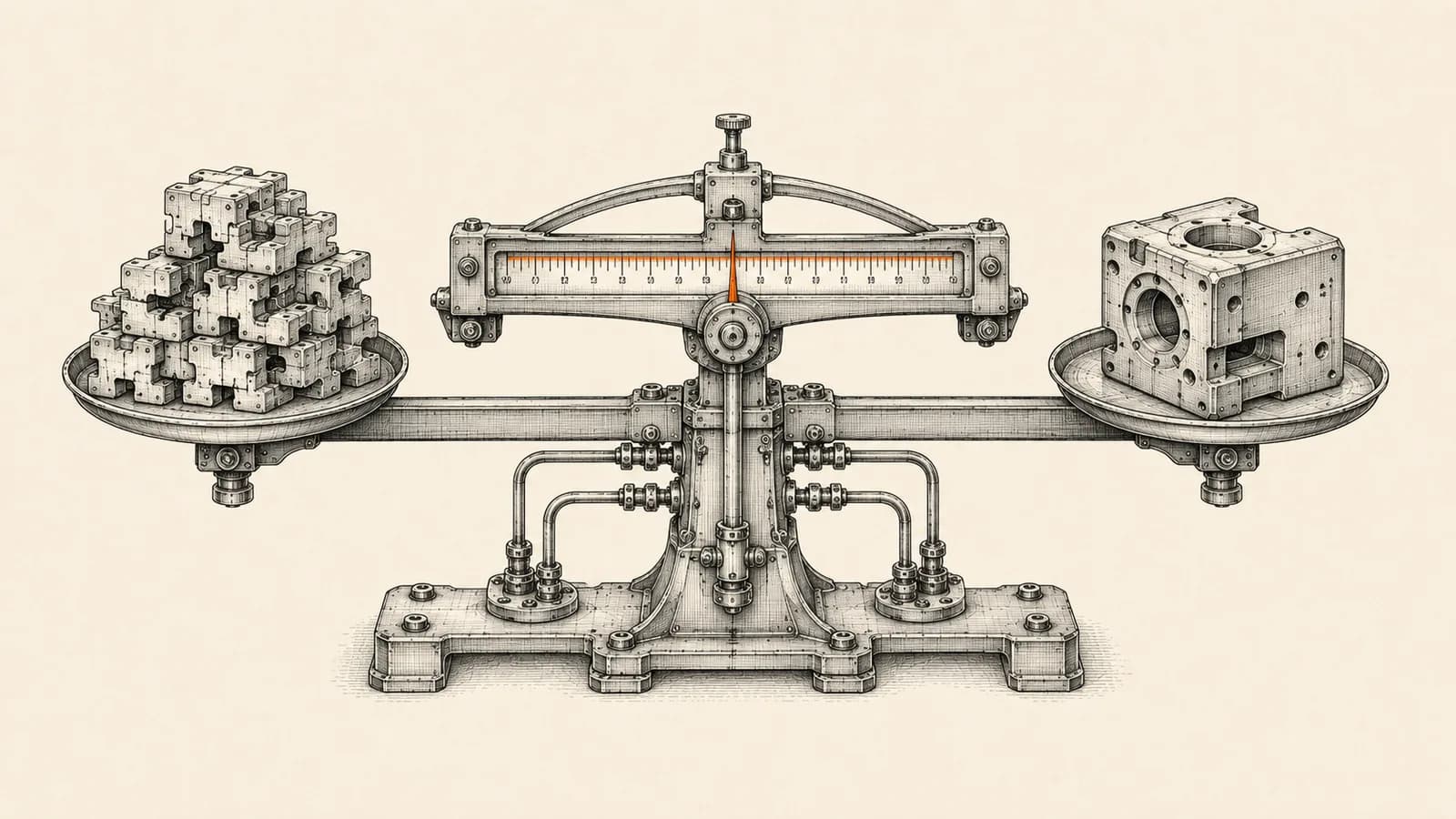
Most founders treat this as a question with two answers. In 2026 the build vs buy CRM decision has at least four positions, and for most small and mid-size businesses the right answer sits in the middle two. This guide covers the decision criteria worth using, the four conditions that genuinely justify a custom build, and the cost math that most comparison articles get wrong.
The old framing broke for a specific and recent reason. The buy side of the equation is no longer a predictable per-seat subscription, and that quietly invalidates the arithmetic almost every build-versus-buy spreadsheet is built on.
Build vs buy CRM is really a four-option decision
The first option is to configure. You take a standard CRM and change only what the vendor exposes through settings: fields, layouts, pipelines, roles, validation, automation rules. No code, no platform extension, no custom deployment.
The second is to extend. You stay on the vendor's platform but write against it with server-side functions, custom widgets, and API integrations. The vendor still owns the data model and the upgrade path, so you inherit their release cycle along with their maintenance burden.
The third is to compose. You keep a commercial CRM as the system of record and move the logic that does not fit into an orchestration layer beside it. The CRM stores customers, deals and activity. A workflow automation platform handles routing, enrichment, document generation, messaging and the processes that span three other systems.
The fourth is to build. You develop the application itself, own the schema, and take on authentication, permissions, audit trails, backups, and every upgrade from now on.
Most articles compare the first option against the fourth because the contrast is dramatic. In practice the decision that matters is between extending and composing, and only a narrow set of businesses should seriously consider a full build.
What changed in 2026: the buy side stopped being purely per-seat
Traditional CRM pricing is a seat count multiplied by a rate. On Zoho's India pricing page at the time of writing, Zoho CRM lists Standard at 800 rupees per user per month, Professional at 1,400, Enterprise at 2,400 and Ultimate at 2,600. That is a forecastable number because you control headcount.
The AI layer does not price that way. According to Salesforce's own Agentforce pricing documentation, Flex Credits are sold at 500 US dollars per 100,000 credits, one Agentforce action consumes 20 Flex Credits or 10 US cents, and an alternative conversation-based model is priced at 2 US dollars per conversation. Enterprise Edition customers receive 100,000 Flex Credits free with Salesforce Foundations.
HubSpot's official credits documentation describes the same shape. Credits are required for usage-based features such as Customer Agent, Prospecting Agent, Data Agent and Data Studio syncs. Included allotments are based on your highest subscription tier, credits reset every month aligned to the start of your usage period, and unused credits expire rather than rolling over. Where pay-as-you-go overage applies, HubSpot documents it at 0.010 US dollars per credit, invoiced in increments of 10 credits.
Read those two mechanics together and the implication is uncomfortable. Seat cost scales with headcount, which you decide. Consumption cost scales with how often your automation runs, which grows precisely when the system is working well. Unused capacity is lost at the end of the month while overage is billed on top.
This does not make buying a bad idea. It means a three-year total cost of ownership figure derived from a per-seat price alone is no longer a real number, and any build-versus-buy comparison that uses one is comparing against a fiction.
The four triggers that actually justify a custom build
The first is a genuine data model mismatch. Not unusual field names, but a structurally different primary entity. If your core record is a shipment with multiple legs, a rental asset with a utilisation calendar, or a production batch with an expiry and a parent lot, and you are forcing it into a module designed for a contact-account-deal shape with a dozen custom fields faking the structure, you are paying for a platform while fighting it.
The second is external-user economics. When most of the people who need to touch a record are not employees, per-seat licensing prices you out. Dealers, franchisees, field contractors, patients and students all fall here. Check the portal option before concluding anything, because most mature platforms have one. Zoho Creator, for instance, documents self-service external portals alongside mobile deployment and an on-premises hosting option.
The third is inverted per-record economics. Some businesses run very high record volume against very low revenue per record. When the cost of storing and processing a record inside the platform starts to approach the margin on that record, the economics flip and no amount of negotiation fixes it.
The fourth is sovereignty, residency or contractual constraint. A client contract or a regulator requires data in a specific jurisdiction, under a specific licence, with an audit posture that no vendor tier provides. Open-source is the relevant path here rather than a from-scratch build. Twenty's pricing page states that you can self-host its open source core for free, with a Pro tier at 9 US dollars per user per month, Organization at 19, and Enterprise from 50,000 US dollars a year. Self-hosting shifts cost from licence to operations. It does not remove cost.
If none of those four is true for you, building is very likely a mistake.
What almost never justifies building
Disliking the interface is not a trigger. Adoption failures are usually process and training failures, and a custom interface built by a team that has not fixed the underlying process reproduces the same problem at higher cost.
Believing your business is unique is not a trigger either. Nearly every founder believes this, and the belief is usually half right. The uniqueness is real but it lives in three or four workflows, not in the data model. Those workflows belong in an orchestration layer.
Subscription cost on its own is a weak trigger. Saving licence fees while absorbing maintenance, security patching, dependency upgrades, backup testing and staff time is rarely a saving. A bought platform also comes with a roadmap you did not fund, whereas in a custom build every improvement is a project you pay for.
A single missing feature is the weakest trigger of all. Price the integration or the workaround before pricing the rebuild.
The composed middle path most teams should start with
The pattern that works for the majority of small and mid-size businesses is a commercial CRM as the system of record with an orchestration layer beside it. The CRM holds customers, deals, activity history and the current state of each record. The orchestration layer holds the multi-step logic that touches more than one system.
This is how most of the systems built at AbhijeetBuilts are structured. A Zoho CRM instance acts as the system of record, and n8n workflows around it handle lead capture, enrichment, document generation, WhatsApp messaging and reporting pipelines. When a requirement arrives that the CRM cannot express cleanly, it goes into the workflow layer rather than triggering a platform migration.
Two rules keep this from degrading into a mess. Maintain exactly one system of record per entity, so there are never two places that both claim to own the customer. And give every workflow a named owner plus a failure alert, because an unowned automation that silently stops is worse than no automation at all.
How to run the cost math without fooling yourself
Model three separate lines over 36 months rather than one blended figure.
Licence is seats multiplied by rate multiplied by months, using a realistic headcount curve rather than today's team size.
Consumption covers metered AI and automation features, forecast at the volume you expect once the automation is actually working, not at today's volume. This is the line that surprises people.
Labour covers implementation plus the ongoing share of someone's week spent administering the system. For a build, add initial development, hosting, security patching, dependency upgrades, tested backup and restore, and the replacement cost of the developer who eventually leaves.
Then apply the test most people skip: exit cost. For every option, ask how you would get both your data and your logic out. Data export is usually straightforward. Logic export is the trap, because configuration and automations rarely travel between platforms. The more business logic you bury inside proprietary platform features, the more expensive your exit becomes. That is a further argument for composing, since workflow logic held in an orchestration layer is considerably more portable than the same logic encoded in vendor-specific automation.
A five-step sequence to decide in about two weeks
Start by writing down your primary entity and its lifecycle states on a single page. If you cannot do this, no tooling decision will save you.
Next, list every workflow that crosses a system boundary. These are the ones that determine whether configuration alone will hold.
Then test the four build triggers honestly, and write down the evidence for any you believe is true.
Prototype in the cheapest viable option for two weeks using real data, configuration only, with no custom development permitted during the trial.
Finally, escalate only on documented evidence: a specific list of what did not fit and why. Teams that follow this sequence almost always land on extending or composing, and they get there with a written rationale instead of a hunch.
Where to take this next
The build vs buy CRM question is worth answering carefully because reversing it is expensive in both directions. A premature build costs money and years. An over-stretched platform costs credibility with the team that has to use it every day.
If you are weighing this decision and want a second opinion grounded in what these systems actually cost to run, get in touch through the website. A short conversation about your primary entity, your external users and your automation volume is usually enough to tell which of the four options fits.
Related resources
Keep building the automation map
Move from the guide into the services and proof pages connected to this topic.
Related services
Service
Explore Custom CRM Implementation
Custom CRM architecture for sales pipelines, operations handoff, service workflows, invoicing, and reporting dashboards.
Service
Explore Zoho CRM Consulting
Zoho CRM setup, custom modules, client scripts, Deluge functions, workflow rules, and cross-module automation.
Service
Explore n8n Workflow Development
Custom n8n workflow automation for lead capture, CRM sync, AI enrichment, approvals, and notifications — built to keep running when nobody is watching.
Further reading
Guide
Read: Zoho CRM vs Salesforce vs HubSpot: Which CRM Should a Founder Choose in 2026?
A practical founder-focused comparison of Zoho CRM, Salesforce, and HubSpot, with guidance on choosing the right CRM before adding automation.
Guide
Read: Salesforce to Zoho CRM Migration: When Startups Should Switch and How to Do It Safely
A practical founder-friendly guide to deciding when Salesforce to Zoho CRM migration makes sense, what to clean before moving, and how to avoid breaking sales operations during the switch.
Guide
Read: How to Think About Business Automation Before Building Workflows
Good automation starts with the business process, not the tool. Here is a practical way to map workflows before building in n8n, Zoho, or AI agents.
Proof pages
Case study
See case study: Complete Zoho Stack for a B2B Packaging Manufacturer
One Zoho operating system for a Pune packaging manufacturer — sales, service, inventory, accounting, ticketing, and analytics — replacing the legacy Excel and Salesforce files the business used to run on.
Case study
See case study: Custom Zoho CRM with Auto-Pipeline for a Freight Forwarder
A freight CRM that carries an enquiry through contacts, accounts, deals, quotes, jobs, cost sheets, and invoicing — with client scripts and Deluge automation removing the re-typing between every stage.