zoho
Zoho CRM CPQ in 2026: A Practical Quoting Setup Guide
Zoho CRM CPQ in 2026: how price rules, the product configurator and guided selling actually work, plus the quote-to-cash trap that breaks Books syncs.
5 Nov 2026 · 10 min read · Abhijeet Singh
On this page 9 sections
Most sales teams do not lose deals on price. They lose them on the four days it takes to get a correct quote out the door. Zoho CRM CPQ exists to remove that delay, and it is the most under-configured feature I see in Zoho accounts that are otherwise set up well. Reps are still hand-picking products from a catalogue, typing discounts from memory, and emailing a PDF no manager ever saw.
This guide covers what Zoho CRM CPQ actually does, the rule mechanics that decide what reps see, the limits Zoho publishes, and the architectural trap that breaks quote-to-cash projects late in the build.
What Zoho CRM CPQ Actually Is
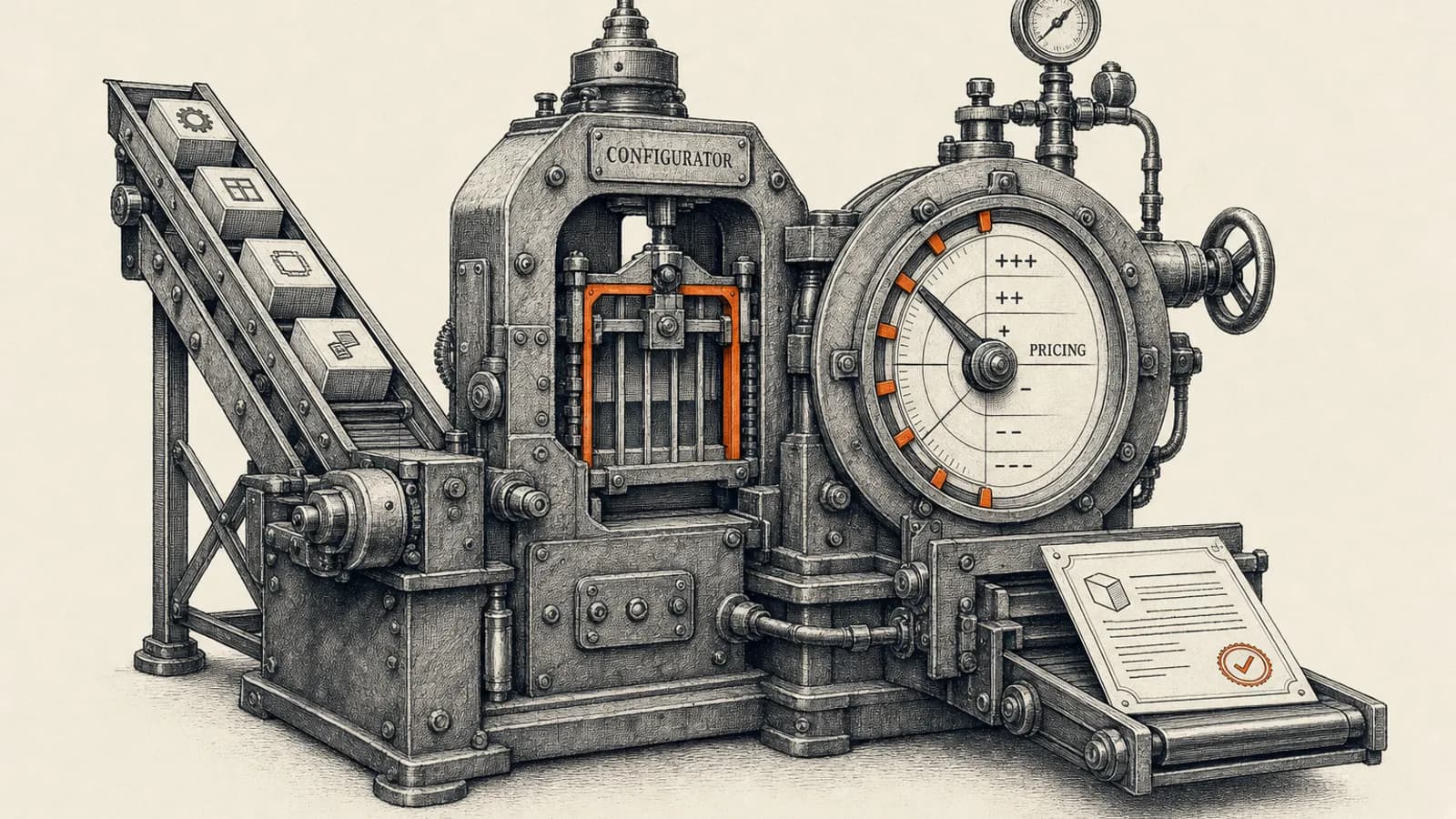
CPQ stands for configure, price, quote. Zoho's documentation describes it as software that lets sales teams create bespoke, accurate quotes quickly, built around three jobs: configuring product combinations and bundles, fixing prices along with discounts and taxes, and producing the finished quote from those configurations.
Establish scope before any design work. CPQ started on the default Quotes module only. As of November 2026, Zoho's CPQ documentation says product configurator and price rules work on any CRM module, default or custom, that has a subform with at least one lookup field. That includes Sales Orders, Invoices and Purchase Orders, and custom modules such as a custom Estimates module. CPQ is still a Zoho CRM feature, so it does not run on Zoho Books estimates. If your commercial process starts in Books, CPQ will not reach it, and you need to know that on day one rather than in week six.
Edition matters too. Zoho's pricing page lists Configure, Price, Quote under the Professional edition, and Zoho's guided selling documentation states that guided selling is available in the Zoho CRM Professional Edition and above. Standard edition accounts will not get there without an upgrade. Rule counts are capped by edition too: Zoho's edition comparison allows 10 product configurations and 10 price rules across the organisation on Professional, 50 of each on Enterprise and 100 on Ultimate. Picking the edition against those caps is the first step in any Zoho CRM setup and configuration project.
The Two Engines Inside Zoho CRM CPQ
Zoho's how-it-works article names two building blocks. Knowing which one is acting saves a great deal of debugging.
Product configurator
The product configurator decides what gets added to a quote when a rep picks a product. It supports three actions: add product, suggest product, and quoted item field update. Those map to three very different business intents.
Mandatory actions are automatically applied and, in Zoho's wording, non-negotiable. Use these for what is genuinely inseparable from the product: a compulsory installation charge, a first-year support line, a regulatory levy. Suggested actions are recommendations surfaced to the rep based on what is already on the quote, and they are your cross-sell surface. Quoted item field updates change the line item itself, most usefully quantity and description, which is how you enforce minimum order quantities or standardise the wording on the customer-facing PDF.
Rules do not fire once and stop. Zoho documents them running while you save a record, where a review pop-up appears, again once the record is saved and changes are applied, and again afterwards when fields are edited. Tell reps this or they will treat the pop-up as an error.
Price rules
Price rules handle money. Zoho documents four implementations across two shapes. The static shape is a direct discount or a direct list price. The dynamic shape is tier-based, where the discount or list price varies by quantity range, the classic volume break. Both can be expressed as a percentage or an absolute value.
That covers most mid-market pricing policies: volume breaks, segment pricing, bundle pricing, promotions with a criteria window. What it is not is a full contract-pricing engine with customer-specific rate cards inherited across renewals. Know the ceiling before you promise it.
Rule Order Is the Whole Game
This is where most CPQ builds quietly go wrong, and Zoho is explicit about it.
For price rules, the documentation states that rules are applied in the order they appear on your price rules page, and that if multiple rules meet the product criteria, only the first rule in the sequence is considered and applied. Not the best rule. Not the largest discount. The first one. Your rule list is a priority list, and reordering it is a pricing decision, not housekeeping.
For the product configurator, Zoho documents a best match process with four sequential steps. It shortlists the rules containing the most products from the quote, evaluates product-specific criteria such as quantity or list price, then checks common criteria if several rules still match, with billing city given as the example. If everything is tied, the rule higher in the list wins.
One more precedence fact belongs on a whiteboard: Zoho states that if you have a different price rule for the same product, that price rule will always override the product configuration. Pricing beats configuration. Design accordingly.
So keep the rule count small and the criteria narrow. Every overlapping rule raises the chance a rep sees a price you did not intend and cannot explain.
Guided Selling and Its Published Limits
Guided selling answers a different question. Configurator and price rules assume the rep already knows what to quote; guided selling is for when they do not. It asks a short series of questions and filters the catalogue down as each answer comes in.
Zoho documents the setup path under Setup, then CPQ, then Guided Selling, where you define the module, layout, subform and lookup field, then build the deciding factors as questions mapped to product fields. Reps reach it from below the add row button in the line items section of a quote.
The published limits are tight enough to shape the design, so plan against them:
- A maximum of ten questions in a guided selling flow.
- A maximum of eighteen input options across those question pages.
- Only six lookup filters in total for the Products module, counting custom filters and related module fields.
- A maximum of three modules, being one primary module and two related modules.
Ten questions is not many for a complex catalogue. If your selection logic needs more, part of it belongs in a configurator rule or a pre-sales qualification step, not in guided selling. On maturity, Zoho's own announcement records guided selling running as public early access from March 2023 to January 2024 and as a public feature since February 2024, so this is not experimental.
What Zoho Added to CPQ in Q1 2026
Zoho's official Q1 2026 CRM update post lists two CPQ items worth knowing. The first is CPQ smart suggestions from Zia, where Zia surfaces strong purchase patterns on frequently purchased combinations and generates suggested rules from them. The second is additional criteria for pricing rules, letting you include criteria such as a specific product quantity or a discount when creating a rule.
The Zia suggestions are useful as a discovery tool if you have quote history, because they show which bundles reps already assemble by hand. Zoho says suggested rules start disabled, Zia refreshes them every 15 days, and no more than 10 suggestions show at a time. Treat the output as a candidate list, not as rules to accept wholesale. A pattern that recurs in historical quotes is sometimes a habit rather than a policy.
The Quote-to-Cash Trap
Here is the fact that derails Zoho quoting projects more often than any rule-logic problem, straight from Zoho Books documentation: there is no direct sync between Zoho CRM's native modules, including Invoices, Quotes, Sales Orders and Purchase Orders, and the corresponding transaction modules in Zoho Books. Zoho's guidance points to a custom function to bridge them.
Read that against everything above. CPQ runs on native CRM modules such as Quotes, Sales Orders and Invoices. None of those native modules sync to Books. So the polished, rule-driven quote your CPQ build produces does not automatically become a Books invoice.
What does sync is the Zoho Finance section the Books integration surfaces inside CRM, and Zoho's CRM edition comparison does not list that integration on Standard. After the initial sync, new accounts, contacts, vendors and products added in CRM flow into Books every two hours, while transaction modules sync instantly once enabled. A single CRM-to-Books pairing supports two-way sync; connecting more than one Books organisation to the same CRM organisation makes it one-way from CRM to Books. For multi-currency setups Zoho requires the base currency in CRM to match the one set in Books.
That leaves a real architectural choice, and it belongs in the first design session:
- Quote in native CRM Quotes to get CPQ, and accept that the handoff to Books needs a custom function or an external workflow.
- Quote inside the Zoho Finance modules to get native Books continuity, and accept that you do not get CPQ rules.
Neither is wrong. Choosing late is what costs money. At AbhijeetBuilts we usually keep quoting in native CRM Quotes, because CPQ is where the commercial control lives, then build the Books handoff explicitly as an automation with its own error handling and retry path rather than pretending it is native behaviour. Our Zoho stack for a B2B packaging manufacturer is a worked example of Zoho CRM, Books and n8n running together.
Approvals and Signature
A quoting system without a discount gate is a discount leak. Approval processes in Zoho CRM require the Manage Automation permission on the profile, so confirm who holds it before designing the routing. Check the edition as well: as of November 2026, Zoho's edition comparison lists approval processes on Enterprise and Ultimate only, so a Professional account needs a different gate or an upgrade. If you build that gate as a stage transition, our notes on what the Blueprint docs leave out cover the edge cases.
For signature, Zoho Sign integrates directly with CRM. Zoho documents sending from Leads, Contacts, Deals, Accounts, Quotes, Invoices, Sales Orders and Purchase Orders, with a send with Zoho Sign button appearing after setup and administrators choosing whether access goes to admins only, all users, or specific profiles. Tracking lands in auto-created sub-modules: ZohoSign Documents holds the list of documents sent from CRM, and ZohoSign Document Events carries status updates on the record. One cost note from the same documentation, worth modelling at volume: mailmerge templates consume additional credits when a template is merged and the PDF is generated in Zoho Writer.
A Sequenced Build Plan
In this order, the project stays cheap:
- Clean the product catalogue first. CPQ rules read product fields, so unnormalised categories, blank list prices and duplicate SKUs produce rule chaos no configuration can fix. A practical CRM data cleanup playbook is the place to start.
- Write the pricing policy in plain language before touching Zoho: volume breaks, segment pricing, floor discounts, who can override.
- Decide the Books question. Native Quotes plus a built handoff, or Finance modules without CPQ.
- Build price rules before configurator rules, since pricing overrides configuration anyway.
- Order the rule list deliberately, then document the order and why.
- Add configurator rules, mandatory ones first, suggestions second.
- Add guided selling last, and only if reps genuinely struggle with product selection.
- Wire approvals, then signature, then the finance handoff.
- Assign CPQ permissions explicitly. Zoho documents separate permissions for product configurator, price rules and the quick view dashboard component, with administrators holding all of them by default.
When CPQ Is the Wrong Answer
If you sell three products at one price, CPQ is overhead. If your pricing really lives in a spreadsheet finance rebuilds quarterly, fix the policy first. If your quotes need contract assembly with clause libraries, that is a document automation problem sitting next to CPQ, not inside it. And if your process must start from Books estimates, CPQ does not reach it as of November 2026.
Used in the right place, this is one of the highest-return configurations in Zoho CRM. It shortens quote turnaround, removes the manual discount arithmetic behind most margin leakage, and turns a pricing guideline everyone interprets differently into an enforceable policy.
If you run Zoho CRM and your quoting still depends on someone remembering the right price, we can design the rule set, make the quote-to-cash architecture decision properly, and build the finance handoff so it does not break silently. Get in touch through the contact form on this site and tell us what you sell and how you price it.
Related resources
Keep building the automation map
Move from the guide into the services and proof pages connected to this topic.
Related services
Service
Explore Zoho CRM Consulting
Zoho CRM setup, custom modules, client scripts, Deluge functions, workflow rules, and cross-module automation.
Service
Explore Custom CRM Implementation
Custom CRM architecture for sales pipelines, operations handoff, service workflows, invoicing, and reporting dashboards.
Service
Explore n8n Workflow Development
Custom n8n workflow automation for lead capture, CRM sync, AI enrichment, approvals, and notifications — built to keep running when nobody is watching.
Further reading
Article
Read: Zoho CRM Blueprint: What the Docs Don't Tell You (2026)
Zoho's Blueprint docs show you the editor. This covers the rest: edition limits, API gotchas, when to skip Blueprint, and a worked example from a live freight CRM.
Article
Read: Zoho CRM Sandbox in 2026: A Safe Deployment Playbook
Zoho CRM sandbox explained: the four types, edition limits, what deploys, what silently does not, and a release process that protects production.
Article
Read: Zoho CRM and Zoho Projects Integration: A 2026 Playbook
A practical guide to the Zoho CRM and Zoho Projects integration in 2026: what syncs, what silently drops, how to automate Closed Won, and the V2 API deadline.
Proof pages
Case study
See case study: Complete Zoho Stack for a B2B Packaging Manufacturer
One Zoho operating system for a B2B packaging manufacturer — sales, service, inventory, accounting, ticketing, and analytics — replacing the legacy Excel and Salesforce files the business used to run on.
Case study
See case study: Custom Zoho CRM with Auto-Pipeline for a Freight Forwarder
A freight CRM that carries an enquiry through contacts, accounts, deals, quotes, jobs, cost sheets, and invoicing — with client scripts and Deluge automation removing the re-typing between every stage.