zoho
Zoho CRM and Zoho Projects Integration: A 2026 Playbook
A practical guide to the Zoho CRM and Zoho Projects integration in 2026: what syncs, what silently drops, how to automate Closed Won, and the V2 API deadline.
5 Nov 2026 · 10 min read · Abhijeet Singh
On this page 9 sections
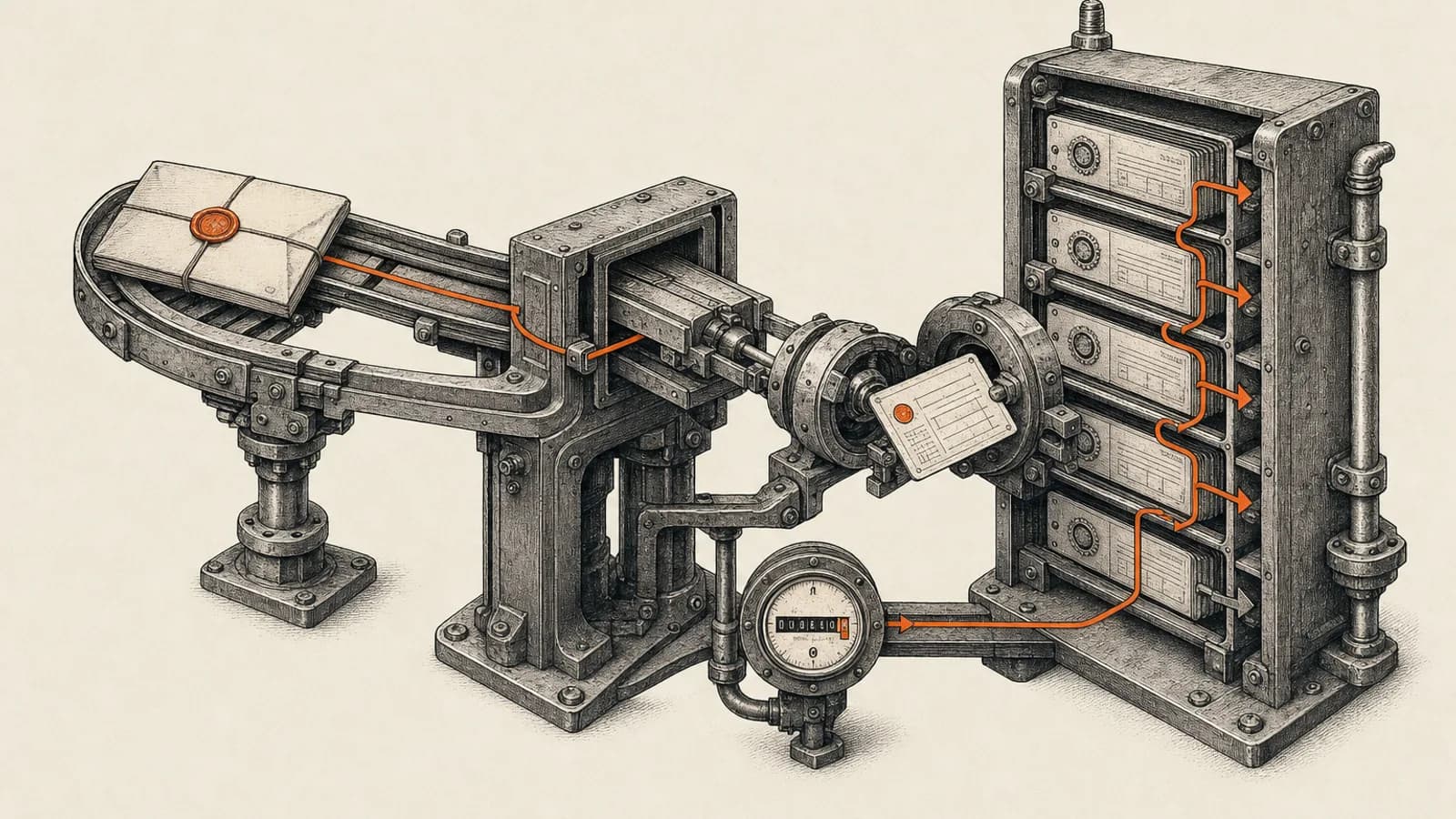
Most Zoho implementations break at the same seam: the deal closes, everyone celebrates, and then someone retypes the scope into a project tool by hand. The Zoho CRM and Zoho Projects integration exists to close that seam, and it does a real job once you know what it syncs and what it quietly drops. This guide covers the native integration's actual behaviour, the automation you have to build yourself, the billing loop through Zoho Books, and one 2026 deadline that affects anyone running a custom API connection.
What the Zoho CRM and Zoho Projects integration actually does
The native integration is a record-level link, not a background data pipe. According to Zoho's CRM help documentation, you open an Accounts, Contacts or Deals record, go to the Zoho Projects related list, and either click New Project to create one or Associate Project to attach an existing one. Projects already linked to that record are not offered in the association list.
A Zoho community announcement describes an enhanced version of the integration in which project links extend beyond Accounts, Contacts and Deals to Products, Cases, Quotes, Sales Orders, Purchase Orders, Invoices and Campaigns, with project details auto-populated when you create from those modules. That post says the change is live for all users in all data centres, but the current help article still documents creation from Accounts, Contacts and Deals, so confirm which behaviour your own tenant has before you design around it.
Two details matter for governance. Removing a project from a CRM record does not delete it in Zoho Projects, so the related list is a view, not ownership. And only Zoho CRM users appear in the Project Users list, which means external delivery staff who live only in Projects are invisible from the CRM side.
Field mapping is where the handoff loses data
Zoho documents the task field mapping precisely, and the gaps are the part worth reading twice. Subject maps to Task Title. Task Owner and Task Assignee map across. Description maps to Description. Notes content becomes comments in Projects, though the note title does not travel.
The date behaviour surprises people. The CRM Due Date maps to the Projects Start Date, which is set to the current date, and End Date syncs only back to CRM. Status is coarse: Completed sets completion to 100 percent, Not Started sets it to zero. Priority compresses five values into three, with Highest and High both becoming High, Lowest and Low both becoming Low, and Normal becoming Medium.
Then the exclusions. Reminders and attachments do not sync. Recurring tasks are not pushed to Projects. A task restored from the CRM Recycle Bin is treated as a brand new task in Projects, because Projects has no recycle bin, so a careless restore creates duplicates. Duplicates are far cheaper to prevent than to clean, as our CRM data hygiene playbook explains. If a CRM task owner is not a Projects user, Zoho's documentation states the task will be left unassigned in your Projects account, which is how silent work-in-limbo happens. Deactivating the integration removes the sync of all tasks and notes.
Permissions live in Zoho Projects, not in Zoho CRM
This trips up almost every first rollout. The permissions that gate the integration are Projects permissions held by the acting user. Creating a project needs Create Project permission. Associating an existing one needs Edit Project permission. Creating or syncing tasks needs Add Task permission. Adding users needs Add User permission.
There are also client-side rules on the Projects end. Creating a project from a Contact requires that the contact has an email address. A project can be created for a contact with no account, in which case the contact becomes a dummy client in Projects and no account is created in CRM. Projects cannot be created for an account linked to more than one contact. And if an account is already a client in Projects and is also linked to a contact, project creation can throw an error because of a clash when the clients are merged. Clean your account-to-contact structure before you switch this on, not after.
Automating the won-deal handoff
Zoho's CRM project management page promises a project that starts the moment a deal closes. The native integration does not deliver that on its own, because creation is a manual click from the record. You build the automation.
There are two sane routes. The first is a CRM workflow rule on the deal stage that calls a Deluge custom function hitting the Zoho Projects API, which is the pattern Zoho's own CRM solutions material demonstrates. The second is Zoho Flow, whose Zoho Projects action list includes Create project and Fetch CRM deals, and whose Zoho CRM side exposes an Updated deal trigger. Our practical guide to Zoho Flow automation covers how Flow handles triggers like this.
Whichever route you take, three design rules apply. Trigger on the stage transition into Closed Won rather than on any deal update, or you will create a project every time someone edits the record. Write the new project ID back to a custom field on the deal and check that field first, which makes the automation idempotent. And map a project template per deal type rather than creating empty shells, so the delivery team inherits a task list instead of a blank page.
The billing loop through Zoho Books
Zoho's Projects What's New page lists a new Zoho Finance integration flow in its September 2026 entries, covering quotes, invoices, bills, expenses, purchase orders and sales orders raised against a project, plus project budget tracking, with projects and users syncing to Zoho Books, Zoho Invoice and Zoho Billing.
The mechanics in Zoho's help documentation are specific. Projects, tasks and timesheets flow from Projects into Books, and issues arrive in Books as tasks. Only approved billable time logs sync. Customers must first be imported manually from Books into Projects, after which changes move both ways. Invoices can be built from billable time logs, tasks, milestones, or up to one hundred tasks at once.
Watch the prerequisites. The Invoice tab appears only when the project has a Primary Customer and is synced. A Bill up to date is required, and with Submit with Approval enabled only approved time logs are invoiced. The default hourly rate can be edited for tasks but not for issues. Zoho states the integration needs Zoho Projects Premium, Enterprise or Ultimate, together with at least the Professional edition of Zoho Books. For CRM and Books working together in practice, see the Zoho stack for a B2B packaging manufacturer.
Plan gating to check before you design
As of November 2026, Zoho's Projects pricing page puts several of the features this architecture depends on behind specific plans. Time logs and timesheets sit at Premium, as does Task Blueprint. Project custom modules are Premium while global custom modules are Enterprise. Multi-user, multi-project timesheets are Ultimate.
Workflow actions are metered by plan, listed as fifty per month on Free, five thousand on Premium, fifty thousand on Enterprise and five hundred thousand on Ultimate. The free tier is capped at five users, three projects and five gigabytes of storage. If your design leans on time-log automation, budget the workflow actions before you promise the client a fully automated delivery pipeline.
The V2 API deadline nobody should miss
If any part of your Zoho Projects integration is custom code rather than the native link, this is the item to act on. Zoho's community announcement introducing the Version 3 APIs carries a banner stating that the end of life timeline for V2 APIs has now been extended to 31st December, 2026. The body of the same post refers to support for the older APIs until December 31, 2025, so the two dates conflict and the banner is the later word. As of November 2026 the banner still shows 31 December 2026, so treat that as the working deadline. Confirm with Zoho support which version your integration calls before you plan the work.
V3 is not a cosmetic change. Update calls move from POST to PATCH, so only the fields you send are modified. Dates use ISO formats. Field groups such as creator, module and task list details are consolidated into single JSON objects. Filtering supports AND as well as OR criteria. GET endpoints take page, per_page and sort_by. Custom fields are addressable by API name in the Projects and Tasks modules, and new endpoints cover blueprints, attachments, leaves, profiles, roles, clients and module metadata.
On throughput, Zoho's V3 API documentation describes a per-endpoint limit of two hundred calls within a two-minute window, and responses carry RateLimit, RateLimit-Remaining and RateLimit-Window headers, with Retry-After returned once the limit is exceeded. Build your retry logic against those headers rather than a fixed sleep.
One practical note for teams using an external orchestrator. n8n ships a built-in Zoho node that covers Zoho CRM only, with no Zoho Projects node documented, so a Projects integration in n8n means the HTTP Request node pointed at the Projects API using Zoho OAuth2 credentials. That is perfectly workable, and it is also the code that the V2 deadline applies to.
What shipped in Zoho Projects during 2026
Zoho's What's New page for Projects, whose most recent entries as of November 2026 are from September 2026, shows a year focused heavily on time tracking and configurability. September added time log restrictions that can be set by task progress, project status, IP address or user profile, CodeX conditional-logic scripts for custom modules, an Auto Number field for structured work-item IDs, Skill Sets at beginner, intermediate and advanced levels, and custom workload reports.
Earlier entries include CodeX scripts for time logs in August, Zia suggestions for weekly time logs and a Time Log Grid View in July, a Zoho SalesIQ integration turning visitor chats into tasks in June, a WhatsApp integration using approved templates in May, the Summary field rolling child values into a parent in April, and time log automation in March. If your last Zoho Projects design predates this run of releases, several manual controls you built can now be configuration instead.
A rollout sequence that holds up
Start by cleaning account and contact structure in CRM, because the merge and dummy-client rules will otherwise surface as creation errors in week one. Next, grant the Projects permissions the integration actually checks, to the specific people who will trigger it. Then enable the native link and run ten real deals through it manually before automating anything.
Only after that, add the workflow rule or Zoho Flow automation for Closed Won, with the project-ID write-back guard. Connect Zoho Books last, once your billing method and approval policy are settled, since changing billing method after invoices exist is painful. Finally, inventory every custom API call you own and schedule the V3 migration against the stated deadline.
This is the sequence we use at AbhijeetBuilts when a client's sales team and delivery team are running on different tools and no one trusts the handoff. The work is rarely about the integration button itself. It is about deciding what a project means in that business, which fields carry the scope, who owns the record after Closed Won, and how billable time gets back to an invoice without a spreadsheet in the middle.
If your Zoho CRM and Zoho Projects integration is on the roadmap, or you have a custom Projects API connection that needs migrating before the deadline, get in touch through our Zoho apps and Zoho One services and we can map the handoff and the build sequence for your setup.
Related resources
Keep building the automation map
Move from the guide into the services and proof pages connected to this topic.
Related services
Service
Explore Zoho CRM Consulting
Zoho CRM setup, custom modules, client scripts, Deluge functions, workflow rules, and cross-module automation.
Service
Explore Custom CRM Implementation
Custom CRM architecture for sales pipelines, operations handoff, service workflows, invoicing, and reporting dashboards.
Service
Explore n8n Workflow Development
Custom n8n workflow automation for lead capture, CRM sync, AI enrichment, approvals, and notifications — built to keep running when nobody is watching.
Further reading
Article
Read: Zoho CRM Blueprint: What the Docs Don't Tell You (2026)
Zoho's Blueprint docs show you the editor. This covers the rest: edition limits, API gotchas, when to skip Blueprint, and a worked example from a live freight CRM.
Article
Read: Bigin vs Zoho CRM in 2026: When to Upgrade and When to Stay
Bigin vs Zoho CRM in 2026: real edition limits, prices and migration rules, plus the signals that show when Bigin is enough and when it is time to upgrade.
Article
Read: Zoho Creator vs Zoho CRM: What to Build Where in 2026
Zoho Creator vs Zoho CRM in 2026: a clear five-question test for deciding which processes belong in a custom module and which need their own app.
Proof pages
Case study
See case study: Complete Zoho Stack for a B2B Packaging Manufacturer
One Zoho operating system for a B2B packaging manufacturer — sales, service, inventory, accounting, ticketing, and analytics — replacing the legacy Excel and Salesforce files the business used to run on.
Case study
See case study: Custom Zoho CRM with Auto-Pipeline for a Freight Forwarder
A freight CRM that carries an enquiry through contacts, accounts, deals, quotes, jobs, cost sheets, and invoicing — with client scripts and Deluge automation removing the re-typing between every stage.