tutorials
CRM Data Hygiene in 2026: A Practical Cleanup Playbook
CRM data hygiene fails when treated as cleanup. A five-stage playbook to audit, dedupe and enforce clean data at the intake layer, with real platform limits.
14 Aug 2026 · 10 min read · Abhijeet Singh
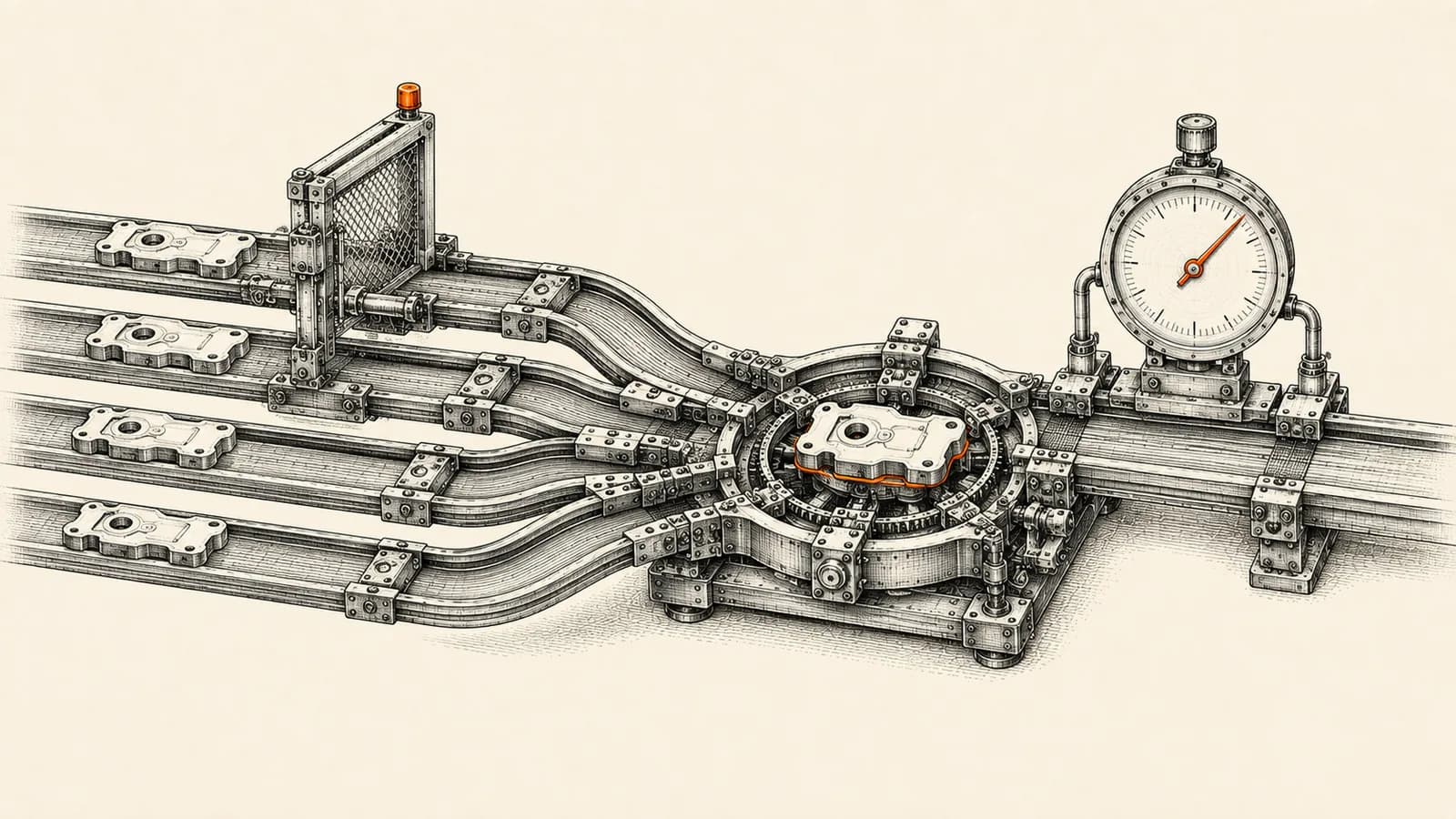
Most teams treat CRM data hygiene as a cleanup project. Export the database, spend two weeks merging duplicates in a spreadsheet, re-import, declare victory. Six months later the duplicates are back and nobody trusts the pipeline report again.
The reason is structural. Cleanup addresses the records that already exist, while the systems manufacturing bad records keep running, untouched, the entire time.
CRM data hygiene is an intake problem wearing a cleanup costume. Fix intake and the cleanup becomes a one-time exercise with a defined end. Skip intake and you have signed up for a permanent chore that gets quietly dropped the first quarter things get busy.
This playbook covers five stages in the order that works: audit, survivorship, intake enforcement, normalisation, and monitoring. It uses Zoho CRM for the specific mechanics because that is where most of our implementation work sits, but the sequence transfers to any platform.
Why CRM data hygiene fails as a cleanup project
Bad records arrive through predictable doors: web forms, bulk imports, API integrations, marketing tools writing back, and reps typing an account name slightly differently from the one already in the system. Each door has its own rules, and most of them ignore whatever you configured in the CRM interface.
Zoho CRM says this plainly in its own documentation. Validation rules operate in user-facing areas such as record creation, editing, and Kanban views. But when a field is updated through a workflow rule, Blueprint, API, import, or web form, Zoho's help documentation states that the field update takes precedence and the validation rule is overwritten. Records generated through web forms that meet the rule criteria are routed to a manual approval queue rather than blocked outright.
Read that twice, because it inverts the usual assumption. The doors through which most of your bad data actually enters are exactly the doors where your interface-level validation does not apply. You are not cleaning a database. You are closing intake gaps, then cleaning up what came through before you closed them.
What your platform's dedupe tool can actually do
Before you scope a cleanup, learn the ceiling of the built-in tooling. It is lower than most people assume, and the limits shape the plan.
In Zoho CRM, de-duplication is available in Leads, Accounts, Contacts, Deals, Vendors, and custom modules. Per Zoho's help documentation you can select up to three fields for the duplicate check, and you can merge a maximum of three records at a time. Access is restricted to users at the highest hierarchy in the organisation or with an administrative profile. CRM designates the master record automatically, chosen on the latest Last Activity Time among the duplicates, and related child records such as emails, tasks, events, calls and notes are moved to that master. The duplicate records are permanently deleted after the merge, and Zoho states the action cannot be undone.
Three consequences matter for planning. You cannot choose the survivor by business logic, only by last activity. You cannot collapse a cluster of eight duplicate accounts in a single pass. And there is no rollback, so a bad merge is a permanent data loss event.
HubSpot draws the lines differently but lands in the same place. Its duplicates manager covers contacts and companies only, and the number of duplicate pairs surfaced depends on subscription: up to 10,000 pairs on a Professional or Enterprise hub, up to 30,000 on Data Hub Professional, and up to 100,000 on Data Hub Enterprise, according to HubSpot's knowledge base. Merged records cannot be reverted there either.
The takeaway is consistent across platforms. Merging is destructive, rate-limited, and largely irreversible. It should be the smallest part of your project, not the centrepiece.
Stage 1: Audit before you touch anything
Start by narrowing scope. Do not audit every field. List the fields a real decision depends on: the ones feeding routing, forecasting, segmentation, invoicing, and reporting. In most mid-size businesses that list is fifteen to twenty-five fields, not two hundred.
For each, measure fill rate, the percentage of active records with a value; validity, the percentage of values conforming to an expected format or picklist; and staleness, how long since the record was last modified by something other than an automation.
Then count duplicates by source, not in aggregate. A total duplicate count tells you the size of the mess. Duplicates grouped by lead source, integration, or creating user tells you which door to close first, and almost always two or three sources account for the majority.
Take a full backup before any destructive step. Given that merges cannot be undone, it is your only rollback path.
Stage 2: Write the survivorship rule before you merge
Survivorship is the decision about which value wins when two records disagree. Most cleanups fail here because the rule gets invented record by record by whoever happens to be merging that afternoon.
Write it once, in plain language, field by field. A workable default for B2B: the most recently verified value wins for contact details, the earliest value wins for created date and original source, and any field with a value beats an empty field regardless of recency.
Then check the rule against the platform. Zoho picks the master by latest Last Activity Time. If your business rule says the older account carrying the invoicing history should survive, but the newer duplicate had a call logged yesterday, the tool will disagree with you. You either resolve those conflicts manually during the merge or script the correction through the API beforehand. And for clusters larger than three, merge iteratively toward a chosen anchor record rather than merging whatever pair the interface offers first.
Stage 3: Move enforcement to the intake layer
This is the stage that determines whether the cleanup holds. Four controls are worth configuring, in ascending order of coverage.
Unique fields come first. Zoho CRM's developer documentation states you can create a maximum of two unique fields per module across all editions. Two is a real constraint, so spend them deliberately. For Leads and Contacts, email plus a normalised phone or an external system identifier is usually the strongest pair.
Validation rules come second, with realistic expectations. Zoho documents that each rule supports ten primary conditions, five secondary conditions per primary condition, and five criteria per secondary condition, which is ample for most logic. It also documents unsupported field types, including multi-select lookups, multi-picklists, multi-user fields, formula fields, auto-number fields, image upload fields, and multi-line fields. Design around those gaps rather than discovering them mid-build.
Third, and most important, is the integration layer, because that is where validation rules stop applying. Zoho's Upsert Records API takes a `duplicate_check_fields` parameter controlling which fields decide whether an incoming record is an insert or an update. If omitted, the system checks system-defined fields first and then user-defined unique fields, with a default per module: email for Leads and Contacts, account name for Accounts, deal name for Deals, and name for custom modules. The API accepts a maximum of 100 records per call. Every integration writing into CRM should upsert against an explicit key, never insert blindly.
The same API exposes a `trigger` parameter controlling whether workflows, approvals, and Blueprints fire. Omit it and everything executes. Pass an empty array and nothing does. Getting this wrong is how a migration silently skips every automation you built to keep data clean.
Fourth, normalise before the record reaches CRM. Lowercase and trim emails, convert phone numbers to one international format, strip legal suffixes when matching company names, and map free-text country and state values to the picklist before the write. Doing this in the automation layer rather than inside CRM means every source gets identical treatment, whether it is a web form, a marketplace lead feed, or a spreadsheet import. This is the piece we build most often for clients at AbhijeetBuilts, usually a small n8n service sitting in front of CRM that holds every rejected record in a visible queue instead of dropping it.
Stage 4: Normalise and enrich only what decisions depend on
Enrichment is easy to overdo. Filling two hundred fields on every account does not improve a single decision, and it creates two hundred fields that can go stale.
Zoho's Zia data enrichment is available on all paid editions and covers Leads, Contacts, Accounts, and custom modules, with edition-based consumption limits. It is not silent: Zia presents suggested values and you enable checkboxes for the fields you want populated before confirming. Keep that confirmation step for anything driving routing or pricing, and reserve automatic acceptance for low-risk descriptive fields such as industry or company size. Enriched data is still third-party data, carrying an accuracy problem you did not create and cannot audit.
Stage 5: Monitor hygiene as a metric, not a project
This last stage makes the first four durable. Build a small dashboard with four numbers, refreshed weekly: new duplicates created in the last seven days, records failing validity checks on your decision fields, records with no activity in ninety days, and the count sitting in the rejection queue at the intake layer.
Assign each number an owner and a threshold. When new duplicates in a week exceed the threshold, that is not a cleanup task, it is a signal that a door reopened. Investigate the source rather than merging the symptoms.
Zoho's de-duplication tool produces no report and no audit trail of what was merged, so if you need that history you have to log it yourself from the automation layer. Worth doing before your first large merge, not after.
Two costs of dirty CRM data that are now external
Data quality used to be an internal irritation. Two shifts made it a hard external constraint.
The first is email deliverability. Google's sender guidelines, mandatory since 1 February 2024, require senders to keep spam rates reported in Postmaster Tools below 0.3 percent, with Google recommending below 0.10 percent for resilience. Senders above 5,000 messages a day to Gmail accounts must set up SPF, DKIM and DMARC, and support one-click unsubscribe. Microsoft followed for Outlook: as announced on its own tech community blog, from 5 May 2025 domains sending more than 5,000 messages a day must pass SPF, DKIM and DMARC, with non-compliant mail first routed to junk and then rejected with the error 550 5.7.515. Stale and invalid addresses sitting in your CRM now translate directly into bounce and complaint rates that put your whole sending domain at risk.
The second is AI readiness. In a February 2025 press release, Gartner predicted that through 2026 organisations will abandon 60 percent of AI projects that are not supported by AI-ready data, and reported that in a third-quarter 2024 survey of 248 data management leaders, 63 percent either did not have or were unsure whether they had the right data management practices for AI. Every agent you point at your CRM inherits its duplicates, its blank fields, and its inconsistent picklists. An agent that reads two records for the same customer will confidently give you two different answers.
A sequence that fits in about thirty days
Week one, run the audit and take a full backup. Week two, write the survivorship rule and close the single worst intake source. Week three, configure unique fields, validation rules, and upsert keys on every integration, then let new records flow for a few days and check the rejection queue. Week four, run the merges in batches with the survivorship rule in hand, and stand up the monitoring dashboard.
The order matters. Merging first means merging records your still-broken intake will recreate next week.
At AbhijeetBuilts we run this as a fixed-scope engagement: audit and intake hardening first, then a controlled merge, then a hygiene dashboard the team actually looks at. The deliverable is not a clean database on one particular day. It is a system where the database stays clean without anyone remembering to clean it.
If your pipeline reports do not match what your team believes is true, or you are about to point AI agents at a CRM you do not fully trust, get in touch through the website and we can look at your intake layer first. That is almost always where the answer is.
Related resources
Keep building the automation map
Move from the guide into the services and proof pages connected to this topic.
Related services
Service
Explore Custom CRM Implementation
Custom CRM architecture for sales pipelines, operations handoff, service workflows, invoicing, and reporting dashboards.
Service
Explore Zoho CRM Consulting
Zoho CRM setup, custom modules, client scripts, Deluge functions, workflow rules, and cross-module automation.
Service
Explore Reporting & Dashboards
Management dashboards for pipeline, sales, service, and operations — built on Zoho Analytics or custom stacks, fed automatically by your systems.
Further reading
Guide
Read: Zoho CRM vs Salesforce vs HubSpot: Which CRM Should a Founder Choose in 2026?
A practical founder-focused comparison of Zoho CRM, Salesforce, and HubSpot, with guidance on choosing the right CRM before adding automation.
Guide
Read: Salesforce to Zoho CRM Migration: When Startups Should Switch and How to Do It Safely
A practical founder-friendly guide to deciding when Salesforce to Zoho CRM migration makes sense, what to clean before moving, and how to avoid breaking sales operations during the switch.
Guide
Read: Zoho CRM Reports vs Zoho Analytics: When to Upgrade in 2026
Zoho CRM reports vs Zoho Analytics: the five signals that tell you native CRM reporting has run out, what Analytics added in 2026, and what it really costs.
Proof pages
Case study
See case study: Custom Zoho CRM with Auto-Pipeline for a Freight Forwarder
A freight CRM that carries an enquiry through contacts, accounts, deals, quotes, jobs, cost sheets, and invoicing — with client scripts and Deluge automation removing the re-typing between every stage.
Case study
See case study: Complete Zoho Stack for a B2B Packaging Manufacturer
One Zoho operating system for a Pune packaging manufacturer — sales, service, inventory, accounting, ticketing, and analytics — replacing the legacy Excel and Salesforce files the business used to run on.