zoho
The Zoho CRM Automation Ladder: From Workflow Rules to n8n
The Zoho CRM automation ladder explained: when workflow rules, Blueprint, Deluge, Zoho Flow or n8n is enough, and the signs you've outgrown each in 2026.
7 Nov 2026 · 9 min read · Abhijeet Singh
On this page 10 sections
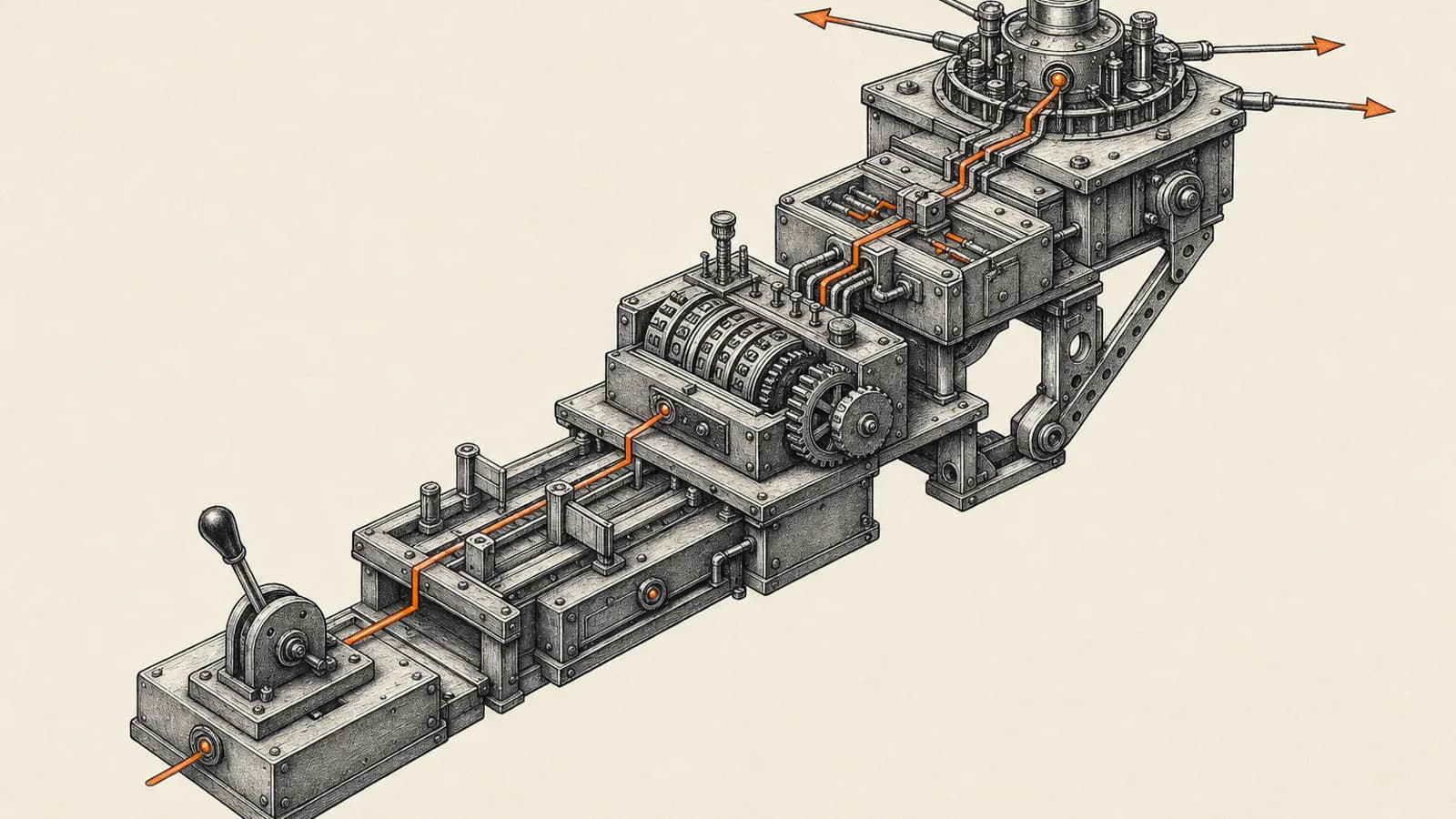
Most Zoho CRM accounts do not need n8n on day one. They need the right tool at the right rung. The Zoho CRM automation ladder has five steps: workflow rules, Blueprint, Deluge functions, Zoho Flow, and then n8n. Each step adds power, and each step adds something to maintain. This guide explains when each rung is enough, the signs you have outgrown it, and how to climb without rebuilding everything.
All limits below come from Zoho's own feature availability and developer documentation as of November 2026. Zoho changes edition limits from time to time, so check your own account's Setup pages before you plan around a number.
Why a Zoho CRM automation ladder beats picking one tool
Teams tend to make one of two mistakes. Some force everything into workflow rules until they have dozens of overlapping rules nobody can explain. Others jump straight to an external platform for jobs Zoho could handle natively, and end up paying for, hosting and debugging a second system.
The ladder fixes both. Start at the lowest rung that does the job, and climb only when you hit a clear signal. The same logic applies when you add AI on top of your CRM, which is covered in our guide to AI agents for Zoho CRM.
Rung 1: Workflow rules
Workflow rules react to something that already happened to a record. A record is created or edited, a date arrives, a score changes, and the rule fires an action: an email alert, a task, a field update, a webhook, or a custom function.
When workflow rules are enough
- You need simple "if this, then that" reactions inside one module.
- The actions are notifications, follow-up tasks and field updates.
- You can describe every rule in one sentence.
What the editions allow
According to Zoho CRM's feature availability page, the cap on workflow rules per module rises with each edition: Standard allows 30 rules per module with up to 15 active, Professional 80 with 40 active, Enterprise 125 with 75 active, and Ultimate 150 with 100 active. Standard and Professional allow 5 conditions per rule, Enterprise and Ultimate allow 10. Zoho's workflow checklist also caps each rule at 5 time-based actions and limits throughput to 300 actions per hour, with any excess carried into the next hour.
Signs you have outgrown workflow rules
- Reps can skip steps and the rule cannot stop them. Workflow rules run after the change is saved, so they cannot block a bad update.
- You are stacking rules on the same field and they fire in an order nobody can predict.
- You need logic that looks up related records, loops through line items, or does math across modules.
Rung 2: Blueprint
Blueprint models a process as stages joined by transitions. It runs before a stage change is allowed. You can require fields, notes, attachments or a checklist before a deal moves forward, and attach time limits to each stage. This is the rung for enforcement, not just reaction.
When Blueprint is enough
- Your sales, onboarding or service process has a defined order of steps.
- Managers complain that deals reach "Closed Won" with missing data.
- You need different people to own different stages.
Blueprint is not available on Free or Standard. Zoho's feature list shows 3 Blueprints on Professional (including defaults), 50 on Enterprise and 100 on Ultimate. If you are on Professional with several pipelines, those 3 go quickly. Our walkthrough of designing a Zoho CRM Blueprint covers stage design in more depth.
Signs you have outgrown Blueprint
- The process branches in so many directions that the Blueprint diagram becomes unreadable.
- A transition needs to calculate something, call another system, or update several related records at once.
- You are building separate Blueprints for small variations of the same process.
Rung 3: Deluge custom functions
Deluge is Zoho's own scripting language. A custom function can read and write any module, loop through subforms, call Zoho's other apps, and call outside APIs through invokeurl. You can attach a function to a workflow rule, a Blueprint transition, a button, or a schedule.
When Deluge is enough
- The logic lives mostly inside Zoho: CRM, Books, Desk, Projects.
- You need calculations, lookups across modules, or record cleanup.
- One or two outside API calls per run, with simple responses.
The limits that matter
Zoho's developer documentation for CRM functions lists a 30-second timeout for functions run from workflows, Blueprint or approvals, 10 seconds for buttons and related lists, and 15 minutes for scheduled functions. Each run can execute up to 200,000 lines. Every Deluge execution uses one credit, and the daily credit allowance depends on edition and user count. The feature availability page also shows functions as a workflow action only on Enterprise and Ultimate, so on lower editions this rung is mostly closed.
Signs you have outgrown Deluge
- Your functions hit the timeout because they wait on slow outside APIs.
- Failures are silent. A function errors at 2am and nobody knows until a customer complains.
- Only one person on the team can read the code, and that person is busy.
- You are writing retry logic, queueing and logging by hand.
Rung 4: Zoho Flow
Zoho Flow is Zoho's integration platform. It connects Zoho CRM to hundreds of other apps with a visual builder, and it supports webhooks, custom functions and decision steps. For a team already living in Zoho, it is the natural first step outside the CRM.
When Zoho Flow is enough
- You need to sync Zoho CRM with common apps such as forms, accounting, email marketing or chat tools.
- Each flow is a short chain: trigger, a few steps, done.
- Volume is moderate and a short delay is acceptable.
What to check before you commit
According to Zoho Flow's pricing page, the Free plan includes 100 tasks a month and 5 flows. Paid plans are sold in task tiers, with 60 days of flow history on Standard and 90 days on Professional. Polling triggers check for new data every 15 minutes on Free and Standard and every 5 minutes on Professional. If you are on Zoho One, Zoho's help pages state an organization-level allowance of 50 flows. Count your expected monthly tasks before you build, because high-volume syncs eat a task tier fast. Our post on Zoho Flow AI automation covers the newer AI steps.
Signs you have outgrown Zoho Flow
- Your task usage keeps forcing you up the pricing tiers.
- Flows need complex branching, loops over large lists, or merging data from several sources.
- You want version control, a staging copy, or detailed error handling per step.
- You need an AI agent that can call several tools and decide what to do next.
Rung 5: n8n
n8n is a general-purpose workflow platform. You can run it on n8n's cloud or host it yourself on your own server. Its Zoho CRM node covers create, update, upsert, get and delete for leads, contacts, accounts, deals, quotes, invoices, products, sales orders, purchase orders and vendors, according to n8n's documentation. For anything the node does not cover, n8n's HTTP Request node can call the Zoho CRM API directly.
When n8n is the right rung
- The process spans many systems and Zoho is only one of them.
- You need proper error branches, retries, alerts and execution logs you can search.
- You are building AI agents that read CRM data, reason over it, and act across tools.
- Volume is high enough that per-task pricing becomes painful. The self-hosted Community Edition has no vendor execution limit, though you pay for and maintain the server.
The trade-offs
n8n is another system to own. Someone has to manage Zoho OAuth credentials, watch API limits, patch the server and keep workflows documented. Zoho CRM's API limits still apply, so a careless n8n loop can burn through your daily calls. If you go this way, start with our guide on how to connect Zoho CRM to n8n properly.
How to decide which rung you are on
Ask these questions in order and stop at the first "yes":
- Can a simple reaction to a record change solve it? Use a workflow rule.
- Does a process need to be enforced step by step? Use Blueprint.
- Does it need logic or calculations mostly inside Zoho? Use a Deluge function.
- Does it connect Zoho to a few common apps at moderate volume? Use Zoho Flow.
- Does it span many systems, need serious error handling, or involve AI agents? Use n8n.
Most mature setups use several rungs at once. A typical pattern is Blueprint for the sales process, workflow rules for alerts, a few Deluge functions for calculations, and n8n for the cross-system work and AI.
Common mistakes when climbing the ladder
- Skipping the audit. Before adding a new tool, list every active rule, Blueprint and function. Many "we need n8n" problems are really three conflicting workflow rules.
- Duplicating logic. If a field is updated by a workflow rule and also by n8n, you will get race conditions. Give each piece of logic one owner.
- Ignoring edition limits. Upgrading from Professional to Enterprise can be cheaper than building around missing Blueprints and functions externally. Do the math both ways.
- No monitoring. Whatever rung you are on, someone should be told when an automation fails.
How we approach this for clients
When we review a Zoho CRM account, we usually start by mapping every existing automation onto these five rungs. That shows quickly where logic is in the wrong place, where rules overlap, and which jobs would be simpler one rung lower. Only then do we decide whether anything needs to move up to Zoho Flow or n8n. You can see what that work looks like on our Zoho CRM consulting service page.
Get help with your Zoho CRM automation
If your CRM automations have grown into something nobody fully trusts, or you are unsure whether you have outgrown Zoho's native tools, book a call through the website. We will look at your current setup and tell you plainly which rung each process belongs on.
Related resources
Keep building the automation map
Move from the guide into the services and proof pages connected to this topic.
Related services
Service
Explore Zoho CRM Consulting
Zoho CRM setup, custom modules, client scripts, Deluge functions, workflow rules, and cross-module automation.
Service
Explore n8n Workflow Development
Custom n8n workflow automation for lead capture, CRM sync, AI enrichment, approvals, and notifications — built to keep running when nobody is watching.
Service
Explore AI Voice Agents
AI voice agents that answer calls, qualify leads, book appointments, and log every conversation into your CRM.
Further reading
Article
Read: Zoho CRM Blueprint: What the Docs Don't Tell You (2026)
Zoho's Blueprint docs show you the editor. This covers the rest: edition limits, API gotchas, when to skip Blueprint, and a worked example from a live freight CRM.
Article
Read: AI Meeting Notes in Zoho CRM: The 2026 Setup Guide
AI meeting notes in Zoho CRM: compare Zia call intelligence, Fireflies and an n8n bridge, plus the edition and data centre limits that decide your route.
Article
Read: Zoho CRM API Limits in 2026: How to Budget Your Credits
Zoho CRM API limits run on credits, not call counts. See the per-edition credit maths, the operations that cost most, and how to design integrations that fit.
Proof pages
Case study
See case study: Custom Zoho CRM with Auto-Pipeline for a Freight Forwarder
A freight CRM that carries an enquiry through contacts, accounts, deals, quotes, jobs, cost sheets, and invoicing — with client scripts and Deluge automation removing the re-typing between every stage.
Case study
See case study: Complete Zoho Stack for a B2B Packaging Manufacturer
One Zoho operating system for a B2B packaging manufacturer — sales, service, inventory, accounting, ticketing, and analytics — replacing the legacy Excel and Salesforce files the business used to run on.