zoho
Zoho Flow AI Automation in 2026: A Practical Guide
Zoho Flow AI automation now includes agentic actions and Zia Utilities. Here's what shipped, what it's good for, and how to adopt it safely.
6 Jul 2026 · 7 min read · Abhijeet Singh
Zoho Flow AI automation moved from a roadmap promise to a shipped product feature in February 2026, when Zoho published its "AI in Zoho Flow" announcement introducing natural-language workflow creation, Zia Utilities, and agentic actions. For any founder or operations lead already running Zoho CRM, Zoho Books, or Zoho Inventory, this changes what a "workflow" inside the Zoho ecosystem can actually do — it can now make small judgment calls instead of just moving data from one app to another. This piece breaks down what shipped, what it is genuinely good for, where it still needs a human in the loop, and how to decide if it belongs in your stack.
What actually shipped in Zoho Flow AI automation
Three capabilities make up the release, according to Zoho's own product blog.
The first is natural-language workflow creation. Instead of manually wiring triggers and actions on a canvas, a user types a plain-English description — Zoho's own example is "When a new form is submitted on Paperform, send a thank-you email and add the contact to Zoho CRM" — and Zia (Zoho's AI assistant) drafts the flow structure. The drag-and-drop builder is still there to refine the result.
The second is Zia Utilities: a set of prebuilt AI actions you can drop into any flow. These handle content-shaped problems that used to require a separate tool or a human — summarizing a conversation, drafting an email reply, generating a product description, creating a checklist from an inbound request, detecting tone, or rephrasing content before it goes out.
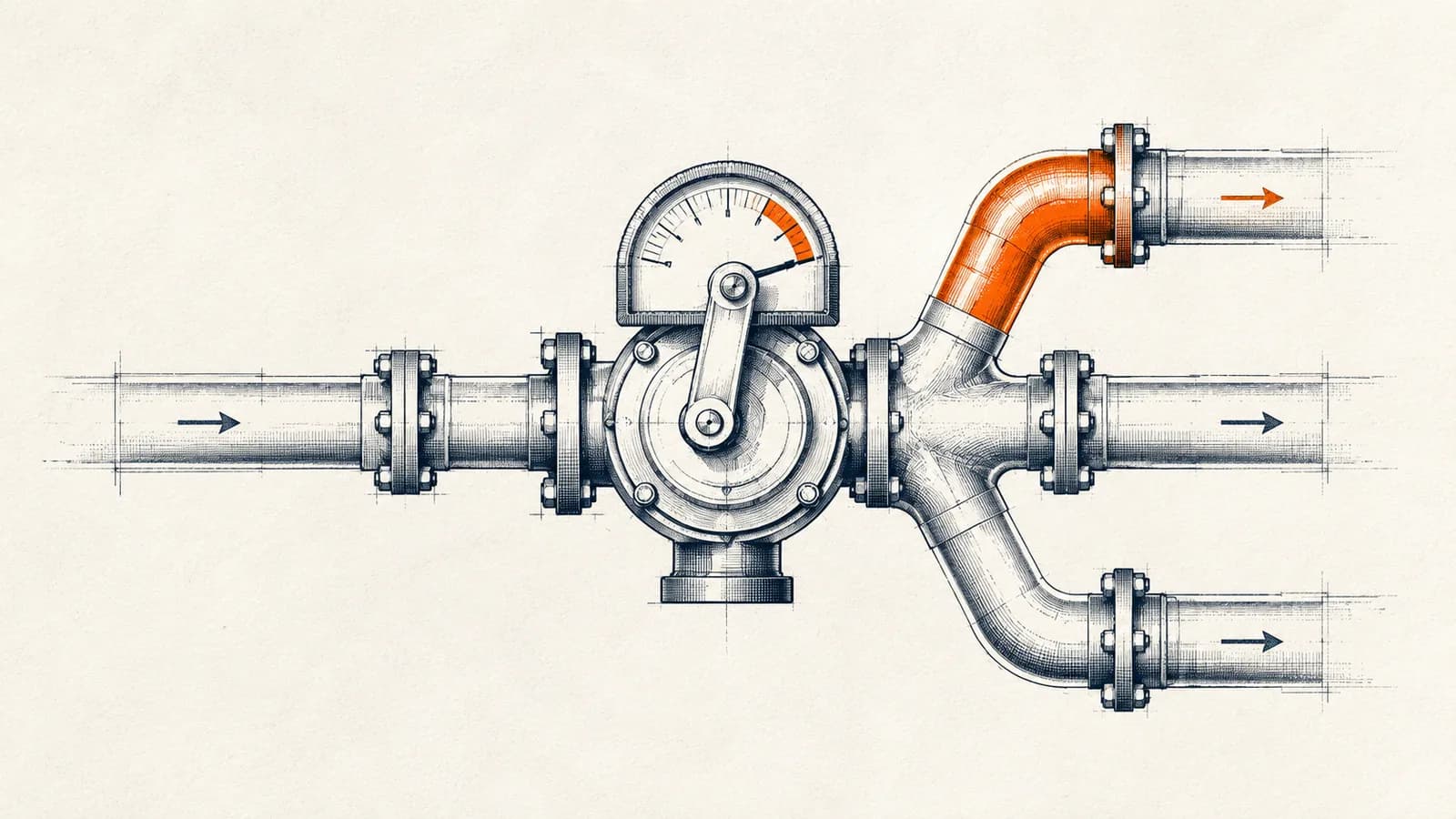
The third, and the most structurally significant, is agentic actions. Here you configure a set of possible next steps and give Zia a prompt describing the decision logic. At runtime, Zia looks at the actual data flowing through — say, a new CRM lead — and picks which branch to execute. Zoho's example: a lead over a certain deal size with an "Urgent" note gets flagged, assigned to a senior rep, or escalated to presales, decided in real time rather than by a rigid if/then rule tree.
Why "agentic" is the right word here, not marketing gloss
Most workflow automation, in Zoho Flow or anywhere else, is deterministic: if condition A, do B. That is reliable but brittle — every new edge case needs a new branch, and the rule tree eventually becomes unmanageable.
An agentic action inverts this. You describe the goal and the available moves, and the model decides which move fits the current data. This matters most in situations where the "right" action depends on nuance that is expensive to encode as explicit rules — tone of a message, urgency implied by free text, or a judgment call that previously sat with a human triaging a queue.
The trade-off is predictability. A rule-based branch does the same thing every time; an agentic action can behave differently on functionally similar inputs if the prompt or context shifts. That is a feature for ambiguous, high-volume triage work and a liability for anything regulatory, financial, or otherwise unforgiving of variance.
Where this fits against generic automation tools
Zoho Flow connects more than a thousand cloud and on-premise applications, spanning Zoho's own suite (CRM, Books, Inventory, Analytics, and more) alongside third-party tools and AI services. That breadth puts it in the same category as n8n or Zapier for general integration work, but its clearest advantage is depth inside the Zoho ecosystem itself — triggers and field mappings for Zoho apps tend to be more native and less brittle than generic API connectors.
The trade-off runs the other way for teams with a mixed stack, heavy custom logic, or a preference for self-hosting and version-controlled workflow definitions. A tool like n8n gives you more control over execution environment, error handling, and code-level customization, at the cost of needing someone to own that infrastructure. If your business already lives inside Zoho One, Zoho Flow's native depth usually outweighs that trade-off. If your stack is heterogeneous and your automation logic is complex, a general-purpose engine paired with the Zoho API is often the more maintainable long-term choice.
Practical use cases worth building first
Based on the shipped feature set, four categories stand out as good starting points rather than long-shot experiments.
Lead triage: use an agentic action to route inbound CRM leads by urgency, deal size, or sentiment in the note field, instead of a static assignment rule that only accounts for one variable at a time.
Support and inbox handling: use Zia Utilities to summarize incoming tickets or emails, draft a first-pass reply, and tag priority before a human ever opens the ticket.
Content prep in sales and marketing: generate first-draft product descriptions, checklist steps, or outbound email copy inside the same flow that already moves the record between systems, instead of a separate manual step.
Cross-app handoffs with judgment: for example, deciding whether a closed-won deal should trigger an immediate invoice in Zoho Books or route to a manual review step first, based on deal size or payment terms captured in CRM.
None of these require replacing your CRM or your accounting system — they sit on top of the automation layer you likely already have.
Plans, task limits, and what that means for adoption
Zoho Flow's published plan structure matters because AI-heavy workflows tend to consume more monthly task executions than simple data-sync flows, especially once you chain a natural-language-generated flow with multiple Zia Utility steps. Zoho's own pricing page lists a free tier capped at five flows and 100 tasks a month, a Standard tier with unlimited flows and 5,000 tasks a month, and a Professional tier with unlimited flows and 10,000 tasks a month. Task counts, not flow counts, are the real constraint once you scale usage — a single agentic action combined with a couple of Zia Utility steps can burn several tasks per run. Before committing a critical process to this feature set, map out expected monthly volume against the task allowance rather than assuming the free or entry tier will cover production use.
The limitation nobody's marketing page mentions
An independent review of the release makes a point worth repeating: AI capabilities do not deliver results without structured implementation. An agentic action is only as good as the prompt describing the decision logic and the cleanliness of the data it's evaluating. Feed it inconsistent lead notes, duplicate contact records, or poorly labeled deal stages, and the "smart" branch will make inconsistent calls just as a human would with the same messy inputs.
This is the same lesson that applies to every automation project, AI-assisted or not: the workflow is only as reliable as the data model underneath it. Teams that get real value from Zoho Flow's agentic actions are almost always teams that already have clean CRM hygiene, consistent field usage, and clear escalation criteria written down before they ever touch the flow builder.
A decision checklist before you build on this
Before wiring an agentic action into a production process, work through these questions.
Does the decision genuinely require judgment, or can it be expressed as two or three explicit rules? If the latter, a standard conditional branch will be more predictable and easier to debug.
Is the underlying data clean enough for a model to reason over reliably — consistent field formats, no duplicate records, no free-text fields standing in for structured data?
What is the cost of a wrong decision? High-stakes financial or compliance actions should stay rule-based or keep a human approval step, at least until the flow has a long track record.
Does your monthly task volume fit comfortably inside your plan's allowance, accounting for the extra tasks AI steps consume compared to simple sync actions?
Who reviews the agentic action's decisions after launch, and how often? Treat the first few weeks as a monitored pilot, not a set-and-forget deployment.
How AbhijeetBuilts approaches this for clients
When we build automation on the Zoho stack for a client, the AI layer gets added after the core data model and workflow logic are solid — never as a substitute for fixing messy CRM data or undefined processes. In practice that means implementing clean CRM and Books structures first, mapping the explicit rules that can be handled deterministically, and reserving agentic actions for the genuinely ambiguous decision points where a human was previously making a judgment call on incomplete information. That sequencing is what turns a flashy AI feature into a workflow people actually trust with production data.
If you're running Zoho CRM, Books, or Inventory and want to know whether Zoho Flow's AI features are worth building on for your specific processes, or whether a different automation layer fits your stack better, get in touch through the AbhijeetBuilts website — a short conversation about your current setup will make the right path obvious.
Related resources
Keep building the automation map
Move from the guide into the services and proof pages connected to this topic.
Related services
Service
Explore Zoho CRM Consulting
Zoho CRM setup, custom modules, client scripts, Deluge functions, workflow rules, and cross-module automation.
Service
Explore n8n Workflow Development
Custom n8n workflow automation for lead capture, CRM sync, AI enrichment, approvals, and notifications — built to keep running when nobody is watching.
Service
Explore Custom CRM Implementation
Custom CRM architecture for sales pipelines, operations handoff, service workflows, invoicing, and reporting dashboards.
Further reading
Guide
Read: n8n vs Zapier for Startups: Which Automation Platform Should You Choose in 2026?
A practical founder-focused comparison of n8n and Zapier, covering ease of use, flexibility, costs, AI workflows, and which platform startups should choose in 2026.
Guide
Read: Zoho CRM vs Salesforce vs HubSpot: Which CRM Should a Founder Choose in 2026?
A practical founder-focused comparison of Zoho CRM, Salesforce, and HubSpot, with guidance on choosing the right CRM before adding automation.
Guide
Read: How to Send IndiaMART Leads to Zoho CRM Using n8n
A practical founder-focused guide to capturing IndiaMART inquiries, cleaning them, and routing them into Zoho CRM with n8n.
Proof pages
Case study
See case study: Complete Zoho Stack for a B2B Packaging Manufacturer
One Zoho operating system for a B2B packaging manufacturer — sales, service, inventory, accounting, ticketing, and analytics — replacing the legacy Excel and Salesforce files the business used to run on.
Case study
See case study: Custom Zoho CRM with Auto-Pipeline for a Freight Forwarder
A freight CRM that carries an enquiry through contacts, accounts, deals, quotes, jobs, cost sheets, and invoicing — with client scripts and Deluge automation removing the re-typing between every stage.