automation
Client Onboarding Automation in 2026: A Service Business Playbook
Client onboarding automation for service businesses: pick a reliable trigger, collect only what you need, and provision clients without manual follow-ups.
4 Nov 2026 · 10 min read · Abhijeet Singh
On this page 10 sections
Client onboarding automation is the work of turning the messy stretch between "they said yes" and "the work actually starts" into a system that runs itself. For most service businesses (agencies, consultancies, accounting and legal practices, implementation partners) that stretch is still a chain of manual emails, copied fields and forgotten folders. This playbook explains, as of November 2026, how to design an onboarding flow that triggers on the right event, collects only what you need, survives failures and hands a clean, ready client to your delivery team.
The good news is that nothing here depends on an unreleased feature. The building blocks (payment webhooks, e-signature webhooks, multi-step forms, CRM stage logic and workflow tools that can pause and resume) are all mature and documented. The hard part is the design, not the tooling.
Why client onboarding is worth automating first
Onboarding sits at the most expensive moment in the client relationship. The client has just committed money, so their attention and their doubts are both at a peak. Every day of silence or confusion between signature and kickoff erodes the confidence the sales process built.
It is also one of the most repetitive processes in a service business. The same steps happen for every new client: send the agreement, confirm payment, collect details and access, create the workspace, introduce the team, schedule kickoff. Repetitive, high-stakes and rule-based is exactly the profile where automation pays back fastest. If you are ranking onboarding against other candidates, how to think about business automation sets out a simple way to choose what to build first.
Finally, onboarding is where your data quality is decided. If a client record is created by hand from an email thread, it starts life incomplete. If it is created by a workflow from structured inputs, every downstream report, invoice and renewal reminder starts from clean data.
The five stages of an automated onboarding flow
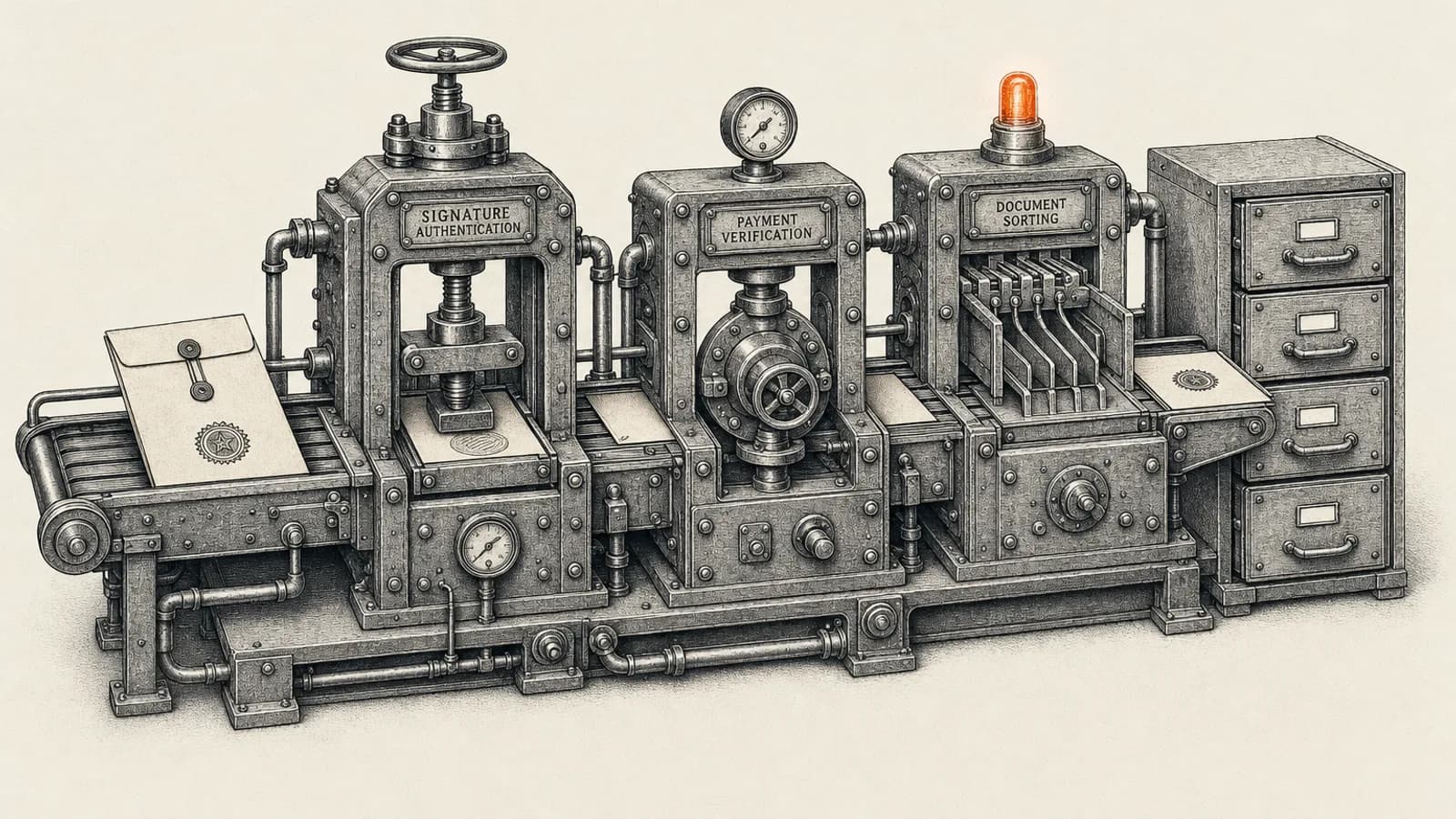
Before choosing any tool, map the flow in plain language. When we build this for clients we usually start with a whiteboard version of five stages, because almost every service business fits the same shape.
1. The trigger: what counts as "won"
Decide which single event starts onboarding. The three common choices are a deal moved to a won stage in the CRM, a signed agreement, or a successful payment. Pick the one that represents real commitment in your business. For a retainer agency it is usually the signed agreement; for a productized service sold online it is usually the payment.
Avoid triggering on a sales rep's manual stage change alone. Reps move deals early to hit targets, and an onboarding sequence that fires on a deal that later falls through is embarrassing to unwind.
2. Collection: the intake form
Next, gather what delivery needs: billing contact, primary stakeholder, brand assets, system access, goals and constraints. Use one structured form rather than a back-and-forth email thread. Multi-step forms work well here because they let you show only the questions relevant to the service the client bought.
3. Provisioning: create the workspace
Once intake is complete, the workflow creates everything the engagement needs: the client folder, the project in your project tool, the shared channel, the billing record and the CRM updates. This is the stage that saves the most manual hours, because it is pure copying that people do slowly and inconsistently.
4. Welcome and kickoff
The client receives a welcome message that tells them exactly what happens next, who their contact is and a link to book the kickoff call. Internally, the delivery lead gets a summary of everything collected, so the kickoff starts from context instead of from "so, tell us about your business".
5. Confirmation and handoff
The final stage confirms that every step actually happened and marks the client as onboarded. Without this, a half-finished onboarding looks identical to a finished one, and nobody notices until the client asks why they never got access.
Choosing the right trigger and making it reliable
The trigger is where most onboarding automations quietly fail, so it deserves real care.
If payment is your trigger, listen to the payment provider's server-side events rather than your thank-you page. Stripe's own fulfillment guide is explicit that you cannot rely on triggering fulfillment only from the checkout landing page, because a customer can pay successfully and lose their connection before that page loads. Stripe recommends handling the checkout.session.completed event, and also checkout.session.async_payment_succeeded for payment methods such as ACH direct debit where funds are confirmed later.
The same guide warns that your fulfillment logic may be called multiple times, possibly concurrently, for the same checkout session, and must handle that safely. This is the single most important design rule for onboarding: make the flow idempotent. Store the payment or agreement ID the first time you process it, and check for it before doing anything. Otherwise a retried webhook creates two client folders, two projects and two welcome emails.
If a signed agreement is your trigger, use the e-signature tool's webhook rather than polling an inbox for "completed" emails. Zoho Sign, for example, documents webhook events for each stage of a document, including "Completed by all", and supports HMAC signing so your workflow can verify that a request genuinely came from Zoho Sign. Its help documentation notes two practical limits worth knowing before you design around it: webhooks are available on the Enterprise, API, Zoho One and People Plus plans, and each account can have two webhooks. Other e-signature platforms offer equivalent completion events; the pattern is the same.
Designing the intake form without over-collecting
The intake form is where onboarding meets privacy law, and where many businesses collect far more than they need.
Under the GDPR and UK GDPR, the data minimisation principle requires personal data to be adequate, relevant and limited to what is necessary for the purpose. For onboarding, that means asking only for what delivery genuinely uses. If no one on your team will ever read the client's company headcount or personal mobile number, do not ask for it. Similar expectations apply under the CCPA and the Australian Privacy Act, so the same discipline works across markets.
Practical rules we apply when designing intake forms:
- Split the form by service line so each client sees only relevant questions.
- Never ask for passwords. Request access through the platform's own delegation or invitation features instead, and say so on the form.
- Mark every field as either required for kickoff or optional, and keep the required list short.
- Decide where uploaded files are stored and who can see them before you go live, not after.
- Put a retention rule on intake data so it is reviewed or deleted when the engagement ends.
On the tooling side, n8n's Form node supports multi-step forms that start from an n8n Form Trigger, with field types including dropdowns, dates, email, hidden fields and file uploads, and its documentation notes you can allow multiple files and restrict accepted file extensions. That makes it a reasonable choice when you want the form and the workflow logic in one place. CRM-native web forms and dedicated form tools work just as well if your team already lives in them.
Handling the waiting: chasing without nagging
Onboarding is mostly waiting. You wait for the signature, then for payment, then for the intake form, then for access to be granted. A good onboarding workflow treats waiting as a first-class step rather than hoping someone remembers to follow up.
n8n's Wait node is built for this. According to its documentation, it can resume after a time interval, at a specified time, on a webhook call or when a form is submitted, and while paused it saves execution data to the database and reloads it when the condition is met. That lets a single workflow say "send the intake form, wait for submission, and if nothing arrives in three business days, send one friendly reminder and alert the account owner".
Keep the chase sequence short and human. One automated reminder followed by a task for a real person usually works better than five automated emails. Clients forgive a delay; they do not forgive feeling processed.
Provisioning and the CRM as the source of truth
Provisioning steps should all write back to one place, and for most service businesses that is the CRM. Each completed step updates a field or stage on the client record: agreement signed, payment confirmed, intake received, workspace created, kickoff booked.
If you run Zoho CRM, Blueprint is a natural fit for this, and practical notes on Zoho CRM Blueprint cover the setup details the official docs skip. It lets you define the stages an onboarding record must pass through and the conditions required to move between them, so a record cannot jump to "onboarded" while intake is still missing. Other CRMs offer similar stage-gate features under different names.
Using the CRM as the source of truth also gives you an onboarding report for free. You can see how many clients are stuck at each stage and how long each stage takes, which tells you where to improve the flow next.
Building for failure
Every onboarding flow touches several external systems, and at some point one of them will be down, rate-limited or changed. Design for that from day one.
- Wrap each provisioning step so a failure creates an alert and a task, rather than silently stopping the workflow.
- Make every step safe to rerun. Before creating a folder or project, check whether it already exists for this client.
- Log the key IDs (payment, agreement, CRM record, project) in one place so anyone can trace what happened.
- Keep a manual fallback checklist for the rare case when the automation cannot run at all.
These are not optional extras. An onboarding automation that fails silently is worse than no automation, because everyone assumes it worked.
Where AI helps, and where it does not
AI is useful in onboarding, but in narrow places. It works well for summarizing a long intake form into a one-page brief for the delivery lead, drafting a personalized welcome message from the deal notes for a human to approve, and flagging intake answers that look incomplete or contradictory.
It should not decide whether a client is onboarded, choose which access to grant or send contractual communication without review. Keep the deterministic steps deterministic, and use AI for the reading and writing around them.
A practical rollout plan
You do not need to automate the whole flow at once. A sequence that works well:
- Document the current manual process, including every system touched and who does each step.
- Choose the trigger and make it idempotent.
- Replace the email thread with a structured intake form.
- Automate the two or three provisioning steps that take the most time.
- Add the waiting and reminder logic.
- Add the confirmation step and the onboarding report.
- Only then add AI summarization or drafting on top.
Run the first few clients through the new flow with a person watching each step. You will find edge cases (a client who pays before signing, a second stakeholder who needs access, a service bundle that does not fit the form) and it is far cheaper to find them with a human in the loop.
Get onboarding right before you scale
Client onboarding automation is one of the most valuable systems a service business can build: it protects the client's first impression, removes hours of repetitive admin from every new deal and sets up clean data for everything that follows. The principles are simple: one reliable trigger, minimal and structured intake, idempotent provisioning, deliberate waiting and a CRM that knows exactly where every client stands.
If you want help designing or building an onboarding flow around your CRM, payment and project tools, book a call through the page on n8n workflow and integration services. We will map your current process, identify the steps worth automating first and build a system your team can trust.
Related resources
Keep building the automation map
Move from the guide into the services and proof pages connected to this topic.
Related services
Service
Explore n8n Workflow Development
Custom n8n workflow automation for lead capture, CRM sync, AI enrichment, approvals, and notifications — built to keep running when nobody is watching.
Service
Explore Zoho CRM Consulting
Zoho CRM setup, custom modules, client scripts, Deluge functions, workflow rules, and cross-module automation.
Service
Explore Custom CRM Implementation
Custom CRM architecture for sales pipelines, operations handoff, service workflows, invoicing, and reporting dashboards.
Further reading
Article
Read: n8n Error Handling in 2026: Stop Silent Workflow Failures
n8n error handling in 2026: how to layer node retries, error workflows, Stop and Error checks, and monitoring so workflows never fail silently.
Article
Read: CRM Lead Routing in 2026: A Speed-to-Lead Playbook
CRM lead routing that holds up: assignment rules, capacity thresholds, shift hours and an escalation ladder that get every lead answered in minutes.
Article
Read: Build vs Buy CRM in 2026: A Founder's Decision Framework
Build vs buy CRM is the wrong question in 2026. Get the four-option framework, the real triggers for a custom build, and the cost math that holds.
Proof pages
Case study
See case study: Custom Zoho CRM with Auto-Pipeline for a Freight Forwarder
A freight CRM that carries an enquiry through contacts, accounts, deals, quotes, jobs, cost sheets, and invoicing — with client scripts and Deluge automation removing the re-typing between every stage.
Case study
See case study: Complete Zoho Stack for a B2B Packaging Manufacturer
One Zoho operating system for a B2B packaging manufacturer — sales, service, inventory, accounting, ticketing, and analytics — replacing the legacy Excel and Salesforce files the business used to run on.