n8n
How to Think About Business Automation Before Building Workflows
Good automation starts with the business process, not the tool. Here is a practical way to map workflows before building in n8n, Zoho, or AI agents.
24 May 2026 · 4 min read · Abhijeet Singh
Start with the operating process
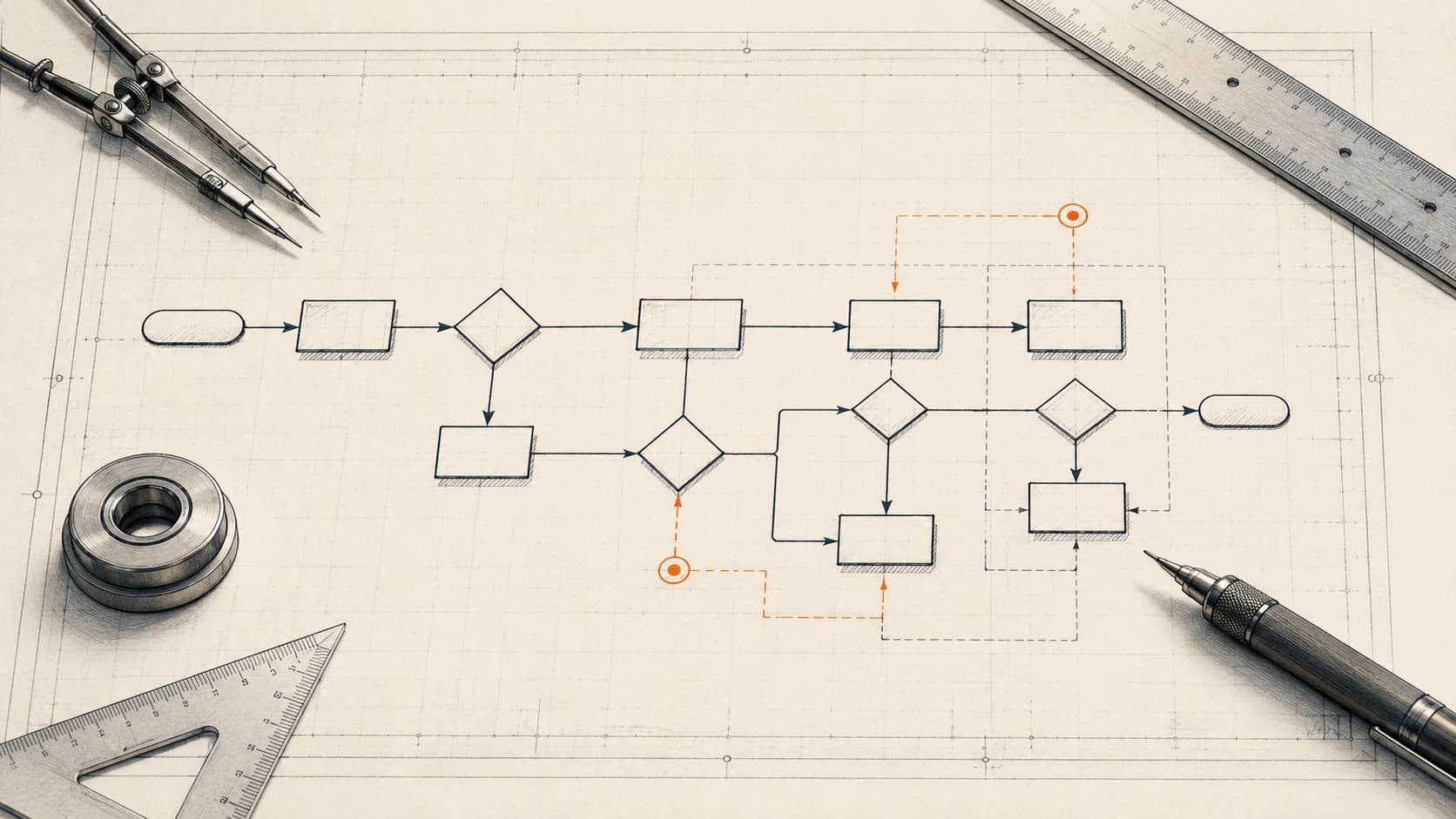
The first question is not which app should connect to which API. The first question is what the team is already doing manually and why that step exists.
If a sales coordinator follows up on Day 1, 3, 7, 10, and 14, the automation should preserve that business logic. If a freight sales rep needs origin, destination, cargo type, weight, and shipment mode before quoting, the chatbot should collect exactly that information.
Capture state, not just events
Reliable automation needs memory. A webhook can trigger a workflow, but the system also needs to know whether a lead is new, qualified, waiting, quoted, won, lost, or stalled.
This is why databases and CRM fields matter. They let the workflow resume from the right place instead of asking the same question twice or creating duplicate records.
Use AI where judgment is needed
AI is useful when a system needs to understand language, summarize history, draft a reply, generate a storyboard, or extract structured information from messy input.
AI should not be left vague. It should return structured JSON where possible, and the workflow should validate that output before updating a CRM, sending a message, or triggering the next action.
Build the audit trail early
Production automation should make it easy to answer what happened, when it happened, which record was changed, and what failed. Logs, status fields, and error branches are not extras. They are what make automation safe enough for real teams.
Keep the human handoff clear
The best automation does not hide important decisions from people. It collects context, reduces repetitive work, and then hands off to the right person when pricing, approval, negotiation, or final review is required.
Map every source of work
Most businesses do not have one clean source of truth. A single sales process might begin from website forms, IndiaMart, Meta Ads, WhatsApp, walk-ins, referrals, cold calls, or spreadsheets maintained by different people. Before building, list every source where work starts.
For each source, write down what arrives, who currently checks it, what information is missing, and what record should exist after the first automation step. This helps avoid a common failure: building a polished workflow for one channel while the team still enters the other channels manually.
Define the record that should exist
Automation becomes much easier when the destination record is clear. In a CRM, that record might be a Lead, Deal, Account, Quote, Job, Service Ticket, or Cost Sheet. In a database, it might be a lead profile, campaign record, chat history row, or audit log.
The record should contain the minimum fields required for the next person or workflow to act. For example, a freight quote request needs origin, destination, cargo type, weight, shipment mode, and customer contact details. A service ticket needs machine serial number, complaint type, customer address, assigned engineer, and current status.
Separate capture, decision, and action
A strong automation architecture separates three jobs. Capture brings information into the system. Decision determines what should happen next. Action updates a record, sends a message, creates a task, or alerts a person.
This separation keeps the system easier to debug. If a WhatsApp message arrived but no CRM lead was created, you can check whether capture failed, the AI decision failed, or the final CRM action failed. Without that separation, every issue becomes a confusing black box.
Use status fields as checkpoints
Status fields are simple but powerful. They let workflows know where a record stands and prevent duplicate actions. A lead can move from new to engaged to qualified to quote requested. A video can move from ready to processing to completed or failed. A shipment job can move from booking confirmed to documentation done to cost sheet made.
These checkpoints also make dashboards useful. Management does not only need to know how many records exist. They need to know which stage each record is stuck in, how long it has been there, and who owns the next step.
Design for failure from the beginning
Every external system can fail. APIs rate-limit. AI models return invalid output. Image generation can reject a prompt. A CRM field can change. A webhook can receive duplicate data. Production workflows should expect these issues.
Good failure handling includes retries, validation, duplicate checks, logs, and clear manual recovery paths. In a video pipeline, missing scenes should be detected and retried. In a lead system, duplicate phone numbers or emails should update the existing profile instead of creating confusion. In an AI workflow, structured output should be checked before it drives downstream actions.
Decide what should not be automated
Not everything should become automatic. Pricing decisions, negotiation, final approvals, unusual service complaints, and sensitive customer communication may need a human review step. The goal is not to remove people from the business. The goal is to remove repetitive coordination so people can focus on judgment.
This is especially important with AI agents. A reply agent can draft or send routine responses when the context is clear, but high-value or ambiguous conversations should be routed to a person. A good automation system knows when to continue and when to stop.
Measure operational improvement
Before launch, decide what success looks like. Useful measures include response time, manual entry removed, follow-up completion rate, number of duplicate records reduced, number of leads qualified, number of service tasks created on time, or number of invoices generated without re-keying.
Do not invent metrics after the fact. Track what the system can honestly measure. If the workflow writes logs and status changes from day one, reporting becomes a natural output instead of a separate cleanup project later.
Start with one complete workflow
The best first automation is not always the biggest one. Choose one workflow that crosses a real business boundary: for example, WhatsApp lead to CRM inquiry, quote approval to job creation, service due reminder to task creation, or script row to generated video.
Build that workflow completely, test the edge cases, and let the team use it. Once the pattern works, expanding to other workflows becomes easier because the data model, logging style, and handoff expectations are already proven.
Related resources
Keep building the automation map
Move from the guide into the services and proof pages connected to this topic.
Related services
Service
Explore n8n Workflow Development
Custom n8n workflow automation for lead capture, CRM sync, AI enrichment, approvals, and notifications — built to keep running when nobody is watching.
Service
Explore Zoho CRM Consulting
Zoho CRM setup, custom modules, client scripts, Deluge functions, workflow rules, and cross-module automation.
Service
Explore AI Agent Development
AI agents for sales replies, lead memory, storyboard generation, data extraction, and structured automation outputs.
Further reading
Guide
Read: n8n vs Zapier for Startups: Which Automation Platform Should You Choose in 2026?
A practical founder-focused comparison of n8n and Zapier, covering ease of use, flexibility, costs, AI workflows, and which platform startups should choose in 2026.
Guide
Read: Google Workspace Automation for Founders: Small Workflows That Save Daily Operations Time
Learn how founders can automate Gmail, Sheets, Calendar, Drive, and Docs workflows to reduce daily operational work without building a complex software system.
Guide
Read: How Startup Teams Can Use AI Agents to Reduce Manual Follow-Ups
Learn how startup teams can use AI agents to reduce missed follow-ups, keep CRM records updated, and improve lead response without losing human control.
Proof pages
Case study
See case study: Custom Zoho CRM with Auto-Pipeline for a Freight Forwarder
A freight CRM that carries an enquiry through contacts, accounts, deals, quotes, jobs, cost sheets, and invoicing — with client scripts and Deluge automation removing the re-typing between every stage.
Case study
See case study: Multilingual WhatsApp Sales Bot for an International Freight Forwarder
A WhatsApp AI sales assistant that qualifies freight enquiries in three languages, remembers every conversation, and alerts the sales team the moment a quote is requested.