zoho
Zoho Campaigns vs Zoho CRM Email: Where to Send What (2026)
Zoho Campaigns vs Zoho CRM email: the real edition limits, sync quotas and consent rules that decide what you send from where, and how to stay deliverable.
5 Nov 2026 · 8 min read · Abhijeet Singh
On this page 8 sections
Most Zoho teams discover the difference between Zoho Campaigns vs Zoho CRM email the hard way: a founder schedules a 900-recipient announcement from the CRM on a Tuesday morning, the send stalls halfway, and nobody can say whether the rest went out. The two tools look interchangeable from the inside because both send email to people in your database. They are not interchangeable. They have different limits, different consent models, and different consequences when a mailbox provider decides it does not trust you.
This is the decision framework I use when setting up a Zoho stack for a client, based on what the official Zoho documentation actually specifies and what Gmail now requires of bulk senders.
Zoho Campaigns vs Zoho CRM email: the short answer
Send from Zoho CRM when the email is part of a sales conversation with a named owner. Send from Zoho Campaigns when the email goes to a list of people who have not asked you personally for it.
That single distinction resolves most arguments. A quote follow-up, a renewal nudge, a proposal, a "you asked me to check back in March" message: those belong in CRM, attached to the record, visible to the deal owner. A product announcement, a monthly newsletter, a webinar invitation, a reactivation sequence: those belong in Campaigns, where consent, unsubscribe handling and engagement tracking are built for volume.
Teams get into trouble when they use CRM as a cheap newsletter tool because the contacts are already sitting there. Drawing that line is a standard part of our Zoho Campaigns and Zoho One setup work.
What Zoho CRM email is actually for
CRM email is transactional in spirit. It is one salesperson writing to one buyer, logged against the record so the next person to touch the deal can see what was said. Templates, macros and autoresponders make it faster, but the mental model stays one-to-one.
The value is context. The email lives on the record, feeds the activity timeline, and can trigger workflow. You lose that entirely when marketing email is blasted from the same place, because the timeline fills with newsletters nobody read and the real conversation gets buried.
Where Zoho CRM email limits stop you
This is where the argument usually ends, because the limits are specific and published.
According to Zoho's email limits documentation, individual email limits in the Free and Trial editions are calculated as the total number of confirmed users multiplied by 50 emails, while paid editions are calculated as confirmed users multiplied by 300 emails. So a five-user paid org gets 1,500 emails a day across the whole organisation, not per person in any practical sense.
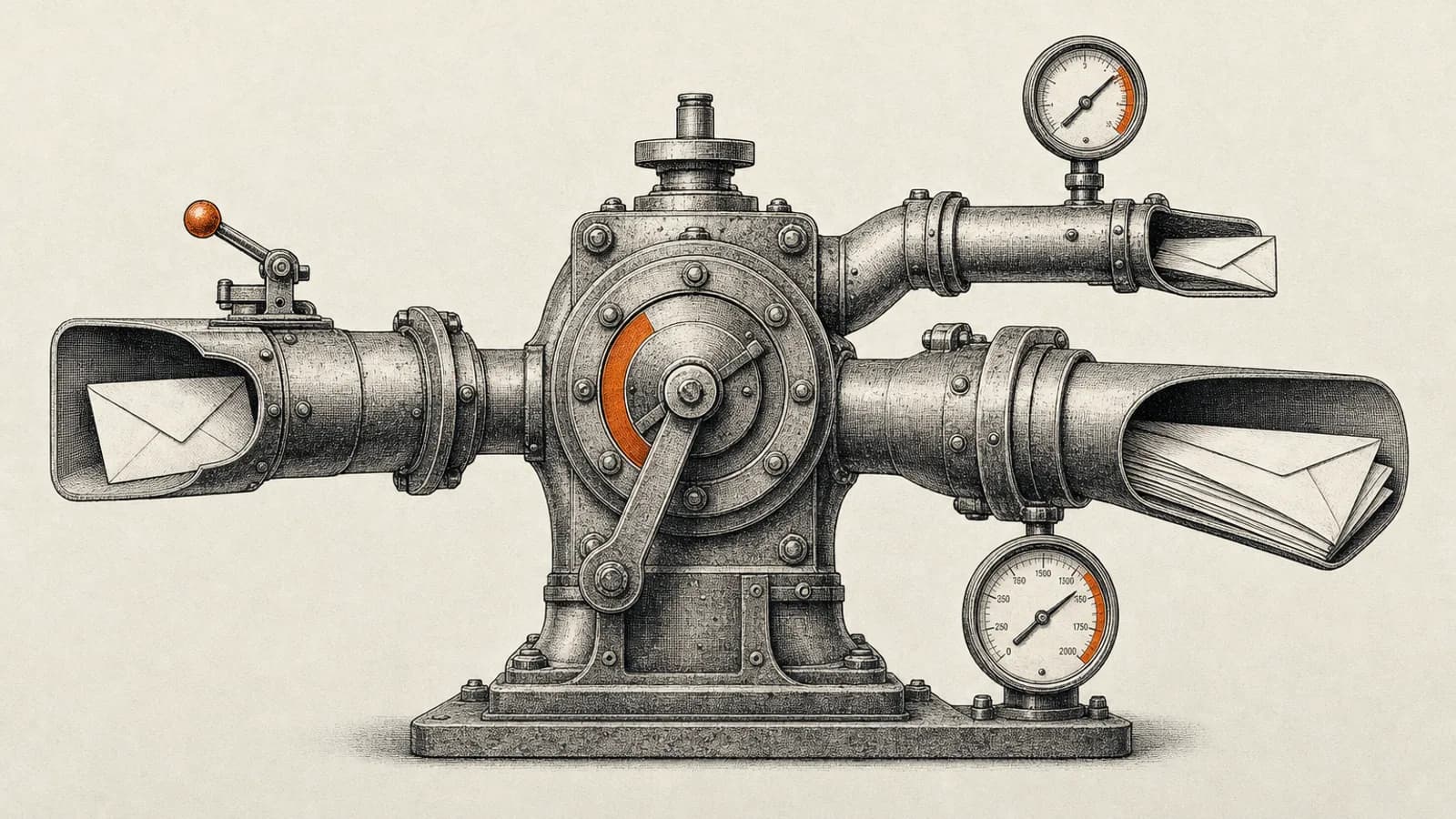
Mass email is capped separately and by edition. As of November 2026 the caps are 250 per day on Standard, 500 on Professional, 1,000 on Enterprise and 2,000 on Ultimate. Zoho's documentation notes you can increase the mass email limit up to 10,000 per day per organisation for an additional cost, by request through Zoho sales.
Two details in that documentation catch people out. First, the mass email limit is not just the mass email button; it also counts autoresponders, active email schedulers and macros. A busy autoresponder can quietly consume the allowance you were saving for an announcement. Second, a day runs from 12 AM to 11:59 PM in your organisation's time zone, so a late-evening send in one region is not the fresh allowance you assumed.
If your list is bigger than your edition's daily mass email cap, you do not have a Zoho CRM problem. You have a tool selection problem.
What Zoho Campaigns adds
Campaigns is built for the one-to-many case, and the things it adds are the things that keep you deliverable: list management, unsubscribe handling, engagement tracking, A/B testing, and a consent model that survives an audit.
The consent piece matters more than the design features. Zoho documents support for six lawful bases for processing subscriber information, covering Contract, Consent Required, Legal Obligation, Legitimate Interest, Public Tasks and Vital Interest. Consent emails include a deny consent option that removes the subscriber from the corresponding purpose, and consent status can be pushed back to Zoho CRM as a custom field.
That last capability is the one most implementations skip, and it is the one that makes the whole stack coherent. If marketing consent is only visible inside Campaigns, your salespeople cannot see it, and someone will eventually export a segment into a CRM mass email and undo the compliance work.
How the CRM to Campaigns sync really works
The integration is a scheduled data pipeline, and treating it as one prevents most surprises.
Zoho's sync setup documentation describes two modes. Immediate sync pushes new records added in CRM to Campaigns automatically, typically within five to ten minutes, but it supports contacts, leads and custom modules only, not Accounts or Deals. Periodic sync can run once, daily, weekly or monthly and covers all modules including Accounts and Deals.
The quotas are real and worth designing around. The documentation specifies 50 syncs per month, up to 10 syncs per day, up to 10 active syncs at a time, and a maximum of 5 immediate syncs for a module. If you plan a separate sync per segment per region, you will hit those ceilings faster than you expect. Fewer, broader syncs plus segmentation inside Campaigns is the more durable architecture.
Consent handling is configured at sync time. You choose the consent status the synced contacts receive in Campaigns. Mark contacts as having given consent only where you actually obtained it in Zoho CRM. Choosing that status because it is more convenient is how organisations end up mailing people who never agreed to anything.
The sync also lets you exclude email opt-out contacts and converted leads, or remove them from the mailing list entirely. Set this deliberately. Converted leads are the classic duplicate source, because the same human exists as both a lead and a contact and receives everything twice. If duplicates already exist, a CRM data cleanup playbook is the place to start.
The deliverability rules that now decide whether you land
None of the above matters if mailbox providers reject you, and the rules stopped being suggestions.
Google's sender guidelines require bulk senders, defined as those sending more than 5,000 messages per day to Gmail accounts, to set up SPF and DKIM authentication for their domain and DMARC for the sending domain. For direct email, the domain in the From header must align with either the SPF domain or the DKIM domain. Senders must keep spam rates reported in Postmaster Tools below 0.30 percent, and marketing and subscribed messages must support one-click unsubscribe with a clearly visible unsubscribe link in the message body. These requirements took effect on 1 February 2024. From 5 May 2025, Microsoft applied similar authentication rules to anyone sending more than 5,000 messages a day to its consumer Outlook.com, Hotmail and Live addresses.
Three practical consequences follow. Authenticate the domain properly before your first real campaign, not after deliverability drops. Watch the spam rate as an operational metric with a threshold, because 0.30 percent is a number you can monitor rather than a vague aspiration. And treat one-click unsubscribe as infrastructure, which is another argument for Campaigns over improvised CRM sends.
A three-question decision rule
Ask three questions about any email you are about to send.
Does one named person own the reply? If yes, send from CRM. Would you be comfortable showing the recipient exactly when and how they opted in? If no, do not send it at all until that is fixed. Is the recipient count above your edition's daily mass email cap? If yes, it belongs in Campaigns regardless of how the message feels.
Then fix the plumbing in this order: authenticate the sending domain, define consent status as a field that both systems can see, set up one broad sync rather than many narrow ones, and move every recurring bulk send out of CRM. That sequence is a short project, and it stops sends disappearing into invisible daily caps.
Where this usually breaks in practice
The failure pattern is almost always organisational rather than technical. Sales owns CRM, marketing owns Campaigns, nobody owns the boundary, and the boundary is where consent and deliverability live.
Assign one person to own sender reputation across both tools. Give them visibility into the CRM consent field, the Campaigns consent status, and the Postmaster Tools spam rate. That single ownership decision prevents more deliverability incidents than any amount of template polishing.
At AbhijeetBuilts we implement this split as part of Zoho CRM work: the consent field design, the sync configuration and its quotas, domain authentication, and reporting that shows sales and marketing sends in one view rather than two disconnected dashboards. When that reporting outgrows native CRM reports, our comparison of Zoho CRM reports and Zoho Analytics explains when to upgrade. Where clients need logic Zoho does not cover natively, such as routing engagement data into an operational dashboard or triggering follow-up sequences from external events, we add an orchestration layer around it rather than stretching either tool past its design.
If your team is hitting mass email caps, arguing about who owns the list, or watching open rates fall without knowing whether it is content or authentication, that is a solvable systems problem. Get in touch through the website and we can map your current setup and the fastest path to a clean one.
Related resources
Keep building the automation map
Move from the guide into the services and proof pages connected to this topic.
Related services
Service
Explore Zoho CRM Consulting
Zoho CRM setup, custom modules, client scripts, Deluge functions, workflow rules, and cross-module automation.
Service
Explore n8n Workflow Development
Custom n8n workflow automation for lead capture, CRM sync, AI enrichment, approvals, and notifications — built to keep running when nobody is watching.
Service
Explore Reporting & Dashboards
Management dashboards for pipeline, sales, service, and operations — built on Zoho Analytics or custom stacks, fed automatically by your systems.
Further reading
Article
Read: Zoho CRM Reports vs Zoho Analytics: When to Upgrade in 2026
Zoho CRM reports vs Zoho Analytics: the five signals that tell you native CRM reporting has run out, what Analytics added in 2026, and what it really costs.
Article
Read: CRM Lead Source Attribution: A 2026 Setup Guide
CRM lead source attribution that works in 2026: capture UTMs and GCLIDs, carry them onto deals, and push closed-won revenue back into Google Ads.
Article
Read: Zoho CRM CPQ in 2026: A Practical Quoting Setup Guide
Zoho CRM CPQ in 2026: how price rules, the product configurator and guided selling actually work, plus the quote-to-cash trap that breaks Books syncs.
Proof pages
Case study
See case study: Complete Zoho Stack for a B2B Packaging Manufacturer
One Zoho operating system for a B2B packaging manufacturer — sales, service, inventory, accounting, ticketing, and analytics — replacing the legacy Excel and Salesforce files the business used to run on.
Case study
See case study: Custom Zoho CRM with Auto-Pipeline for a Freight Forwarder
A freight CRM that carries an enquiry through contacts, accounts, deals, quotes, jobs, cost sheets, and invoicing — with client scripts and Deluge automation removing the re-typing between every stage.