automation
How to Design a CRM Renewal Pipeline in 2026
Design a CRM renewal pipeline that catches churn early: stage design, automated contract dates, trigger timing, and the three reports that matter.
5 Nov 2026 · 10 min read · Abhijeet Singh
On this page 9 sections
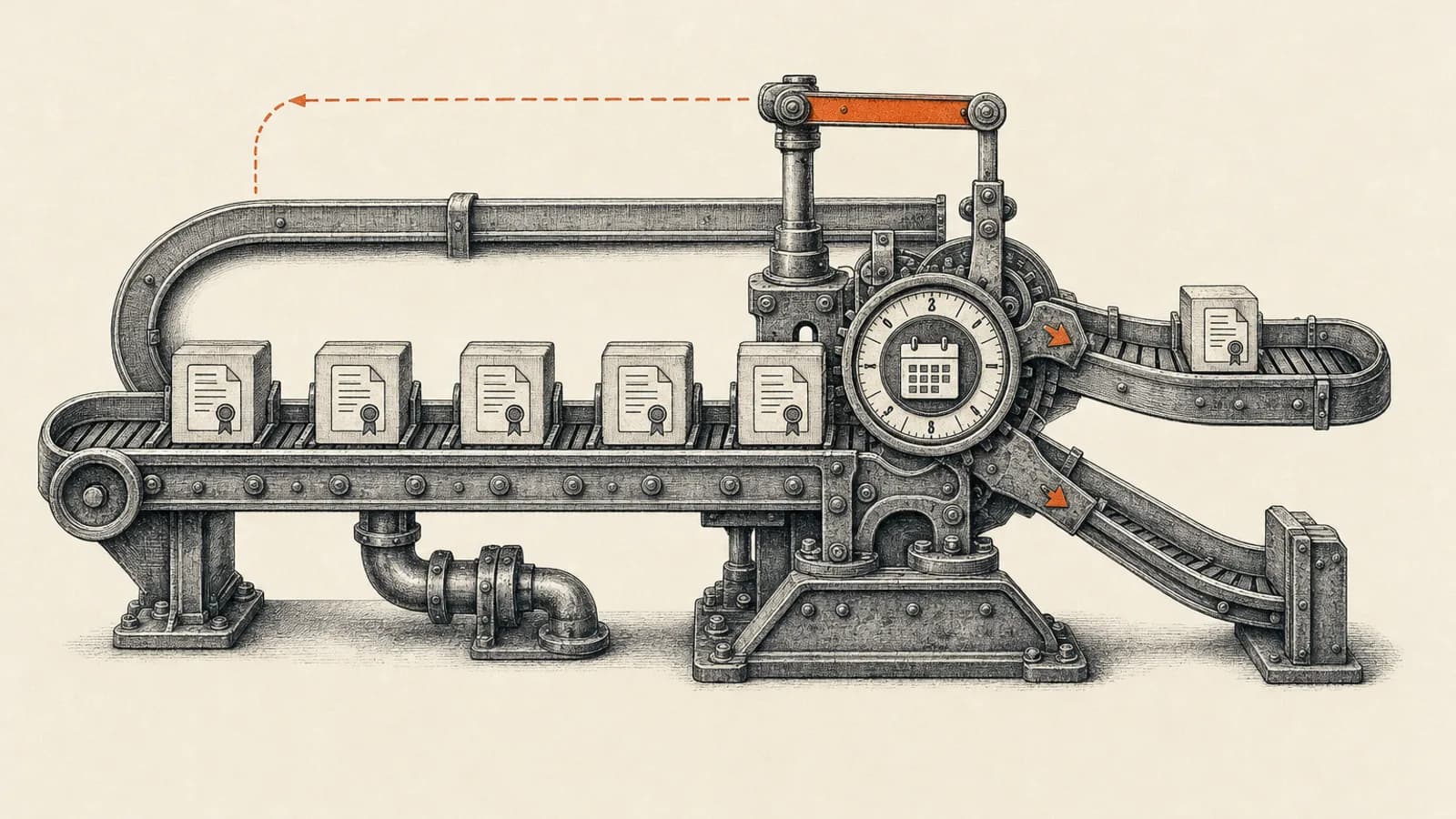
Most CRM implementations are built entirely around winning new business. The stages, the dashboards, the automation: all of it stops at Closed Won. Then a contract quietly runs out eleven months later, and someone discovers it in a spreadsheet two weeks after the customer has already started shopping around. A CRM renewal pipeline fixes that by treating renewal as a tracked process with its own stages, owners, and triggers instead of a reminder sitting in somebody's inbox.
This guide covers how to design one. What stages to use, how to get contract dates into the system without manual entry, where Zoho CRM's native automation ends and where custom work starts, and which reports actually tell you whether any of it is working.
Why a CRM renewal pipeline is not your sales pipeline
The instinct is to reuse the deal stages you already have. Resist it. A new-business deal and a renewal deal behave differently in almost every way that matters.
A new-business deal has an unknown close date, a discovery phase, and a real chance of going nowhere. A renewal has a fixed deadline set by the contract, no discovery phase, and a default outcome that happens whether anyone acts or not. Qualification is irrelevant; usage, support history, and whether the original champion still works there are what matter.
Mixing the two also corrupts reporting. Renewals close at a far higher rate than new logos, so blending them flatters your win rate and distorts average deal size and sales cycle the same way. Separate pipelines, or at minimum a hard-separated deal type, keep both sets of numbers honest. The same rule behind sales pipeline stages that actually forecast applies here: each stage must mean one thing.
One benchmark is worth knowing. SaaS Capital's annual survey of private business-to-business software companies, published in April 2026 and covering more than a thousand companies, put median net revenue retention at 103 percent and median gross revenue retention at 91 percent for bootstrapped firms between three and twenty million dollars in annual recurring revenue. Those figures are specific to software businesses, so treat them as directional if you sell services or products. The shape of the insight still travels: the median company loses close to a tenth of its revenue base every year and makes it back through expansion. Renewal execution is where that gets decided.
Stage design that reflects how renewals actually work
Six stages cover almost every business without becoming bureaucratic.
- Window Open. The renewal window has opened but nobody has made contact yet.
- Contacted. The account owner has reached out and the conversation has started.
- Scoping. Pricing, term length, or seat counts are being discussed, including any expansion.
- Quote Sent. Commercials are with the customer.
- Renewed. Signed or paid for the next term.
- Lost. Churned, with a mandatory reason field.
Make that reason field required on Lost, with a short closed list rather than a free-text box: price, moved to competitor, budget cut, champion left, product fit, service quality. Three months of that data will tell you more than any customer survey.
One further rule. The renewal record gets created at the start of the window, not when someone gets around to it. A renewal that does not exist cannot be reported on, and the point of this exercise is making the invisible visible.
Getting contract dates in without manual entry
The pipeline is only as good as its dates, and asking salespeople to type contract end dates by hand guarantees gaps.
Zoho publishes a solution for this that avoids the manual step entirely. You add a date field for the contract start date and a number field for the contract period in months on the Deals module. A workflow rule runs on edit, triggered when the stage is modified to Closed Won, and fires a Deluge function that copies the deal's closing date into the contract start date field. The contract end date is then a formula field with a date return type, adding the contract period in months to the start date. Nobody types anything, and the end date stays correct even if the closing date is later revised.
Zoho's documentation recommends testing this in a sandbox first, which is sound advice for any function-backed workflow. One addition: decide deliberately whether the rule repeats on every edit or fires once. Repeating rules are forgiving when deals bounce between stages, but they will also overwrite a date someone has manually corrected.
Triggering the window early rather than at expiry
With reliable dates in place, the trigger becomes straightforward, and Zoho supports two meaningfully different approaches.
The first is a scheduled scan. Zoho's published approach creates a custom list view on Deals using a due-in-days criterion, then runs a daily schedule under the automation settings whose function mass-updates every record in that view, setting a renewal status picklist to indicate the renewal is now in progress. A second workflow rule listens for that status change and assigns an owner plus a follow-up task. This pattern needs an OAuth connection scoped to mass-update deals, and it scales well because one daily run handles every account at once.
The second is a per-record date-based workflow rule. Zoho's own use-case article for subscription renewals shows a rule on a custom Subscriptions module that fires fifteen days before the next renewal date at nine in the morning and repeats every year, then sequences actions off that trigger: a task to call the customer on day zero, a reminder email on day five, a second reminder on day ten, and a status update to cancelled on day fifteen. Note that this particular example is documented for the Enterprise edition.
Which to choose depends on volume. The scheduled scan is cleaner to maintain and easier to debug, because there is one place to look, so it suits high-volume, low-touch renewals. The date-based rule gives you a sequence without writing code, which suits smaller numbers of large contracts where the sequenced follow-ups do useful work on their own.
On timing: fifteen days is far too late for anything meaningful. For annual contracts of real value, we open the window at ninety days, with a second internal nudge at forty-five and an escalation at fifteen. Ninety days is not a magic number from any dataset. It is simply the point at which an account owner who finds a problem still has room to fix it, rather than discovering it with two weeks left and negotiating from weakness.
Make the handoff explicit
A renewal pipeline without a clear owner is just a report nobody reads.
Zoho's deal automation guidance describes the post-sale handoff as a single workflow rule on Deals: when the stage is modified to Closed Won, assign the owner to the person who will carry the relationship forward. That is genuinely all the mechanism required. The guide does not prescribe onboarding or project creation as part of the handoff, though it does show how a closed-won rule can create a task for an onboarding team.
The hard part is not technical. It is agreeing what must be true before an account counts as handed over: which fields are populated, who the named contacts are, what was promised during the sale, and what the account is meant to achieve. Enforce it with a validation rule or a required-field layout rather than a policy document. If that information lives only in the salesperson's head, whoever handles the renewal eleven months later starts from nothing.
Keep billing where billing belongs
A recurring question in these projects is whether the CRM or the billing system owns the renewal. The answer is both, for different things.
Zoho Billing already runs a complete subscription lifecycle. Its documentation describes an out-of-term status that begins sending renewal reminders, up to five reminder emails with a default gap of three days for a fifteen-day retry window, and automatic cancellation if the subscription is still not renewed after that window. Overdue renewal invoices move to a past-due status with a fifteen-day dunning period, after which the configured final action applies. Zoho also documents renewal payment links that generate the renewal invoice when the customer pays, with configurable link expiry, though as of November 2026 Zoho describes that capability as early access, and support has to enable it rather than it being switched on by default.
The practical division: billing owns collection, dunning, invoices, and the mechanical state of the subscription. The CRM owns the conversation, the forecast, and the commercial decision about whether terms change. Between them you need a sync so the account owner sees billing state on the record, because a customer sitting in dunning is a renewal conversation whether anyone logged one or not. Running renewal forecasting out of the billing system, or dunning out of the CRM, makes a mess of both.
The three reports that matter
Most renewal dashboards are too busy to act on. Three views do the job.
Renewal forecast by month. Contract value grouped by renewal month for the next two quarters, split by stage. This is your early warning on revenue concentration, and it tells you when to staff up.
Ageing in the window. Every open renewal, sorted by how long it has sat without a stage change. Anything untouched for more than two weeks inside the window is the real risk, not the one marked at risk.
Churn reasons, rolling quarter. The required Lost reason field, counted. Read it alongside gross retention. If the top reason is service quality, no amount of renewal automation will help you, and that is a useful thing to learn before spending more on the pipeline.
Resist adding a health score until the basics run for a quarter. Scores built on guessed weightings generate false confidence, and a score that disagrees with the account owner's judgement gets ignored within a month. If these views outgrow native reports, weigh Zoho CRM reports against Zoho Analytics before adding tools.
What usually goes wrong
Renewals created too late. If the record appears only when someone starts the conversation, you cannot distinguish a renewal nobody has touched from one that does not exist. Create on window open, always.
Automation without the date work. Every trigger depends on a reliable contract end date. Fix field population before building the sequence, or it will quietly skip half your customers.
One owner for every renewal. It works until volume doubles. Route by segment or account owner from the start.
No separation in reporting. If leadership sees one blended pipeline number, nobody can tell a good quarter of new business from a quarter that merely renewed well.
Building this properly
At AbhijeetBuilts we implement renewal pipelines as part of Zoho CRM work, and the pattern is consistent: get the contract date automation right first, then the stages and required fields, then the triggers, and only then the reporting. Where a client's renewals depend on data living outside the CRM, in billing, support, or product usage, we handle the sync with n8n workflows rather than manual exports, so the account owner sees one record instead of three systems. The setup basics are in our guide on connecting Zoho CRM to n8n.
The build is usually weeks rather than months, and it tends to pay for itself on the first renewal it catches in time. If you are running recurring contracts without a renewal pipeline, or you have one nobody trusts, get in touch through our Zoho CRM consulting services and we can review your setup and map out what it would take.
Related resources
Keep building the automation map
Move from the guide into the services and proof pages connected to this topic.
Related services
Service
Explore Custom CRM Implementation
Custom CRM architecture for sales pipelines, operations handoff, service workflows, invoicing, and reporting dashboards.
Service
Explore Reporting & Dashboards
Management dashboards for pipeline, sales, service, and operations — built on Zoho Analytics or custom stacks, fed automatically by your systems.
Service
Explore n8n Workflow Development
Custom n8n workflow automation for lead capture, CRM sync, AI enrichment, approvals, and notifications — built to keep running when nobody is watching.
Further reading
Article
Read: Sales Pipeline Design in 2026: Stages That Actually Forecast
Sales pipeline design decides whether your forecast is real. A consultant's framework for buyer-based stages, honest probabilities and CRM enforcement.
Article
Read: CRM Lead Source Attribution: A 2026 Setup Guide
CRM lead source attribution that works in 2026: capture UTMs and GCLIDs, carry them onto deals, and push closed-won revenue back into Google Ads.
Article
Read: CRM Win-Loss Analysis in 2026: A Loss Reason Playbook
CRM win-loss analysis fails when loss reasons are guesses. Build a taxonomy, enforce capture in Zoho CRM, and run a review that changes decisions.
Proof pages
Case study
See case study: Complete Zoho Stack for a B2B Packaging Manufacturer
One Zoho operating system for a B2B packaging manufacturer — sales, service, inventory, accounting, ticketing, and analytics — replacing the legacy Excel and Salesforce files the business used to run on.
Case study
See case study: Custom Zoho CRM with Auto-Pipeline for a Freight Forwarder
A freight CRM that carries an enquiry through contacts, accounts, deals, quotes, jobs, cost sheets, and invoicing — with client scripts and Deluge automation removing the re-typing between every stage.