automation
Sales Pipeline Design in 2026: Stages That Actually Forecast
Sales pipeline design decides whether your forecast is real. A consultant's framework for buyer-based stages, honest probabilities and CRM enforcement.
25 Aug 2026 · 9 min read · Abhijeet Singh
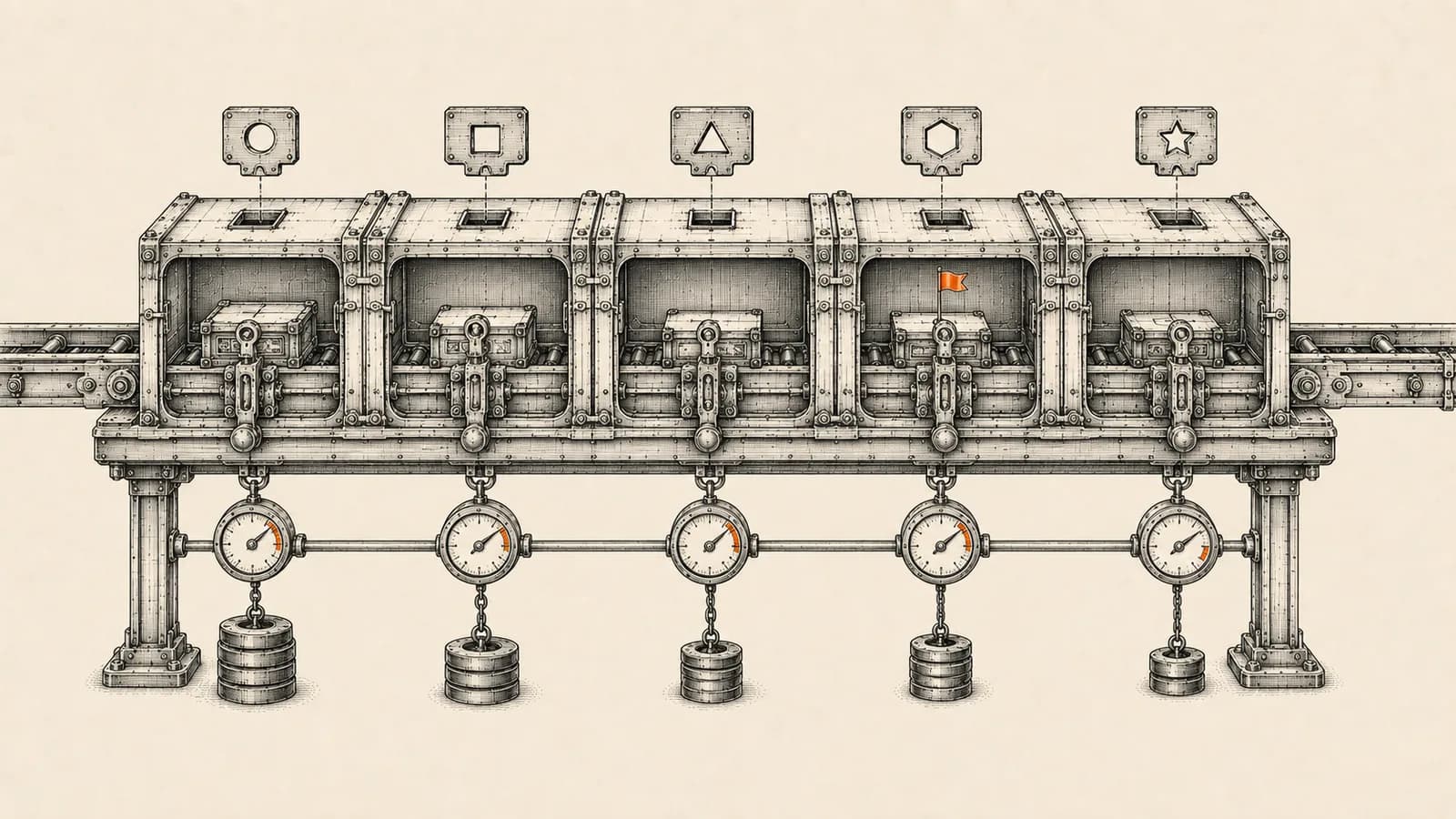
Most sales pipelines are not designed, they are inherited: a default stage list from whichever CRM was installed first, renamed once during onboarding, and never revisited. Then the forecast misses every quarter and everyone blames the CRM. Sales pipeline design is the unglamorous part of CRM work that decides whether your forecast means anything at all.
Stage names are not labels. They are the input to every weighted revenue figure your CRM produces, which means a sloppy stage list quietly corrupts every report built on top of it. No amount of dashboard work fixes a bad stage architecture.
Why most sales pipeline design fails
The most common defect is stages named after what the seller did. "Demo Delivered." "Proposal Sent." "Follow-Up Call Made." Each describes an action your team took, not a change in the buyer's position. A rep can deliver a demo to somebody who will never buy, and the pipeline dutifully reports forward progress.
This matters because the probability attached to each stage is supposed to encode likelihood of closing. When stages track seller effort, the weighted forecast measures how busy your team was, not how likely the revenue is. Those two numbers diverge fastest in a slow quarter, when activity goes up and buying intent goes down.
The fix is one rule applied to every stage: a stage change must be justified by something the buyer did.
Design stages around buyer evidence
Rewrite each stage so it names a buyer state rather than a seller activity. "Demo Delivered" becomes "Requirements Confirmed": the buyer has told you what problem they are solving and what success looks like. "Proposal Sent" becomes "Proposal Reviewed With Decision Maker": somebody with budget authority has seen the numbers and responded. "Follow-Up Call Made" disappears entirely, because following up is not a stage, it is a task.
Then apply two tests to every stage on your list.
The merge test: if two adjacent stages would lead your team to take the same next action, they are one stage. Split stages make managers feel granular while diluting conversion data across meaningless boundaries.
The delete test: if you cannot describe what the buyer did to enter a stage, delete it. A stage nobody can define is a stage reps will fill at random.
Most small and mid-size B2B pipelines land at five to seven stages including the two closed stages. Fewer than four and you lose diagnostic value. More than eight and reps start guessing.
Give every stage a verifiable exit criterion
An exit criterion is the evidence required to leave a stage. It must be verifiable, meaning a second person could audit the record and agree the deal belongs where it sits.
"Rep feels good about it" is not verifiable. "Written confirmation of budget range in the record" is. In practice this is a small set of fields tied to each stage: decision maker identified, budget range confirmed, timeline stated by the buyer, procurement process understood, competitor set known.
The discipline is not the field list, it is refusing to advance a deal until the field is populated. That is where most pipeline redesigns quietly die, and why enforcement matters more than design elegance.
Set probability from your own data, not the defaults
Every major CRM ships default probabilities, and every one of them is a placeholder.
HubSpot's default deal pipeline, per its own documentation, has seven stages with fixed close probabilities: Appointment scheduled at 20 percent, Qualified to buy at 40, Presentation scheduled at 60, Decision maker bought-in at 80, Contract sent at 90, Closed won at 100 and Closed lost at 0. HubSpot documents that the weighted amount shown in board view is the total amount in each stage multiplied by the stage probability. Those numbers are a starting shape, not a measurement of your business.
Zoho CRM handles the same concept through stage-probability mapping, under Setup, then Customization, then Modules and Fields, then the Deals module. Zoho's documentation describes four components: deal stages, probability, deal category and forecast category. Probability is assigned per stage from 0 to 100, and Zoho states it is used to calculate the deal's expected revenue from the deal amount.
The move almost nobody makes is simple. After a quarter or two of clean stage data, calculate your actual conversion rate from each stage to closed won and replace the defaults with those numbers. If deals reaching your proposal stage close 34 percent of the time, the probability is 34, not the 90 percent the vendor guessed for you. A weighted pipeline built on real conversion rates is the highest-leverage reporting change most sales teams can make.
Understand the second layer: forecast categories
Probability is arithmetic. Forecast category is judgement. Conflating them is a common and expensive mistake, and how much room you have depends on your platform.
Zoho CRM separates deal category from forecast category. Its documentation lists three deal categories defining a deal's overall state, open, closed won and closed lost, and three forecast categories: pipeline, meaning still in play and yet to be finalised; closed, meaning won and counted in forecasts on closed deals; and omitted, meaning lost and excluded from forecast calculation. Zoho's forecasts are built on either role hierarchy or territory hierarchy, the latter requiring territory management to be enabled.
Salesforce offers a finer-grained set. Its documentation on stage-to-forecast-category mapping covers Pipeline, Best Case, Commit, Closed and Omitted, mapped from the opportunity Stage field through Object Manager. Salesforce also documents something worth flagging to any sales leader: users can edit the Forecast Category field on opportunities they own, overriding the default mapping. That override serves genuine rep judgement, but it is also an unaudited channel that can quietly detach your forecast from your stage definitions. Decide deliberately whether it stays open.
The takeaway: know which layers your platform gives you, and do not smuggle commit-level judgement into a probability percentage. If your CRM only offers pipeline, closed and omitted, express confidence in a separate field and report on it explicitly rather than nudging probabilities up and down.
Enforce the design or watch it decay
A pipeline design that lives in a slide deck is not a pipeline design. Within a quarter, reps revert to whatever is fastest.
Zoho CRM gives you two enforcement mechanisms worth telling apart. Validation rules let you define criteria that block a record from saving and throw an alert when the data does not qualify, which is enough to stop a stage change while required evidence fields are empty. Blueprint is the heavier tool: instead of leaving the Stage picklist freely editable, you define transitions that require specific fields and actions at each step. HubSpot approaches the same problem through conditional stage properties, configuring which properties appear when a record moves into a stage, with administrators able to mark them required so the record cannot proceed without values.
Choose the lightest mechanism that holds. Validation rules are quick and often enough for a first pass. Blueprint suits a genuinely sequential process where compliance matters. Applying Blueprint to a fluid, relationship-led pipeline usually produces workarounds rather than discipline.
Detect rot, because stalled deals inflate every forecast
The quietest forecast killer is the deal that stopped moving but never got closed. It sits in a late stage, carries a high probability, and inflates weighted pipeline indefinitely.
Set a maximum age per stage, and make it stage-specific. Two weeks in discovery is normal; two weeks in contract negotiation on a transactional deal is a warning.
Zoho CRM documents advanced filters that surface exactly these records, combining activity, notes and email signals: Activities set to Without Any Activity for the year, Notes set to records without any notes, and Latest Email Status set to not sent for the year. Zoho also offers an Idle Deal Alert extension, which its help documentation describes as identifying deals stuck in a pipeline stage too long, running a scheduler that checks for dormant deals and sends alerts.
Whatever the mechanism, the governance rule is the same: a stalled deal gets pushed to a realistic close date or moved to closed lost. It does not get to sit in commit forever.
Automate the hygiene layer, not the judgement
This is where workflow automation earns its place, and where teams routinely overreach.
A scheduled n8n workflow can query deals that breach your stage-age thresholds, group them by owner, and post one digest into the relevant channel every Monday ahead of the pipeline review. It can flag deals whose close date has already passed, deals in late stages with no activity logged, and deals missing the evidence fields their stage requires. That makes the review meeting about decisions rather than data archaeology.
What automation should not do is advance stages on the team's behalf. The moment a workflow moves a deal forward because an email was opened, your stage data stops describing buyer reality and starts describing system events. Automate the detection and the nagging; leave the judgement with the people who talked to the buyer.
At AbhijeetBuilts this is usually a two-part engagement: redesign the stage architecture and probability mapping inside Zoho CRM, then build the scheduled hygiene workflows in n8n that keep it honest, feeding a reporting dashboard that compares forecast to actual by stage.
A rollout sequence that works
Start by pulling ninety days of closed deals and calculating real conversion rates between your existing stages, which tells you where the pipeline actually leaks. Rewrite stage names as buyer states and apply the merge and delete tests, expecting to end up with fewer stages than you started with.
Next, define one to three evidence fields per stage and write each exit criterion in plain language a new rep could apply. Update probability values to your measured conversion rates, and set forecast categories deliberately rather than accepting defaults.
Then add enforcement, starting with validation rules and escalating to Blueprint only where the process warrants it. Build the stale-deal detection and the weekly digest before the first pipeline review under the new design.
Finally, leave it alone for a full quarter. Changing stage definitions mid-quarter destroys comparability, and you will not be able to tell whether the redesign worked.
What to measure afterwards
Three numbers tell you whether the design is working. Stage-to-stage conversion rate shows where deals die. Median time in stage shows where they stall. Forecast accuracy, measured as forecast versus actual by stage across successive quarters, tells you whether your probability values reflect reality or wishful thinking.
If forecast accuracy is not improving after two quarters, the problem is almost never the arithmetic. It is that stage entry is still unenforced and reps are advancing deals on optimism.
Good pipeline design is the difference between a CRM that reports the past and one you can plan a business around.
If your forecast keeps missing and you suspect the stage design underneath it, get in touch through the website. A short review of your current pipeline, conversion data and enforcement setup is usually enough to tell you whether you need a redesign or just better hygiene.
Related resources
Keep building the automation map
Move from the guide into the services and proof pages connected to this topic.
Related services
Service
Explore Zoho CRM Consulting
Zoho CRM setup, custom modules, client scripts, Deluge functions, workflow rules, and cross-module automation.
Service
Explore Custom CRM Implementation
Custom CRM architecture for sales pipelines, operations handoff, service workflows, invoicing, and reporting dashboards.
Service
Explore Reporting & Dashboards
Management dashboards for pipeline, sales, service, and operations — built on Zoho Analytics or custom stacks, fed automatically by your systems.
Further reading
Guide
Read: Build vs Buy CRM in 2026: A Founder's Decision Framework
Build vs buy CRM is the wrong question in 2026. Get the four-option framework, the real triggers for a custom build, and the cost math that holds.
Guide
Read: CRM Data Hygiene in 2026: A Practical Cleanup Playbook
CRM data hygiene fails when treated as cleanup. A five-stage playbook to audit, dedupe and enforce clean data at the intake layer, with real platform limits.
Guide
Read: Zoho CRM Blueprint: What the Docs Don't Tell You (2026)
Zoho's Blueprint docs show you the editor. This covers the rest: edition limits, API gotchas, when to skip Blueprint, and a worked example from a live freight CRM.
Proof pages
Case study
See case study: Custom Zoho CRM with Auto-Pipeline for a Freight Forwarder
A freight CRM that carries an enquiry through contacts, accounts, deals, quotes, jobs, cost sheets, and invoicing — with client scripts and Deluge automation removing the re-typing between every stage.
Case study
See case study: Complete Zoho Stack for a B2B Packaging Manufacturer
One Zoho operating system for a B2B packaging manufacturer — sales, service, inventory, accounting, ticketing, and analytics — replacing the legacy Excel and Salesforce files the business used to run on.