automation
AI Invoice Processing Automation in 2026: What Actually Works
AI invoice processing automation in 2026: what to automate, what to keep human, and how to build an AP pipeline that survives real vendor PDFs.
26 Jul 2026 · 8 min read · Abhijeet Singh
On this page 8 sections
Most finance teams in small and mid-size businesses do not have an invoice problem. They have a re-typing problem. Vendor bills arrive as email attachments, phone photos, and scanned PDFs, and somebody keys them into the accounting system one field at a time. AI invoice processing automation fixes that specific bottleneck, but only if you build it as a pipeline with real validation rather than as a single magic extraction step. This guide covers what to automate in 2026, what to leave with a human, and how the pieces actually fit together.
I build these systems for clients running Zoho Books, Zoho Inventory, and custom stacks, and the pattern that survives contact with real vendor documents is remarkably consistent. It is worth understanding before you buy anything.
What the benchmarks say about AI invoice processing automation
Ardent Partners' State of ePayables 2025 research puts the average fully loaded cost of processing a single invoice at 10.89 US dollars. Best-in-class accounts payable teams, the ones using AI capture, automated matching, and electronic payment, process the same invoice for 2.78 dollars, roughly a 74 percent reduction.
The same research notes that top performers have removed human handling from a third or more of their total invoice volume. That is the honest target: not zero humans, but a clean-invoice fast lane that never needs a person, plus an exceptions queue that always does.
For a business processing four hundred vendor bills a month, the gap between average and best-in-class is a few thousand dollars a year in pure processing cost. The larger return is usually elsewhere: earlier visibility into payables, fewer duplicate payments, and a month-end close that does not depend on one person clearing a backlog.
The four stages of an invoice pipeline
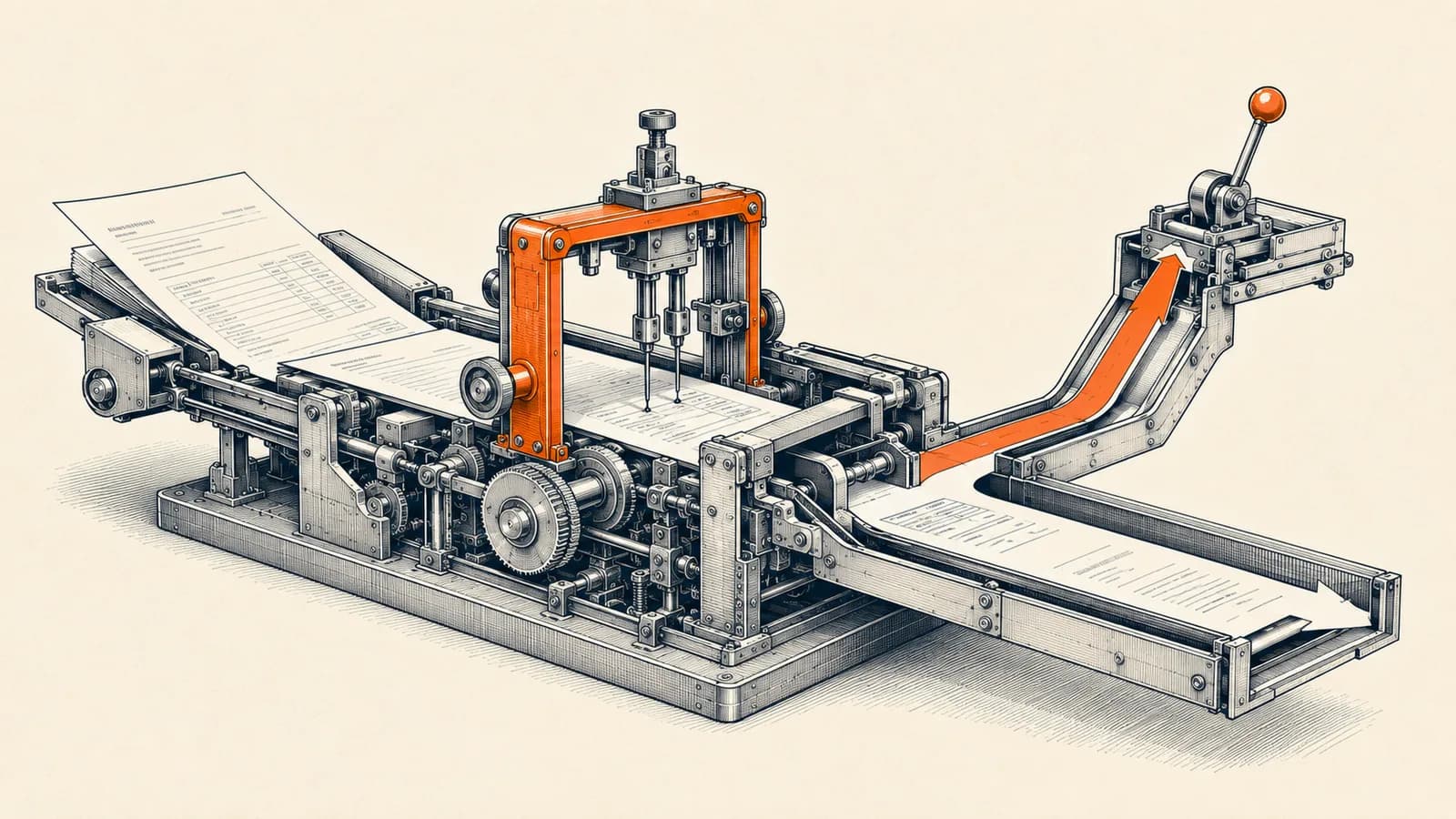
Every working implementation I have built separates into four stages. Treating them as one step is the most common design mistake.
Capture is how documents arrive. A dedicated inbox, a Drive or SharePoint folder, a WhatsApp intake number, and a supplier portal all count. The rule is that every route lands in one place with the original file preserved.
Extraction turns the document into structured fields: vendor, invoice number, date, tax amounts, line items, purchase order reference. This is where the AI sits.
Validation checks the extracted data against what you already know. Does this vendor exist. Does the purchase order match. Has this invoice number been seen before. Do the line totals add up to the header total.
Posting writes the record into the accounting system and routes anything that failed validation to a human, with the document and the specific reason attached.
Skipping validation is what produces the horror stories. An extraction model that is 95 percent accurate per field is not 95 percent accurate per invoice. Across a dozen fields, per-invoice accuracy collapses. Validation is what converts field-level uncertainty into a reliable process.
Built-in accounting AI versus a custom pipeline
Start by checking what your accounting platform already does, because the cheapest automation is the one you do not build.
Zoho Books has autoscan built in. According to Zoho's own documentation, autoscan runs automatically on every document that is emailed or uploaded, extracts details such as date, amount, and merchant name, and pre-fills a bill, expense, or purchase order form. Zoho lists support for fifteen languages, including English, Spanish, Portuguese, French, German, Chinese, Russian, Malay, Thai, and Vietnamese. Autoscans are included up to a per-plan threshold, after which an add-on provides fifty additional scans a month.
Zoho's May 2026 product update went further. Receipt scanning is now available free in Zoho Books with quantity limits that vary by plan, and three AI-powered custom field types were added, covering image to text, keyword extraction, and sentiment analysis, on Premium plans and above.
If your volume is modest and your vendors send reasonably clean PDFs, built-in autoscan plus disciplined vendor master data may be the whole answer. Build a custom pipeline when one of these is true: you need line-item-level extraction the native scanner does not reach, your validation rules are business-specific, documents arrive through channels the accounting system cannot ingest, or the extracted data has to land in more than one system.
What Claude's document support actually allows
If you build custom, the model layer has hard limits worth knowing before you design around them. Anthropic's platform documentation states that PDF requests are capped at 32 MB of total request size and 600 pages per request, dropping to 100 pages when the request's context window is under one million tokens. Files must be standard PDFs without passwords or encryption, and all active models support PDF processing.
Each page is processed as an image as well as text, which is what makes visual understanding of stamps, tables, and handwritten annotations possible. Anthropic's documentation also warns that dense PDFs with small fonts, complex tables, or heavy graphics can fill the context window before hitting the page limit. The practical answer is to split documents into sections and downsample embedded images.
The cost difference between modes is visible in Anthropic's Amazon Bedrock notes: basic text extraction uses approximately 1,000 tokens for a three-page PDF, while full visual understanding uses approximately 7,000 tokens for the same document. For invoices, pay the visual cost. Layout is information.
The citations feature is underrated for finance work. Anthropic's documentation describes it as returning cited text that points back to exact passages in the source document, with the pointers guaranteed to be valid. For an approver reviewing a flagged bill, being able to see which line of the PDF produced a figure is the difference between trusting the system and re-checking everything by hand.
Building extraction and validation in n8n
n8n is where most of my client pipelines live, because the orchestration matters more than the model.
The Extract From File node handles the first pass. Its Extract From PDF operation converts a binary file into JSON text, and per n8n's documentation it replaced the older Read PDF node from version 1.21.0 onward. For text-native PDFs this alone gives you clean text at effectively zero model cost.
The Information Extractor node then turns that text into structured fields. n8n's docs describe three ways to define the output shape: from attribute descriptions, generated from a JSON example, or a custom JSON schema. Use attribute descriptions when field meaning is ambiguous and you need to explain what an invoice number looks like across your particular vendor set. One documented gotcha: when you generate a schema from a JSON example, n8n treats every field as mandatory, which will fight you on invoices that legitimately have no purchase order reference.
Route scanned or photographed invoices differently. If text extraction returns almost nothing, that is your signal to send the original file to a vision-capable model rather than pushing empty text downstream.
Then build validation as explicit workflow steps, not as prompt instructions. Look up the vendor in your accounting system. Compare the invoice number against the last twelve months to catch duplicates. Match against the open purchase order and compare quantities and rates. Recompute tax and totals arithmetically rather than trusting the extracted total. Anything that fails goes to a review queue carrying the document, the extracted values, and the name of the check that failed.
Compliance is a design constraint, not an afterthought
In a growing number of markets this is not optional. Belgium made B2B e-invoicing mandatory for all Belgian-established taxpayers from January 1, 2026. Germany has required in-scope businesses to be able to receive structured e-invoices since January 2025, will require businesses with annual turnover above 800,000 euros to issue them from January 2027, and extends that to all businesses in January 2028. At EU level, the ViDA package makes e-invoicing mandatory for cross-border B2B trade from July 2030.
Those deadlines change your architecture. Once a structured e-invoice is the legal invoice, a pipeline that batches documents weekly, or one that parks exceptions in a queue nobody watches, will eventually hold up an invoice that your customer or the tax system is waiting on. Build an ageing alert on the exceptions queue from day one, and treat unresolved exceptions as an operational metric rather than a backlog.
How to phase the rollout
Run the pipeline in shadow mode for three to four weeks. Extract and validate every invoice, but post nothing. Compare the output against what the team keyed manually and measure per-field accuracy broken down by vendor, because accuracy is almost never uniform across suppliers.
Then enable automatic posting for the narrowest safe slice: purchase-order-backed invoices from your top ten vendors, under a value threshold, that pass every validation check. Everything else continues to a human.
Widen the slice monthly based on measured error rates rather than on confidence. Keep a permanent human gate on new vendors, credit notes, and anything above a value threshold you set together with your finance lead.
Where these projects go wrong
Three failure patterns account for most of it. Teams pick extraction accuracy as the success metric instead of touchless rate and exception ageing, so they optimise the part that feels technical rather than the part that costs money. They automate posting before vendor master data is clean, so every extracted vendor name spawns a near-duplicate record. And they build no feedback loop, so the same supplier's oddly formatted invoice fails in exactly the same way every single month.
At AbhijeetBuilts, the invoice pipelines we implement for clients follow this shape. n8n handles capture, orchestration, and validation, a document-capable model handles extraction, and the accounting system stays the single system of record. Human review is a designed stage with an owner and a response time, not an unmanaged fallback.
If you are processing more than a couple of hundred vendor bills a month and your close depends on one person's data entry, this is usually the highest-return automation available to you. Get in touch through the website with your monthly volume, your accounting platform, and a few sample vendor invoices, and I will tell you honestly whether built-in scanning already covers you or a custom pipeline is worth building.
Related resources
Keep building the automation map
Move from the guide into the services and proof pages connected to this topic.
Related services
Service
Explore n8n Workflow Development
Custom n8n workflow automation for lead capture, CRM sync, AI enrichment, approvals, and notifications — built to keep running when nobody is watching.
Service
Explore AI Agent Development
AI agents for sales replies, lead memory, storyboard generation, data extraction, and structured automation outputs.
Service
Explore Zoho CRM Consulting
Zoho CRM setup, custom modules, client scripts, Deluge functions, workflow rules, and cross-module automation.
Further reading
Guide
Read: How to Think About Business Automation Before Building Workflows
Good automation starts with the business process, not the tool. Here is a practical way to map workflows before building in n8n, Zoho, or AI agents.
Guide
Read: How Startup Teams Can Use AI Agents to Reduce Manual Follow-Ups
Learn how startup teams can use AI agents to reduce missed follow-ups, keep CRM records updated, and improve lead response without losing human control.
Guide
Read: Zoho Flow AI Automation in 2026: A Practical Guide
Zoho Flow AI automation now includes agentic actions and Zia Utilities. Here's what shipped, what it's good for, and how to adopt it safely.
Proof pages
Case study
See case study: Complete Zoho Stack for a B2B Packaging Manufacturer
One Zoho operating system for a B2B packaging manufacturer — sales, service, inventory, accounting, ticketing, and analytics — replacing the legacy Excel and Salesforce files the business used to run on.
Case study
See case study: Custom Zoho CRM with Auto-Pipeline for a Freight Forwarder
A freight CRM that carries an enquiry through contacts, accounts, deals, quotes, jobs, cost sheets, and invoicing — with client scripts and Deluge automation removing the re-typing between every stage.