Bill of materials
Tech stack and integrations
ClaudeClaude CoworkObsidianMCP connectorsn8nGoogle Workspace
Pricing approach
Project-based and scope-dependent. Call me to discuss the workflow, complexity, integrations, and rollout plan.
Automation service
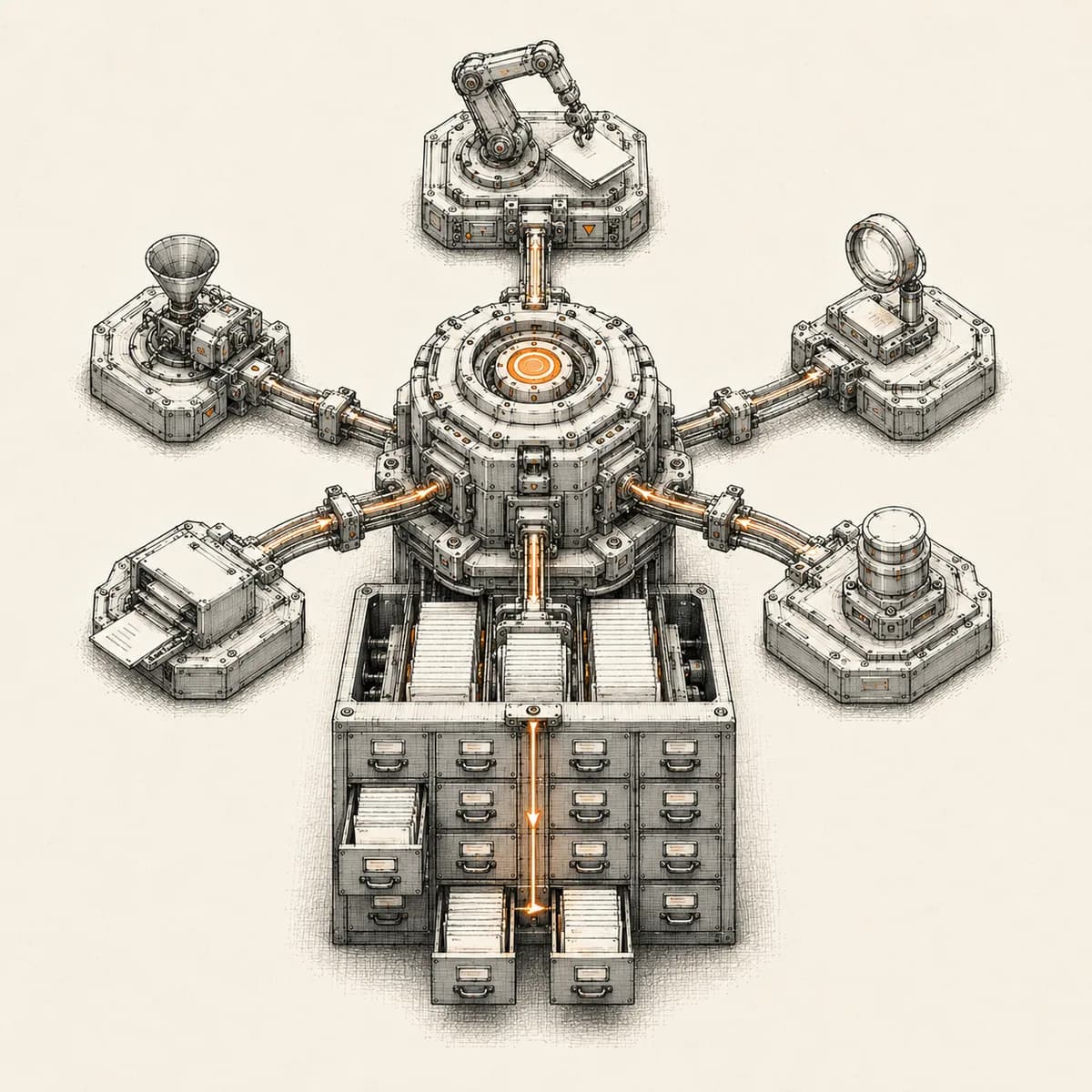
Abhijeet sets up a complete AI operating system for founders and small teams: a structured, Obsidian-compatible memory vault so your AI never starts from zero, personal instructions drawn from a real discovery interview, hard safety rules (nothing sent, deleted, or published without your sign-off), daily rituals like a morning brief and end-of-day memory update, your actual tools connected, and a first automation live before handover. He runs his own business on the same system.
Discovery interview turned into a personal instruction set your AI follows in every session
A structured memory vault (Obsidian-compatible): who you are, active projects, topic notes, daily journal
Safety rules baked in — the AI never sends, deletes, spends, or publishes without your sign-off
Daily rituals: morning brief, end-of-day memory update, weekly review to keep memory lean
Your real tools connected: email, calendar, drive, spreadsheets, and the systems you already use
Reusable skills for your repeat jobs, plus a first quick-win automation delivered during setup
Bill of materials
Project-based and scope-dependent. Call me to discuss the workflow, complexity, integrations, and rollout plan.
Related resources
These service, guide, and proof pages support this implementation path.
Service
AI agents for sales replies, lead memory, storyboard generation, data extraction, and structured automation outputs.
Service
Custom n8n workflow automation for lead capture, CRM sync, AI enrichment, approvals, and notifications — built to keep running when nobody is watching.
Service
Management dashboards for pipeline, sales, service, and operations — built on Zoho Analytics or custom stacks, fed automatically by your systems.
Guide
AI agent tool sprawl quietly inflates automation costs. See how Anthropic's 2026 MCP upgrades cut context bloat and add real access control.
Guide
Learn how startup teams can use AI agents to reduce missed follow-ups, keep CRM records updated, and improve lead response without losing human control.
Guide
An AI operating system replaces scattered SaaS with one orchestration layer. Here's how founders build one in 2026: the stack, the steps, and the trade-offs.
Case study
A complete LinkedIn outreach system: prospect scraping, a deliberately gradual connection ramp, post engagement, acceptance tracking, campaign messaging, and Claude-powered replies that remember every lead.
Case study
A two-workflow pipeline that turns a written script into a narrated, subtitled, edited 1080p video — AI storyboarding, image generation, voiceover, and FFmpeg assembly, with no manual editing in between.
Case study
A WhatsApp AI sales assistant that qualifies freight enquiries in three languages, remembers every conversation, and alerts the sales team the moment a quote is requested.
Q.01
It is a Claude workspace with persistent, structured memory, a personal instruction set, hard safety rules, your real tools connected, and daily rituals. Instead of a blank chatbot that forgets you every session, the AI works like a briefed team member that already knows your business.
Q.02
No. The system is built for non-technical founders — everything is plain files and plain English, nothing to code. The handover includes training so you are comfortable running it day to day.
Q.03
A chat window forgets everything and knows nothing about you. This gives you memory that persists and stays organized, instructions that travel across every session, guardrails on risky actions, and your real tools connected — none of which a plain chat has.
Q.04
One discovery call about how you work, plus access to only the tools you choose to connect. Nothing goes live without your approval.