Bill of materials
Tech stack used
Zoho CRMDelugeApproval ProcessesBlueprintWorkflow RulesQuote and Sales Order templates
Timber and board products supplier
Took over a half-working Zoho CRM build and delivered sequential approvals, one-click customer quote approval, automatic sales orders and a production module the sales team uses daily.
Field 01 — Industry
Timber and building materials
Field 02 — Status
Live
Field 03 — Duration
Live and used daily
A timber and board products supplier inherited a Zoho CRM build from a previous delivery partner, with conflicting workflows and functions layered on top of each other.
The approval flow only half fired: production approval worked, but commercial approval emails never went out, so the sales team could not move onto the system.
Untangled the old setup and rebuilt quote-to-order as one clear chain inside Zoho CRM: approvals, the customer's decision, the sales order and production, each step triggering the next.
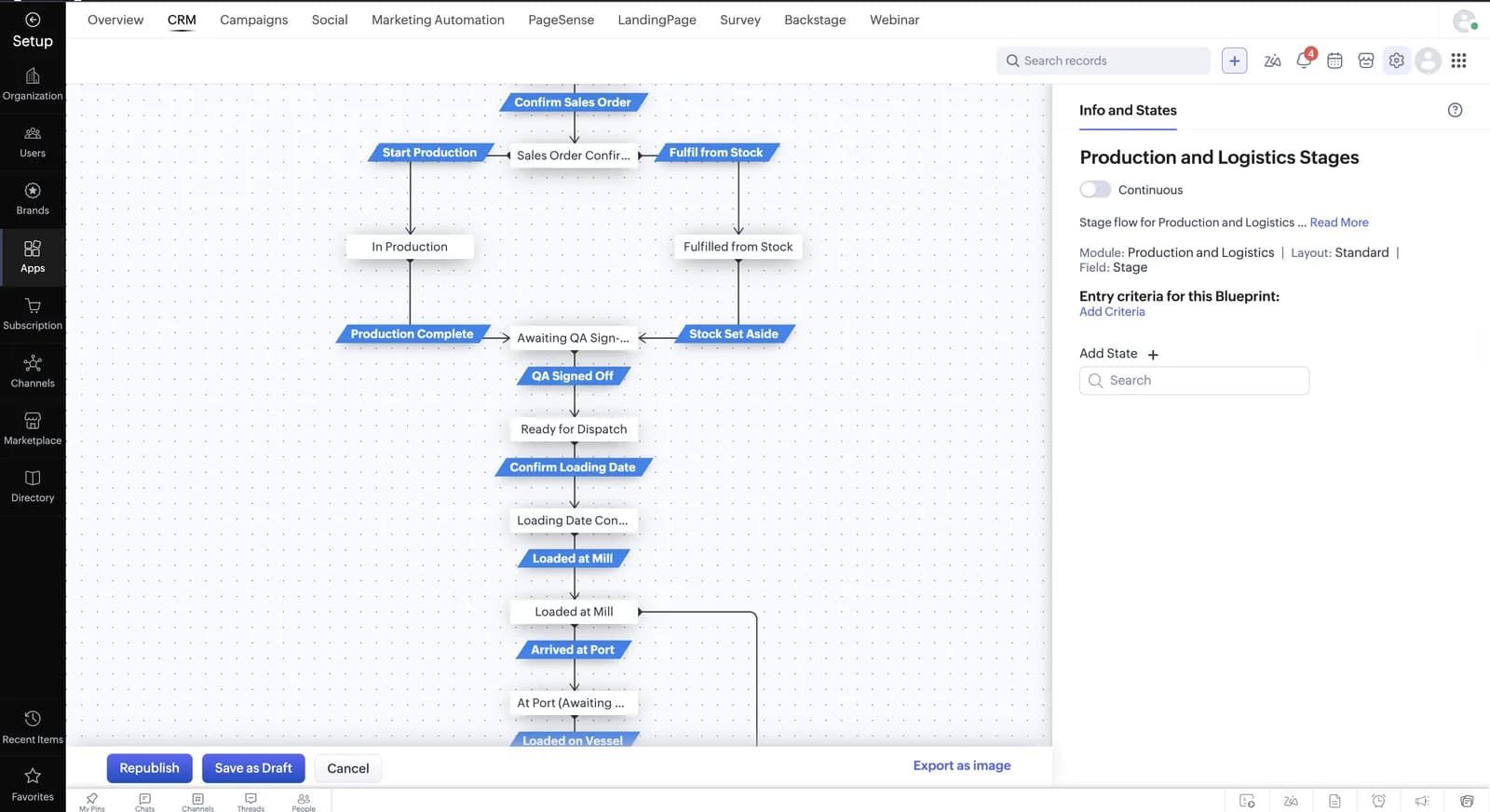
Kept stock in the Products module instead of adding a paid inventory app, and ran production through a Blueprint so every stage has a clear owner.
Bill of materials
Cross-reference
Next action
Share the workflow you want to automate and the tools your team already uses.
Discuss this projectField evidence
PLATE 01The Production and Logistics Blueprint: every stage from confirmed sales order to vessel has a clear next step.
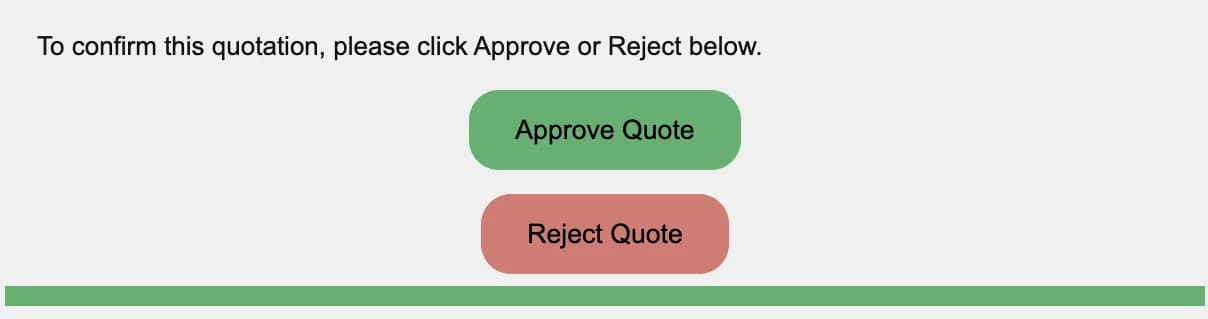
PLATE 02Customers approve or reject the quote from the email; their click moves the deal stage in Zoho CRM.
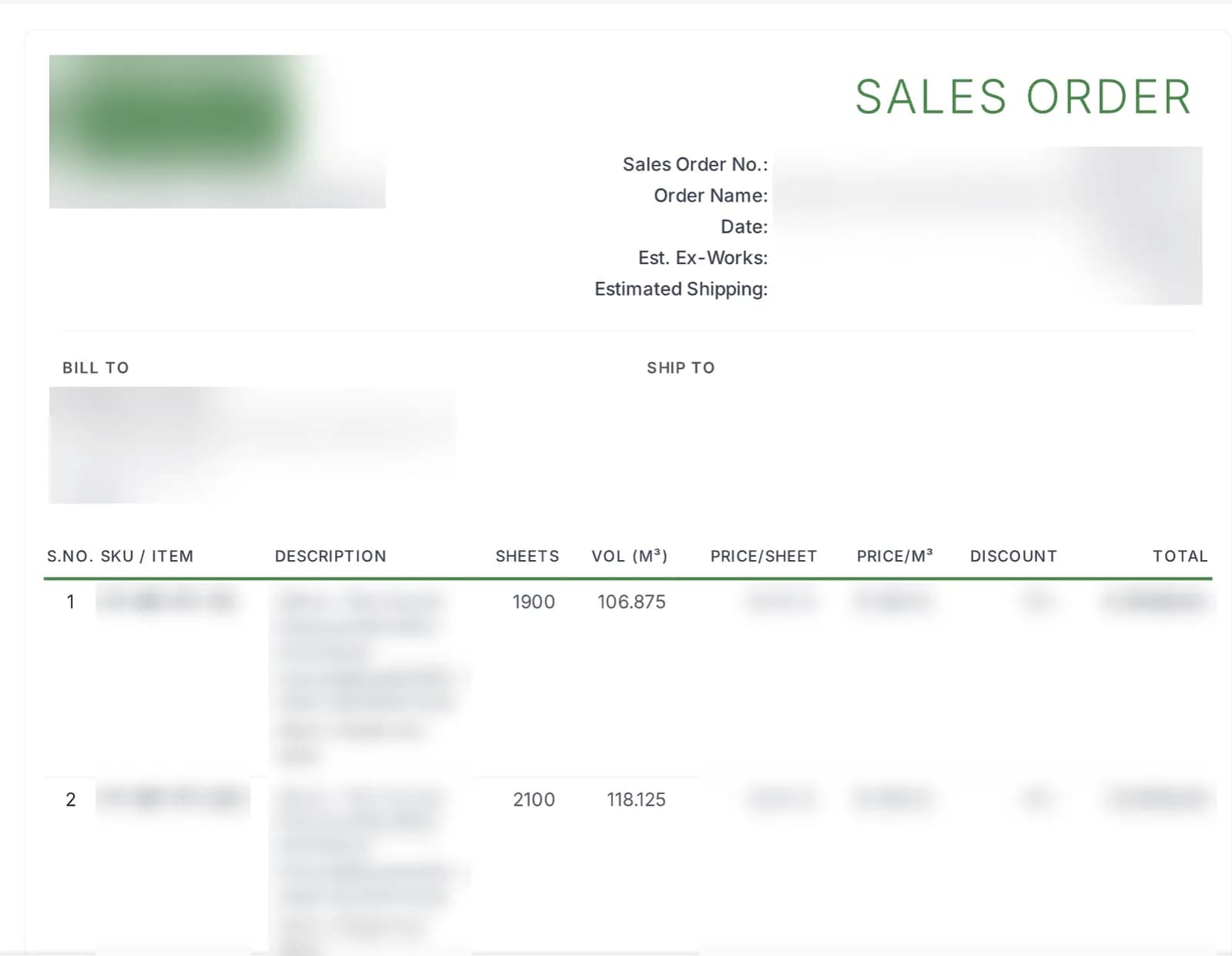
PLATE 03An auto-generated sales order with both per-sheet and per-m³ pricing (customer details blurred).
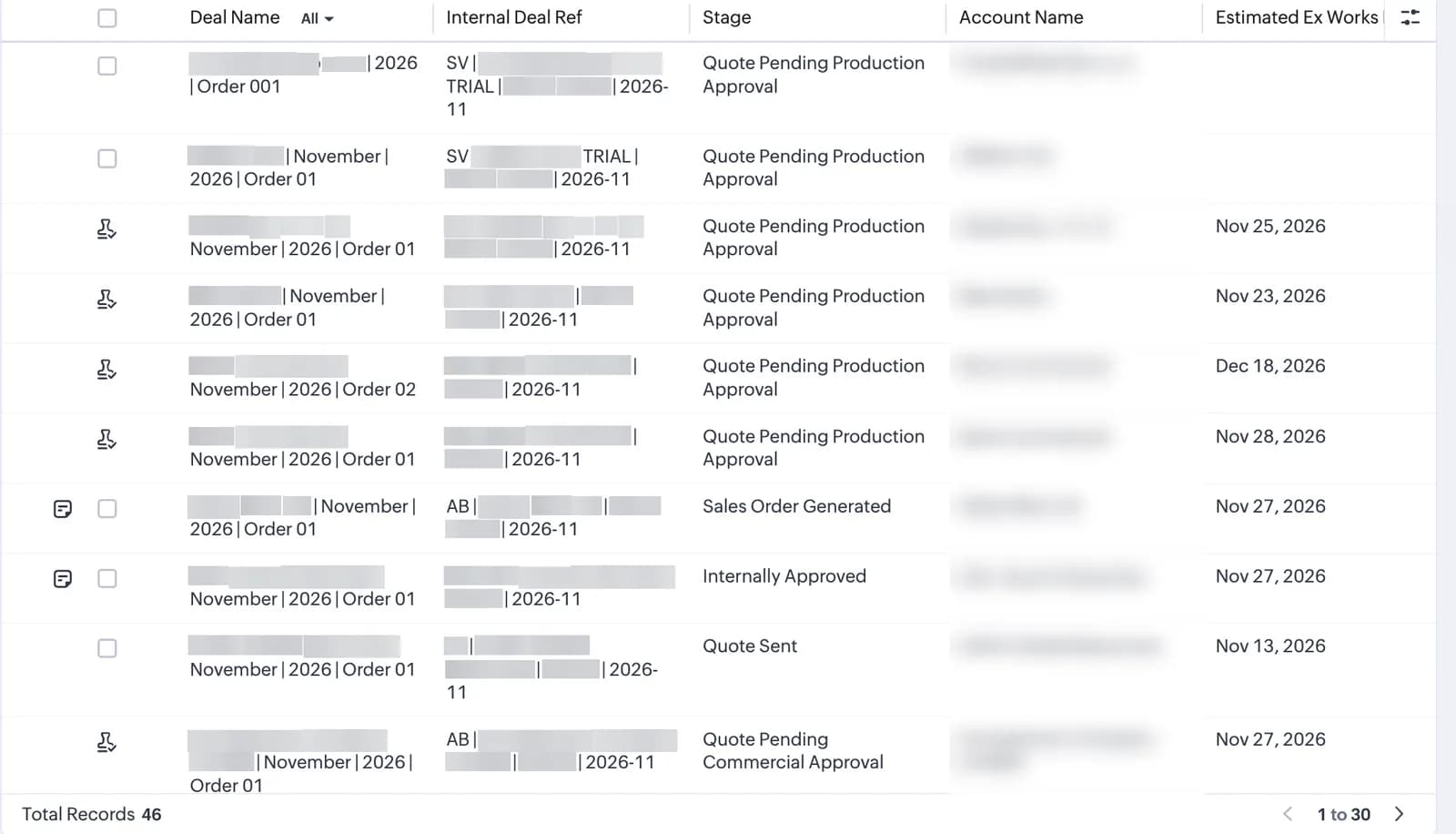
PLATE 04Deals named by account, period and order number, moving through the approval stages (account names blurred).
Related resources
Use the connected services, guides, and similar builds to understand the full implementation path.
Service
Zoho CRM setup, custom modules, client scripts, Deluge functions, workflow rules, and cross-module automation.
Service
Custom CRM architecture for sales pipelines, operations handoff, service workflows, invoicing, and reporting dashboards.
Article
Zoho's Blueprint docs show you the editor. This covers the rest: edition limits, API gotchas, when to skip Blueprint, and a worked example from a live freight CRM.
Article
Bigin vs Zoho CRM in 2026: real edition limits, prices and migration rules, plus the signals that show when Bigin is enough and when it is time to upgrade.
Case study
A freight CRM that carries an enquiry through contacts, accounts, deals, quotes, jobs, cost sheets, and invoicing — with client scripts and Deluge automation removing the re-typing between every stage.
Case study
One Zoho operating system for a B2B packaging manufacturer — sales, service, inventory, accounting, ticketing, and analytics — replacing the legacy Excel and Salesforce files the business used to run on.