ai
Human-in-the-Loop AI Agents: The 2026 Approval Framework
Human-in-the-loop AI agents don't need approval on every action. Here's the four-tier risk framework that keeps AI agent oversight tight in 2026.
14 Jul 2026 · 6 min read · Abhijeet Singh
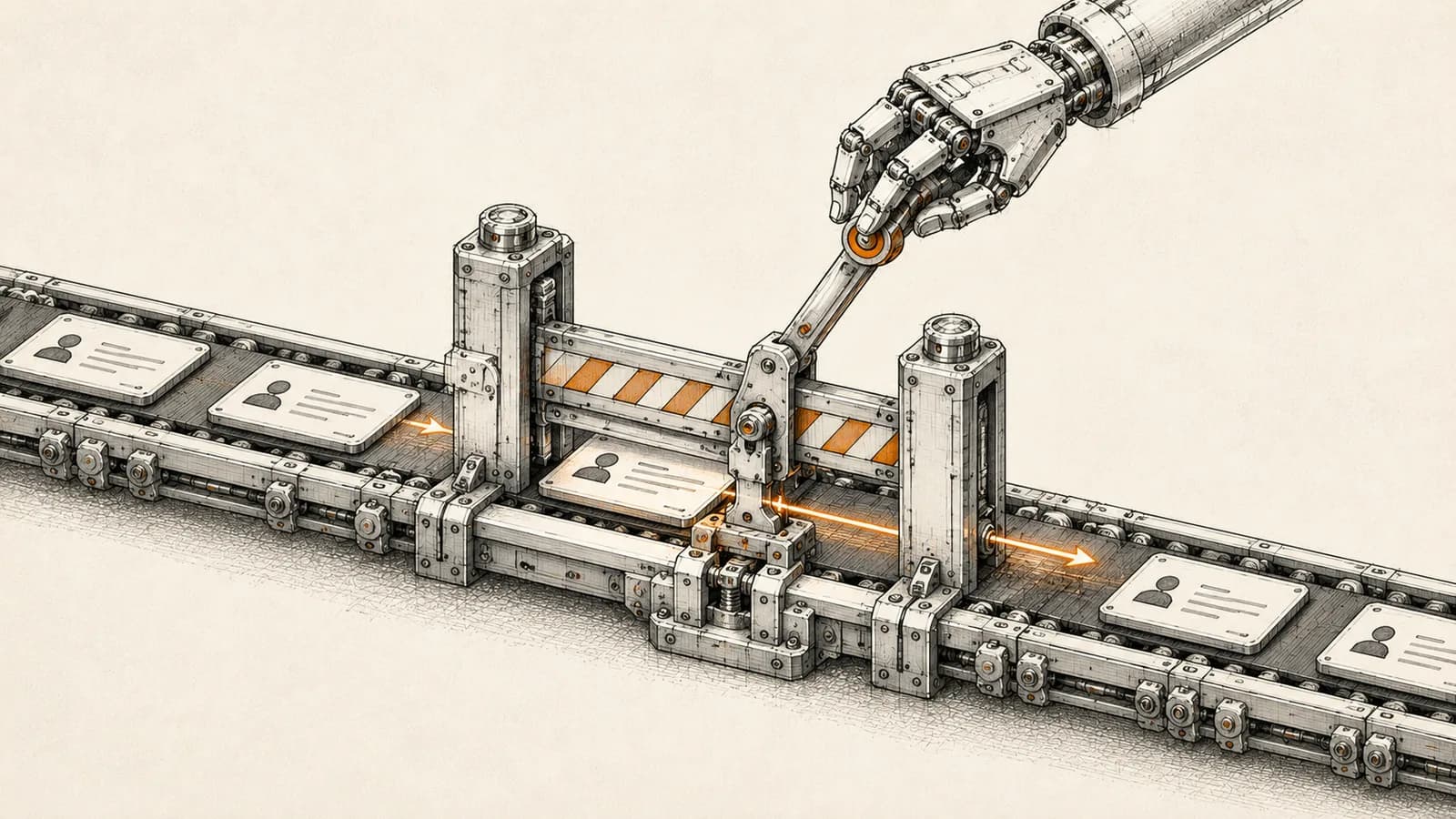
Why human-in-the-loop AI agents are becoming a design requirement, not an afterthought
Every founder rolling out AI agents for sales follow-ups, CRM updates, or customer messaging eventually hits the same question: what happens the first time the agent gets it wrong. Human-in-the-loop AI agents are the answer, but most teams implement the idea badly. They either bolt an approval click onto every single action, which trains staff to rubber-stamp requests without reading them, or they skip oversight entirely and find out about a bad decision only after a customer complains. Neither extreme survives contact with real operations. The teams getting this right in 2026 are treating human oversight as an architectural decision made once, at design time, rather than a manual habit enforced by whoever happens to be watching the dashboard that day.
This distinction matters more this year because regulation is starting to catch up with deployment. The EU AI Act's Article 14 provisions on human oversight for high-risk AI systems take effect on August 2, 2026, and while most small and mid-size Indian businesses are not directly regulated by it, any company selling into the EU or using vendors who are will feel the downstream requirements. Even without a regulatory trigger, the underlying logic holds: as agents take on more consequential actions, the cost of an unreviewed mistake grows faster than the value of the automation.
The four-tier framework for deciding what needs a human
Rather than asking "should this agent have oversight," the more useful question is "which specific actions need it, and how urgently." A risk-tiered approach classifies every action an agent can take by two factors: reversibility and consequence.
Tier one covers read-only actions: lookups, searches, report generation, and analysis with no side effects. These should run fully autonomously with no interruption. Tier two covers reversible actions such as drafting an email, tagging a record, or creating a task that a human can undo in seconds. These can also run autonomously, provided they are logged. Tier three covers actions that touch external systems or third parties, such as updating a CRM record a client can see or posting to a shared channel. These deserve either a staging queue or confidence-based routing, where only low-confidence cases get flagged for review. Tier four covers irreversible or high-stakes actions: sending a message to a customer, processing a payment, deleting data, or changing account permissions. These should always require explicit human approval before execution, no exceptions.
The mistake most automation projects make is applying tier-four scrutiny to tier-one and tier-two actions. That is what produces the approval fatigue that eventually causes someone to rubber-stamp a request they never actually read, which is precisely the failure mode you built the checkpoint to prevent.
Why confidence scores alone cannot be trusted
A tempting shortcut is to let the agent decide for itself when to ask for help, based on its own stated confidence. This works less well than it sounds. Models trained with reinforcement learning from human feedback tend to be systematically overconfident: a model claiming 90 percent confidence in a decision is often closer to 75 percent accurate in practice. That gap compounds badly in multi-step agent chains. If three agents each hand off a task with a claimed 90 percent confidence, the naive expectation might be roughly 73 percent end-to-end reliability, but accounting for the calibration gap, real-world reliability can fall closer to 40 percent by the time the final action executes.
This is the practical argument for hard-coded, deterministic guardrails rather than relying purely on the model's self-assessment. A gate that always requires approval before a payment goes out, a message gets sent externally, or a record gets deleted is auditable and predictable in a way that "ask for help when unsure" is not. Confidence scores can still route which requests get priority review, but they should not be the sole gatekeeper for consequential actions.
What this looks like in a real automation stack
For businesses already running workflows in n8n, human-in-the-loop is not a bolt-on integration but a built-in capability worth designing around from the start. n8n's AI Agent node supports marking individual tools as gated, meaning the agent can reason and plan freely, but the moment it tries to call a gated tool, execution pauses. A notification goes out through whatever channel the team already works in, such as Slack, WhatsApp, Telegram, Microsoft Teams, or email, showing the reviewer exactly which tool the agent wants to call and with what parameters. The reviewer approves or denies, and the workflow resumes or cancels accordingly. Critically, the gate is enforced at the level of the individual tool, not the whole workflow, so an agent can keep querying a knowledge base or reading records without interruption while a genuinely sensitive action, like updating a customer's billing details, still stops for a human.
Underneath the tool-level gate, the Wait node is the core building block for these review steps more broadly, and it is what makes asynchronous approval possible. This matters because synchronous, held-open approval requests break down in production: cloud gateways commonly close idle connections after around thirty seconds, and OAuth tokens used for downstream systems can expire within the hour. An asynchronous pattern, where the workflow state is saved and the execution resumes cleanly whenever the human responds, whether that is two minutes or two days later, is what actually survives real infrastructure rather than a demo.
The placement of these checkpoints matters as much as the mechanism. The advice that holds up in practice is to gate irreversible decision points only, things like publishing content, updating customer-facing records, processing payments, or deleting data, and to route everything else around review using conditional logic based on confidence or business rules. Every checkpoint should also present a clear, binary decision with full context rather than an open-ended judgment call, and every decision, approved or denied, should be logged so patterns can be reviewed later and used to tighten or loosen the gates over time.
Building the escalation path so it does not become the bottleneck
A checkpoint is only as good as what happens when nobody responds in time. Production-grade human-in-the-loop design always includes a timeout branch: if no reviewer responds within a defined window, the workflow should escalate to a backup approver, shelve the action for the next business day, or default to the safest possible outcome, never simply hang indefinitely. The context handed to the reviewer also matters more than most teams initially assume. A good escalation includes a plain-language description of the action, the reasoning the agent used to get there, the reversibility of the action, and a clear deadline for responding, rather than a raw payload the reviewer has to interpret themselves.
Getting this balance right, enough oversight to catch the mistakes that matter, without so much friction that staff stop reading what they are approving, is largely what separates AI agent projects that survive their first quarter in production from the ones that get quietly switched off. This is the layer AbhijeetBuilts spends the most implementation time on when building agent workflows for clients: mapping every action an agent can take to a risk tier before writing a single automation, then wiring the actual approval flow into the channels a team already uses, whether that is WhatsApp, Slack, or a CRM's own notification system, so oversight becomes part of the existing workflow rather than a new tool anyone has to learn.
If your business is looking at AI agents for sales follow-ups, CRM updates, WhatsApp conversations, or reporting, and you want the oversight built in from day one rather than retrofitted after something goes wrong, get in touch through the AbhijeetBuilts website to talk through what a risk-tiered approval framework would look like for your specific workflows.
Related resources
Keep building the automation map
Move from the guide into the services and proof pages connected to this topic.
Related services
Service
Explore AI Agent Development
AI agents for sales replies, lead memory, storyboard generation, data extraction, and structured automation outputs.
Service
Explore n8n Workflow Development
Custom n8n workflow automation for lead capture, CRM sync, AI enrichment, approvals, and notifications — built to keep running when nobody is watching.
Service
Explore Custom CRM Implementation
Custom CRM architecture for sales pipelines, operations handoff, service workflows, invoicing, and reporting dashboards.
Further reading
Guide
Read: How Startup Teams Can Use AI Agents to Reduce Manual Follow-Ups
Learn how startup teams can use AI agents to reduce missed follow-ups, keep CRM records updated, and improve lead response without losing human control.
Guide
Read: n8n MCP Server: Turn Workflows Into AI Agent Tools (2026)
n8n MCP server explained: expose workflows as AI agent tools using the July 2026 MCP spec update, with setup steps, examples, and security tradeoffs.
Guide
Read: AI Agent Tool Sprawl: How Anthropic's 2026 Upgrades Fix It
AI agent tool sprawl quietly inflates automation costs. See how Anthropic's 2026 MCP upgrades cut context bloat and add real access control.
Proof pages
Case study
See case study: Multilingual WhatsApp Sales Bot for an International Freight Forwarder
A WhatsApp AI sales assistant that qualifies freight enquiries in three languages, remembers every conversation, and alerts the sales team the moment a quote is requested.
Case study
See case study: Complete Zoho Stack for a B2B Packaging Manufacturer
One Zoho operating system for a B2B packaging manufacturer — sales, service, inventory, accounting, ticketing, and analytics — replacing the legacy Excel and Salesforce files the business used to run on.