automation
AI Customer Support Pricing in 2026: What You Really Pay
AI customer support pricing in 2026 is metered four different ways. Compare per-outcome, per-resolution, per-session and per-token billing before you buy.
4 Nov 2026 · 8 min read · Abhijeet Singh
On this page 6 sections
Every founder I talk to about support automation asks the same question first: what does it cost per month? It is the wrong question. AI customer support pricing in 2026 is no longer a seat count with an AI feature bolted on. The major helpdesk vendors have each picked a different unit to charge you for, and the unit you agree to matters far more than the number printed next to it.
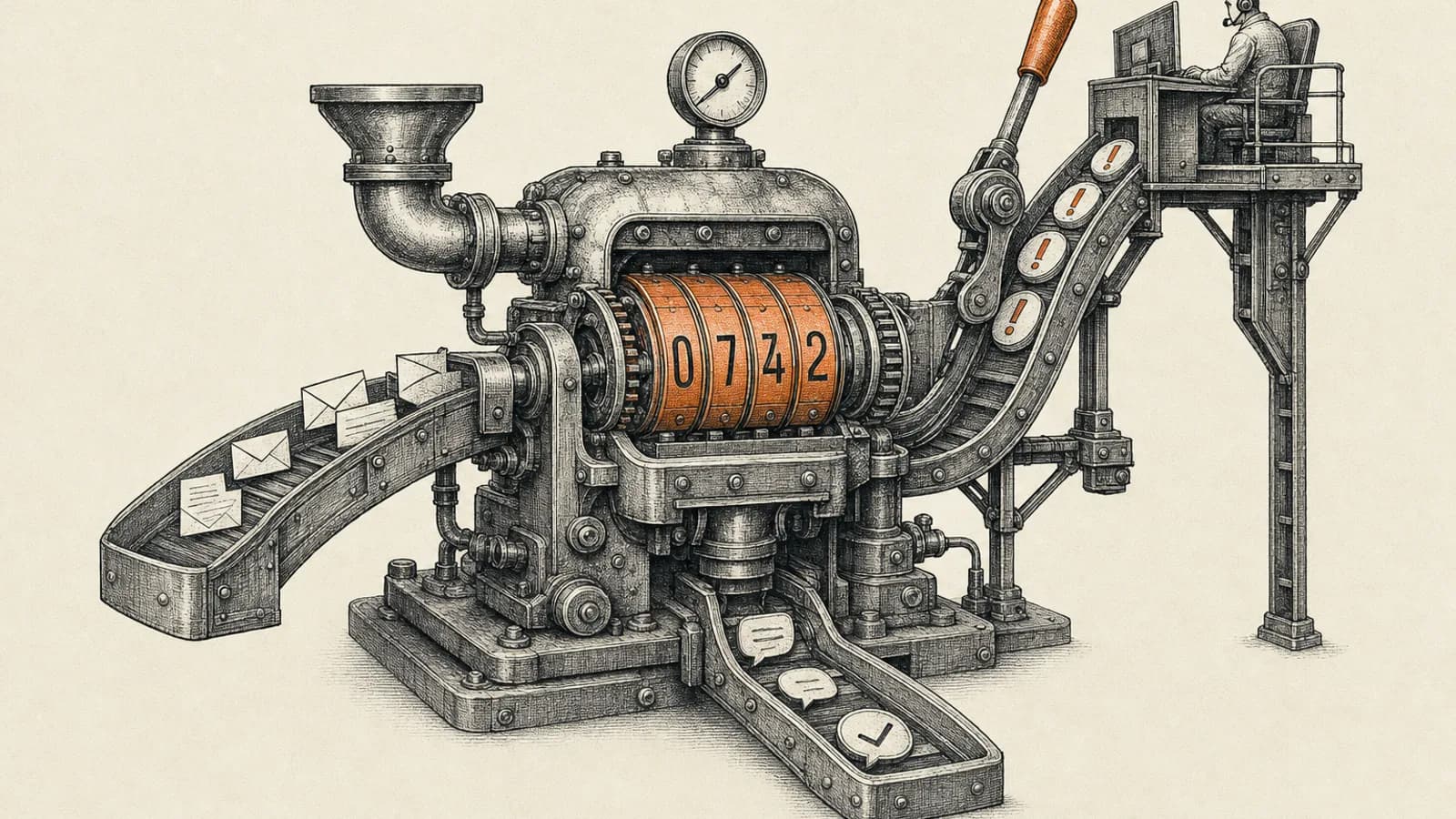
Two businesses with identical ticket volumes can pay very different amounts on different platforms, not because one vendor is greedier, but because one bills for attempts and another bills only for successes. Get the meter wrong and your support automation gets more expensive exactly as your volume grows.
Here is what each of the main platforms actually charges for, taken from their own published pricing pages, and how to model your real number before you commit.
AI customer support pricing moved from seats to outcomes
The old model was simple. You paid per agent per month, the software was a ticket database, and automation meant macros and routing rules. Cost scaled with headcount, so if automation let you hire fewer people, your bill went down.
That relationship has been inverted. When an AI agent resolves a conversation end to end, no human touched it, so no seat was consumed. Vendors responded by creating a second meter that runs on conversation volume rather than headcount. Your seat bill can fall while your total bill rises.
This is why the interesting question is not the price. It is what the vendor considers a billable event, and whether that event is something you control.
The four meters you are choosing between
Intercom charges per outcome. Its Fin pricing documentation lists 0.99 US dollars per outcome, and defines an outcome as a resolution where no further help is requested after Fin's last answer, a procedure handoff where Fin completes a procedure you configured to hand off to a human, or a disqualification where a prospect does not match your criteria. Those three are each 0.99 dollars. Qualifications, where a prospect does match, are 9.99 dollars each. Intercom also states you are not charged when a conversation is simply passed to your team without an outcome, and that there is a fifty outcome per month minimum when Fin is used on a non-Intercom helpdesk. Seats are separate, listed at 29, 85 and 132 dollars per seat per month across the Essential, Advanced and Expert plans.
Zendesk charges per automated resolution. Its documentation describes the automated resolution as the unit of measurement used for calculating and billing your account for AI agent usage, and states that paying per automated resolution means you pay only for customer requests that were successfully resolved by the AI agent, without any escalation to a human agent. Testing an AI agent inside Admin Center does not count against usage. Suite seats sit underneath that, published at 19 dollars for Support Team, 55 for Suite Team and 115 for Suite Professional per agent per month paid yearly.
Freshdesk charges per session. Freddy AI Agent is metered in sessions rather than resolutions, with the first 500 sessions included and additional volume at 49 dollars per 100 sessions. Freshworks defines an email agent session as a 72 hour window starting from the customer's first email, with all AI responses inside that window counting as a single session regardless of how many replies occur. Agent seats are published at 19, 55 and 89 dollars per agent per month billed annually for Growth, Pro and Enterprise.
Zoho charges per token. Its Zia Agents pricing page states plainly that Zia Agents are free, and that every agent built, deployed and managed there is free as well. What you pay for is language model consumption. Zoho-hosted models are free up to 30 million tokens per month on the standard tier and 20 million on the pro tier, after which overage is billed at a published per-million-token rate through Zoho's credit system. Be aware that the overage figure renders inconsistently on Zoho's own pricing page, so confirm the current rate in writing before you build a forecast on it. Bring your own key and you pay the external vendor directly at their rates.
Why the meter matters more than the headline price
Look at what each meter rewards and punishes.
A resolution meter, like Zendesk's, only bills you when the agent succeeds. A weak knowledge base costs you nothing directly, because failed attempts escalate free of charge. Your risk is service quality, not spend.
A session meter, like Freshdesk's, bills you for the attempt. The same weak knowledge base now costs money on every conversation the bot fumbles before a human takes over. On a session meter, knowledge base quality is a direct line item.
An outcome meter that includes configured handoffs, like Intercom's, sits in between. A procedure that ends by routing to a human is billable, while an unstructured pass to your team is not. That is a subtle but real design incentive: the more of your escalation logic you formalise into procedures, the more billable events you create.
A token meter, like Zoho's, is the only one that scales with how verbose your agent is rather than how often it works. Long system prompts, large retrieved context and chatty multi-turn conversations all cost more, whether or not the customer got an answer. It is the hardest to forecast and the easiest to optimise once you can see the usage.
One trap worth naming: on Intercom's published rates, a qualification is ten times the price of a support resolution. If someone points a support agent at inbound sales conversations without noticing, the bill changes character entirely.
Model your real cost before you sign
Do this with your own numbers, not the vendor's calculator.
Start with monthly conversation volume, not ticket count. Count distinct customer conversations across every channel you plan to route through the agent, including email, chat and WhatsApp.
Split that volume three ways: what the agent should resolve alone, what it should attempt and escalate, and what should never reach it at all. Be pessimistic on the first number. In most small and mid-size businesses the genuinely automatable share is repetitive status, policy, pricing and how-to questions, and it is usually smaller than the vendor demo suggests.
Now price the same split on each meter. On a resolution meter you multiply only the first bucket. On a session meter you multiply the first and second buckets together, because attempts bill too. On a token meter you estimate tokens per conversation and multiply across the first and second buckets.
Then add the seat cost you will still be paying, because in every one of these models seats continue alongside the AI meter. Finally, run the same model at three times your current volume. That is the number that decides which platform you can live with in two years.
Design decisions that move the bill
The controls that matter are not in the pricing page.
Scope the knowledge base before you scope the agent. An agent answering from thin, out of date documentation escalates constantly, which is free on one meter and expensive on another. Cleaning up the twenty articles that cover eighty percent of your inbound questions is usually worth more than any model choice.
Put deterministic routing in front of the agent. Order status lookups, invoice copies and delivery windows do not need a language model at all. Routing them to a workflow that queries your system of record directly is faster, cheaper and more accurate than paying an AI meter to do the same job. This is where the practice of pairing a helpdesk with an orchestration layer earns its keep.
Decide your escalation rules explicitly. Confidence thresholds, refund and credit limits, angry customer detection and after hours behaviour all need to be written down before launch, not discovered from transcripts afterwards.
Instrument from day one. You want containment rate, escalation reason codes, first response time, reopen rate and customer satisfaction split by handled-by-agent versus handled-by-human. Without the split you cannot tell whether automation is helping or quietly annoying your best customers.
At AbhijeetBuilts we typically build this as a layered system rather than a single vendor purchase: the helpdesk stays the system of record for tickets, an orchestration layer handles lookups and writebacks into the CRM, and the AI agent is scoped narrowly to the question types where it demonstrably performs. That keeps the metered spend attached to work the agent is actually good at.
What good looks like after ninety days
A working support automation programme shows a rising containment rate on a stable or improving satisfaction score, a shrinking reopen rate, and escalation reasons that cluster into a short list you can act on. If containment rises while satisfaction falls, the agent is closing conversations rather than solving them, and on an outcome meter you are paying for the privilege.
Review the meter quarterly against actual usage. Vendors change packaging often, and the plan that suited you at 500 conversations a month is rarely the right one at 3,000.
If you are evaluating support automation for your business and want an honest read on which meter fits your volume, your channels and your existing stack, get in touch through the contact page. A short conversation about your real ticket mix will usually save more than the first month of any of these subscriptions.
Related resources
Keep building the automation map
Move from the guide into the services and proof pages connected to this topic.
Related services
Service
Explore AI Agent Development
AI agents for sales replies, lead memory, storyboard generation, data extraction, and structured automation outputs.
Service
Explore WhatsApp Automation
WhatsApp automation for lead qualification, multilingual AI conversations, sales alerts, and clean CRM handoff — every enquiry answered, every conversation remembered.
Service
Explore Zoho CRM Consulting
Zoho CRM setup, custom modules, client scripts, Deluge functions, workflow rules, and cross-module automation.
Further reading
Article
Read: AI Voice Agents for Small Business in 2026: A Buying Framework
AI voice agents for small business reached real maturity in 2026 — here's a practical framework for evaluating cost, compliance, and platform fit.
Article
Read: AI Reporting Dashboards in 2026: Fix Your Metrics First
AI reporting dashboards fail on definitions, not models. What Microsoft, Google and Zoho require, and the metric contract that makes answers trustworthy.
Article
Read: Zoho SalesIQ Zia Agents in 2026: What to Automate First
Zoho SalesIQ Zia Agents shipped in 2026. Which edition you need, how they differ from Answer Bot and Zobot, and what to automate first without risking CX.
Proof pages
Case study
See case study: Multilingual WhatsApp Sales Bot for an International Freight Forwarder
A WhatsApp AI sales assistant that qualifies freight enquiries in three languages, remembers every conversation, and alerts the sales team the moment a quote is requested.
Case study
See case study: Custom Zoho CRM with Auto-Pipeline for a Freight Forwarder
A freight CRM that carries an enquiry through contacts, accounts, deals, quotes, jobs, cost sheets, and invoicing — with client scripts and Deluge automation removing the re-typing between every stage.