ai
Claude Managed Agents in 2026: When to Use Them
Claude Managed Agents in 2026: what the beta gives you, how token and session-runtime billing works, and when a workflow tool is the better call.
19 Aug 2026 · 10 min read · Abhijeet Singh
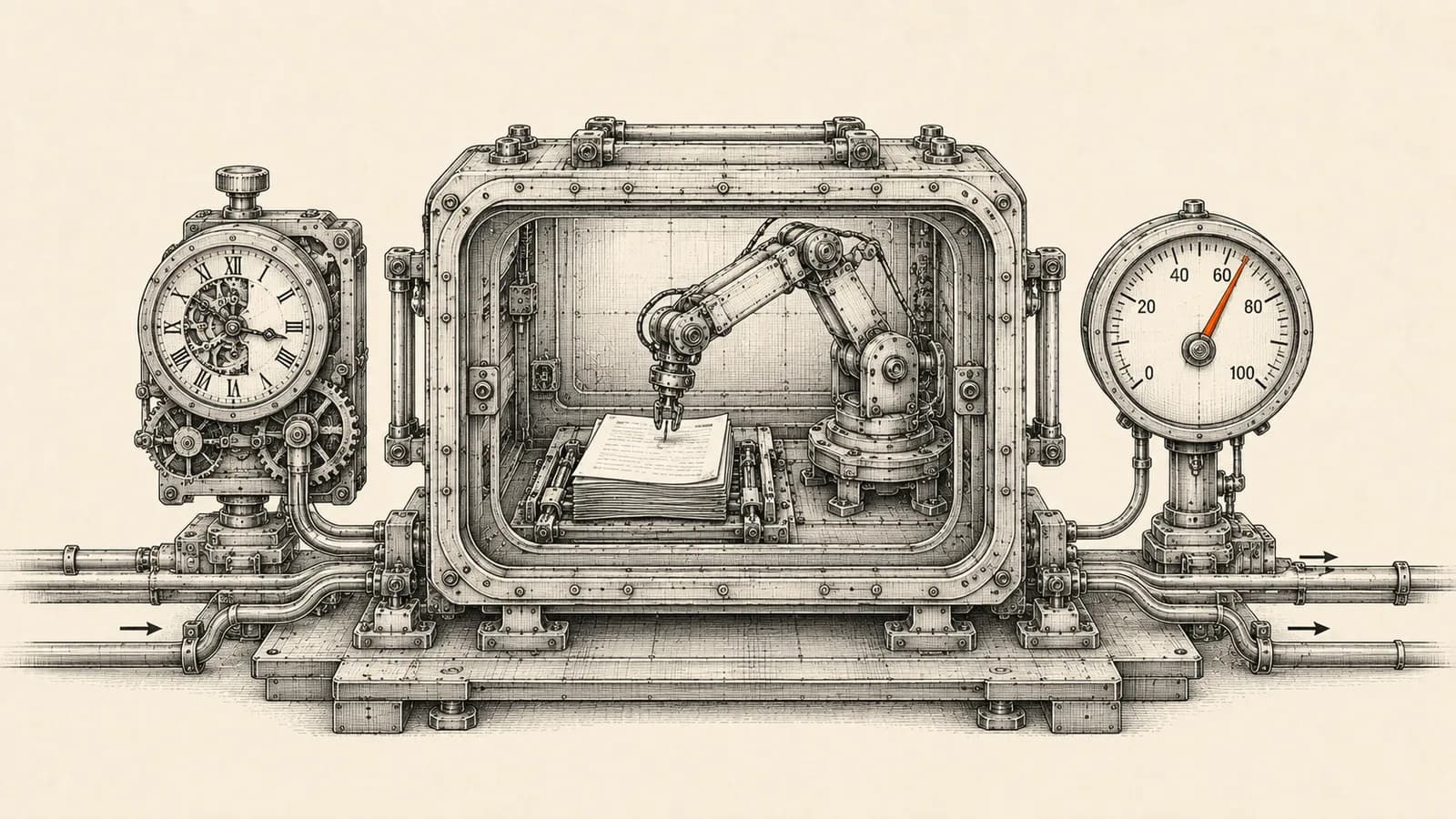
Claude Managed Agents moves both halves of an AI agent — the loop that decides what to do next, and the machine where its tools actually run — onto Anthropic's infrastructure. For a small operations team that already runs automations, the useful question is not whether it works, but which workflows belong on it, which should stay in the stack you already run, and what each run costs.
This guide covers what Claude Managed Agents gives you, how Anthropic bills it, the spend controls available, and a decision checklist for your own processes. Everything below reflects Anthropic's published documentation as of August 2026, and starts with the status. Managed Agents is in beta: Anthropic's documentation states that every endpoint requires a beta header, that access is enabled by default for all API accounts, and that behaviours may be refined between releases. Two capabilities inside it, MCP tunnels and a feature called dreaming, sit in a more limited research preview you have to request. Beta here means the API shape can still move, not that it is unusable in production.
What Claude Managed Agents actually is
Anthropic splits its platform into two ways of building. The Messages API is direct model prompting, described in the docs as best for custom agent loops and fine-grained control. Claude Managed Agents is described as a pre-built, configurable agent harness running in managed infrastructure, best for long-running tasks and asynchronous work.
The system is built on four objects, and understanding them is most of the learning curve.
An **agent** is the configuration: the model, system prompt, tools, any MCP servers, and any skills. You create it once and reference it by ID afterwards.
An **environment** is where sessions run, either an Anthropic-managed cloud sandbox or a self-hosted one on infrastructure you control.
A **session** is one running instance of that agent doing a specific piece of work. Sessions are stateful: they keep a filesystem and conversation history, and resume cleanly after a pause.
**Events** are the messages passing between your application and the agent: instructions, tool results and status updates. Work streams back over server-sent events, and the history is persisted so you can fetch it in full later.
Inside a session Claude gets built-in tools without you writing any of them: bash, file operations covering read, write, edit, glob and grep, web search and web fetch, and connections to external MCP servers.
What you stop building
The value is easiest to see by listing what disappears from your codebase. You no longer write the agent loop, the retry and error handling around it, the container the agent works in, the state store that survives a restart, or the scheduler for recurring runs. The harness also ships prompt caching and compaction internally, two of the fiddliest parts of keeping a long-running agent both cheap and coherent. In client projects that plumbing is usually where the second and third weeks of an engagement go, long after the interesting logic works.
What Claude Managed Agents costs
Anthropic bills Managed Agents on two dimensions: tokens and session runtime.
Tokens are charged at the same published rates as the Messages API. As of August 2026 those list prices are five dollars per million input tokens and twenty-five per million output for Claude Opus 5, two and ten for Claude Sonnet 5, and one and five for Claude Haiku 4.5. Worth flagging for anyone who budgeted off older guidance: the Sonnet 5 introductory rate was scheduled to rise on 1 September 2026, and Anthropic's pricing page now states that increase will not happen and the introductory rate is the standard price. Prompt caching multipliers apply as they do elsewhere, and web searches inside a session cost the standard ten dollars per thousand searches.
Session runtime is new to most people. It is billed at eight cents per session-hour, measured to the millisecond, and accrues only while the session's status is running; time spent idle waiting for your next message or a tool confirmation is not billed. Anthropic's documentation is explicit that this replaces the separate code execution container-hour billing rather than stacking on top of it.
The worked example on Anthropic's pricing page is the clearest way to calibrate. A one-hour session on Claude Opus 5 consuming fifty thousand input and fifteen thousand output tokens costs twenty-five cents of input, thirty-seven and a half cents of output and eight cents of runtime, totalling about seventy cents. With caching active on forty thousand of those input tokens it lands near fifty-three cents. Runtime is rarely the line item that hurts. Tokens are.
The spend control most teams should turn on first
Session budgets are the feature I would not run a production agent without. A budget is a hard dollar ceiling attached when you create a session: the platform continuously prices everything the session consumes at public list rates and stops issuing new model requests once that total reaches the cap.
Several details matter in practice. The amount is a whole number of US cents written as a string, and US dollars is the only supported currency, so 125 means one dollar twenty-five and decimal forms are rejected.
The cap is enforced between model requests, not mid-request, so the request already in flight finishes and a session can stop a fraction past its cap. Anthropic documents that as expected behaviour rather than a billing error, so size the number with a one-request margin in mind.
A session that hits its budget goes idle rather than terminating. History and sandbox are preserved, it reports a stop reason of budget reached, and raising or removing the cap resumes the paused work automatically. At the cap it still accepts events that settle work in progress, such as tool results and confirmations, but rejects anything that would start new work.
One asymmetry to plan around: a budget can only be attached at session creation, and removing it is one-way. If you want to relax a cap, change it rather than remove it.
Scheduled deployments replace your cron box
A scheduled deployment lets an agent start its own sessions on a recurring cadence, removing the last piece of infrastructure most teams were still hosting for this.
You define a standard cron expression plus an IANA timezone, with minute-level granularity the finest resolution supported. Anthropic applies jitter of up to fifteen percent of the interval between runs to spread load, floored at five seconds and capped at nine minutes, so treat the schedule as approximate. The documented limit is one thousand scheduled deployments per organisation.
Two operational details are worth designing around. Cron schedules use literal wall-clock matching, so a daylight-saving spring-forward can skip a run and a fall-back can fire one twice; Anthropic's guidance is to schedule outside the one-to-three AM local window, or use UTC, when that is unacceptable. And every trigger attempt writes a deployment run record, including failures, with error types such as an archived environment or a rate-limited session creation. That record is your monitoring surface, and it is why a scheduled agent is easier to operate than a cron job on a server nobody logs into.
Deployments accept the same budget object, and the cap is copied onto each run rather than acting as a cumulative ceiling, so Anthropic's two thousand cent example allows roughly twenty dollars per run. There is also a manual run endpoint, and testing through it before committing to a schedule should be standard.
Ask the data question before the capability question
Managed Agents is stateful by design, and Anthropic is direct about the consequence: because sessions store conversation history, sandbox state and outputs server-side, it is not currently eligible for Zero Data Retention or HIPAA Business Associate Agreement coverage. You can delete sessions and uploaded files through the API at any time, but if your compliance position depends on zero retention, that is a hard gate to check in week one.
Self-hosted sandboxes are the partial answer. Anthropic keeps running the orchestration while tool execution moves onto infrastructure you control: a worker process you run claims queued work items, executes the tool calls locally and posts results back, so the filesystem, processes and network the agent touches stay inside your boundary. Be precise about what that does not solve, because the documentation is: tool inputs and outputs still flow to Anthropic's control plane, since the model has to see results to decide what to do next.
On credentials, Anthropic announced vaults alongside scheduled deployments in June 2026. Vaults store environment variables and credentials so an agent can authenticate to CLI tools and external services without those secrets being handed to it in prompts or code.
Managed Agents or the automation stack you already run
This is the decision that actually matters, and it is not either-or. The honest split looks like this.
Managed Agents earns its place when the work is open-ended and the path cannot be drawn in advance, when a single task legitimately runs for many minutes across many tool calls, when the agent needs a real filesystem and shell, or when state must survive a week of interactions without you building a state store.
A workflow tool like n8n stays the better answer when the steps are known, when the value sits in connectors to your CRM, spreadsheets, inboxes and messaging platforms rather than in reasoning, when behaviour must be identical every run, and when the people maintaining it are operators rather than developers. A known five-step process does not need an agent, and paying model tokens to rediscover those five steps every night is the most common waste we see.
The strongest pattern is both. The workflow tool owns triggers, connectors, routing and the record of what happened; the managed agent is invoked for the one step that genuinely requires open-ended reasoning, with a budget attached and a human approving anything irreversible.
A sane rollout sequence
Pick one process where a person spends thirty to sixty minutes on judgement rather than clicks: a weekly competitive summary, a reconciliation that needs interpretation, a first-pass review of inbound documents.
Run it manually as a single session and read the full event history afterwards, looking at how many tool calls it took and where it wandered. Attach a budget from the first production session, sized off what that manual run cost plus the in-flight margin. Move it to a scheduled deployment only once the manual runs are boring, setting the per-run budget at the same time.
Keep irreversible steps behind human approval. Sending, paying, publishing and deleting are the four verbs worth gating, and the tool-confirmation flow exists precisely so a paused agent can wait for a person.
At AbhijeetBuilts we build this kind of system for founders and operations leads: deciding which steps deserve an agent and which belong in a deterministic workflow, wiring it into the CRM and messaging tools where the work already lives, and putting budgets, approvals and monitoring around it before it runs unattended. The pattern that survives contact with a real business is almost never a fully autonomous agent. It is a narrow, well-instrumented one with a clear owner.
If you are weighing an agent for a process in your own business and want a straight answer on whether it belongs on managed infrastructure, in your existing workflow tool, or nowhere yet, get in touch through the website and we can work through it against your numbers.
Related resources
Keep building the automation map
Move from the guide into the services and proof pages connected to this topic.
Related services
Service
Explore AI Agent Development
AI agents for sales replies, lead memory, storyboard generation, data extraction, and structured automation outputs.
Service
Explore n8n Workflow Development
Custom n8n workflow automation for lead capture, CRM sync, AI enrichment, approvals, and notifications — built to keep running when nobody is watching.
Service
Explore AI Operating System
A done-for-you AI operating system built on Claude: a second brain that knows your business, remembers everything between sessions, and safely runs your recurring work.
Further reading
Guide
Read: Agent Skills for Business Operations: A 2026 Playbook
Agent Skills for business operations turn SOPs into instructions AI agents load on demand. The format, the real limits, and how to roll them out safely.
Guide
Read: Human-in-the-Loop AI Agents: The 2026 Approval Framework
Human-in-the-loop AI agents don't need approval on every action. Here's the four-tier risk framework that keeps AI agent oversight tight in 2026.
Guide
Read: The AI Operating System for Founders: A 2026 Guide
An AI operating system replaces scattered SaaS with one orchestration layer. Here's how founders build one in 2026: the stack, the steps, and the trade-offs.
Proof pages
Case study
See case study: Automated LinkedIn Outreach with AI Reply Agent
A complete LinkedIn outreach system: prospect scraping, a deliberately gradual connection ramp, post engagement, acceptance tracking, campaign messaging, and Claude-powered replies that remember every lead.
Case study
See case study: Multilingual WhatsApp Sales Bot for an International Freight Forwarder
A WhatsApp AI sales assistant that qualifies freight enquiries in three languages, remembers every conversation, and alerts the sales team the moment a quote is requested.