zoho
Zoho ERP in 2026: When to Move Off Books and Inventory
Zoho ERP shipped in India in 2026. Get the real price meters, volume ceilings and signals that tell you whether to move off Zoho Books and Inventory.
14 Aug 2026 · 9 min read · Abhijeet Singh
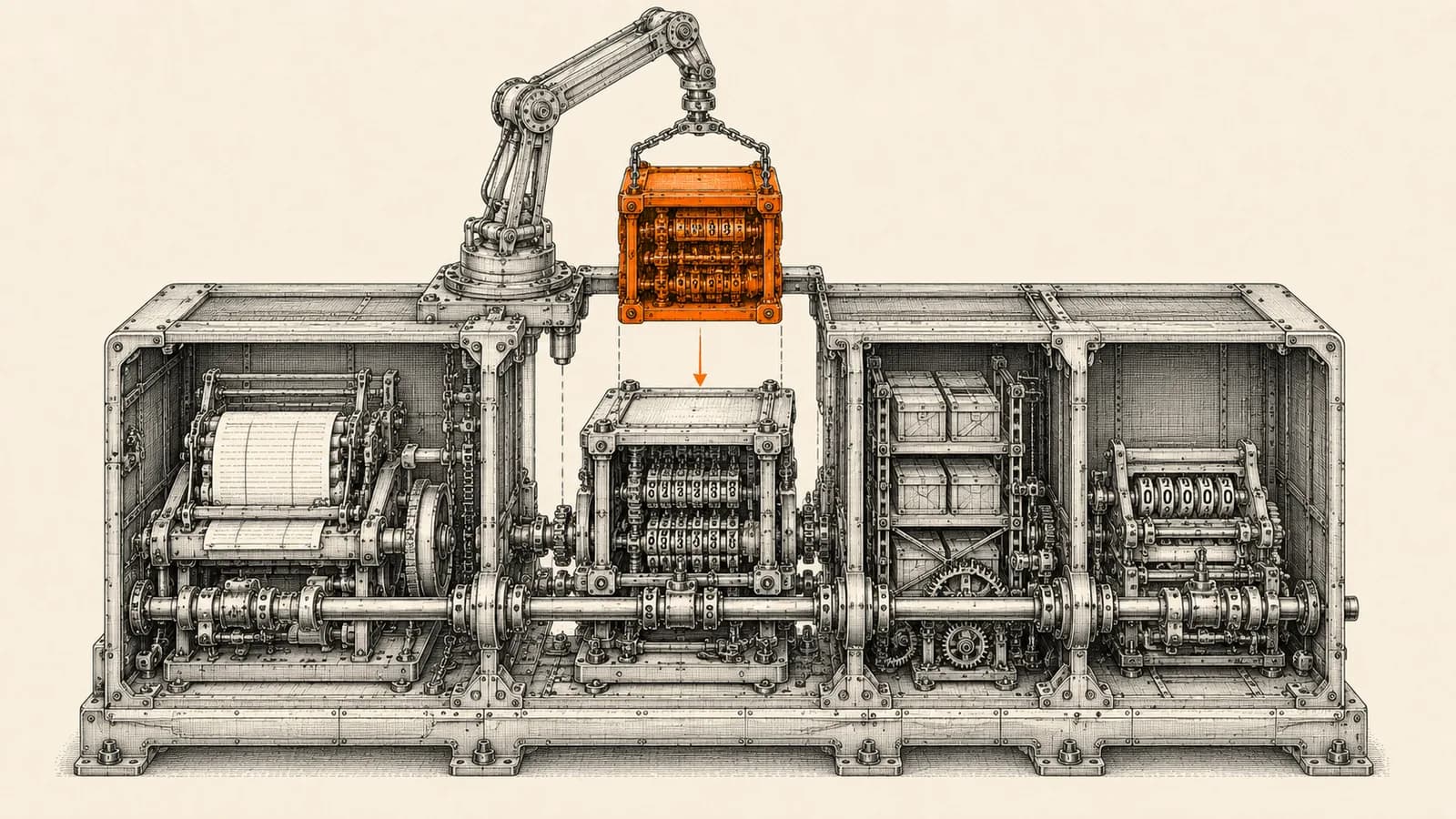
Zoho ERP is the newest and least understood product in the Zoho stack, and it is already creating a question I get asked most weeks: should we move off Zoho Books and Zoho Inventory onto it? The honest answer for most small and mid-size businesses in 2026 is not yet, but the exceptions are specific enough to be worth checking properly rather than guessing. This guide gives you the real numbers, the ceilings that actually force a move, and a short evaluation sequence you can run in four weeks.
What Zoho ERP actually is
Zoho announced Zoho ERP on 23 January 2026, launching it from its rural development centre in Kumbakonam, Tamil Nadu. According to Zoho's own press release, the product is available in India for immediate use, with a global rollout planned as it scales. The positioning is explicit: a homegrown, compliance-ready alternative to the global ERP vendors, aimed at fast-growing mid-market businesses.
The official product page lists six pillars: core financials, supply chain management, billing management, people and payroll operations, spend management, and omnichannel commerce. The press release adds asset management, budgeting, and continuous financial close, and calls out four industry flavours: manufacturing, distribution, retail, and non-profits.
On compliance, Zoho states the platform is GST and e-invoicing compliant, aligned to IFRS 15 and ASC 606 for revenue recognition, and automates statutory obligations including EPF, ESI, TDS, professional tax, and LWF. For an Indian manufacturer currently running payroll compliance in a separate tool, that single line is often the most interesting part of the whole product.
Note what is not on that module list: CRM. Zoho ERP is a back-office platform. Your pipeline, quotes, and sales activity stay in Zoho CRM, and the handoff point between the two is quote-to-order. Anyone telling you Zoho ERP replaces your CRM has not read the module list.
Where you can actually buy it
Precision matters here because a lot of secondary coverage blurs it. Zoho ERP has shipped in India. Zoho introduced it for the United States market at Zoholics USA, held on 12 and 13 May 2026 in Houston, and partner coverage from that event reports an initial focus on manufacturing, retail, distribution, and non-profit organisations. Zoho's own press material still describes the global rollout as planned rather than dated.
If you are outside India, the practical answer today is that this is a roadmap item you should track, not a platform you can migrate onto this quarter. Plan your next twelve months on Books, Inventory, and the wider finance suite, and revisit when your region has a live pricing page.
The pricing has two meters, not one
This is the part that surprises people, and it changes the arithmetic completely.
Zoho ERP in India is priced per user and per employee at the same time. On the Standard plan the official pricing page lists INR 999 per user per month billed annually, or INR 1,399 billed monthly, alongside INR 249 per employee per month annually, or INR 299 monthly. The Premium plan lists INR 2,499 per user per month annually and INR 2,999 monthly, with the same employee rate. Standard carries a five-user minimum.
The two meters cover different people. A user is someone working inside the ERP. An employee, per Zoho's pricing documentation, is internal staff given self-service access to manage payroll, travel and expense claims, and operational activities such as beat distribution, retail billing, and field operations under assigned roles. That distinction is genuinely useful. A 90-person distributor where only 12 people touch finance and operations pays 12 user licences plus a much cheaper employee licence for everyone else, rather than 90 full seats.
Then there is a transaction ceiling. Standard allows 100,000 transactions per organisation per year and Premium allows 300,000, and Zoho's documentation is clear that the count includes sales, purchase, and manufacturing orders together. Add-ons are separately metered: additional locations run roughly INR 600 to 720 per location per month, document autoscan around INR 419 to 499 per 50 scans per month, and an API add-on at INR 9,990 per year or INR 999 per month for 10,000 daily API calls. There is a 14-day trial. All figures exclude GST.
The ceilings that actually trigger a move
Most businesses do not outgrow Zoho Books and Zoho Inventory on features. They outgrow them on one specific counter. Find yours before you evaluate anything.
Zoho Inventory's published India plans cap on three axes at once. The Free plan gives one user, one location, and 50 orders per month. Standard at INR 999 per month billed annually gives three users, two locations, and 500 orders. Premium at INR 2,299 gives five users, four locations, and 3,000 orders. Plus at INR 4,999 gives 10 users, six locations, and 7,500 orders. Enterprise at INR 7,499 gives 10 users, 10 locations, and 15,000 orders per month.
Zoho Books meters differently, on documents per year. Free covers one user plus an accountant and up to 1,000 invoices annually. Standard at INR 749 gives three users and 5,000 invoices. Professional at INR 1,499 gives five users and 10,000. Premium at INR 2,999 gives 10 users and 25,000. Elite at INR 4,999 gives 15 users and Ultimate at INR 7,999 gives 25 users, both at up to 100,000 invoices annually.
Now do the comparison properly, because the obvious conclusion is wrong. A 10-user operation on Books Ultimate plus Inventory Enterprise pays roughly INR 15,500 per month before GST. The same 10 users on Zoho ERP Standard cost about INR 9,990 per month in user licences. ERP looks cheaper. But Inventory Enterprise permits 15,000 orders every month, while ERP Standard permits 100,000 transactions for the entire year across sales, purchase, and manufacturing combined. The meters are not equivalent, and for a high-volume distributor the move can reduce headroom rather than expand it. Check your actual annual document count against the combined ERP meter before you let a licence-cost slide decide this.
Five signals you have genuinely outgrown Books and Inventory
Move when at least two of these are true, not one.
You operate more than 10 stock locations. Zoho Inventory stops at 10, and location add-ons in ERP are cheap by comparison.
You manufacture. Bill of materials, material requirements planning, work orders, and quality control sit inside ERP's supply chain pillar and are not what Inventory was built for. Composite items are not production planning.
Payroll and statutory compliance live in a separate system that someone reconciles by hand every month. The people and payroll pillar is the strongest single argument for ERP in an Indian context.
Your financial close is a spreadsheet exercise across three or four apps. Continuous financial close is a named capability in ERP and a manual ritual everywhere else.
You have a large population of staff who need self-service access only. The employee meter makes this cost a fraction of what full seats would.
Four good reasons to stay exactly where you are
Your volume fits comfortably inside the current caps and your process is a sales-order pipeline rather than a production line. Nothing about ERP makes that faster.
You are outside India. Wait for a live regional pricing page.
You have integrations built against the Books and Inventory APIs. Those are real assets and re-pointing them at a new platform is project work you have not budgeted.
Your actual problem is that CRM, finance, and inventory do not talk to each other. That is an integration project, not an ERP purchase, and it is usually solved in weeks rather than quarters. Replacing three working apps to fix a data-flow problem is the most expensive way to buy a middleware layer.
How this fits with CRM and automation
The architecture we recommend to clients has not changed because ERP exists. Zoho CRM stays the system of record for pipeline and customer relationships. The finance and operations platform, whether that is Books plus Inventory today or ERP later, owns everything after the order is confirmed. Between them sits an orchestration layer that moves the quote-to-order handoff, pushes fulfilment status back to the customer record, and raises an alert when a document fails to sync instead of letting it disappear quietly.
At AbhijeetBuilts most of the Zoho work we do for manufacturers and distributors is exactly this seam: the CRM is fine, the finance app is fine, and the money is being lost in the gap between them. We build that gap as explicit n8n workflows with retry and failure alerting, so the handoff is observable rather than assumed. If the seam is solid, the eventual move to ERP becomes a swap of one endpoint rather than a rebuild.
A four-week evaluation sequence
Week one, count. Pull your actual annual totals for sales orders, purchase orders, invoices, and bills, plus your live location and user counts. You cannot evaluate a transaction-metered platform without this.
Week two, map the gap. List the things you currently do outside Zoho: payroll, manufacturing planning, asset registers, whatever is in spreadsheets. That list is the real value case, not the feature grid.
Week three, trial it. Take the 14-day trial with one real process end to end, ideally your messiest one. Do not trial the demo data.
Week four, price both futures honestly. Compare current subscriptions plus the cost of the manual work against ERP user licences, employee licences, location add-ons, and API add-ons, both at today's volume and at three times today's volume. Include migration effort and the cost of re-pointing every existing integration.
Where this usually goes wrong
Three failure patterns show up repeatedly. Teams migrate because the platform is new rather than because a counter is capped, and they inherit a bigger system to administer with no operational gain. Teams underestimate the integration re-work and discover mid-migration that four automations silently broke. And teams treat ERP as a CRM replacement, which it is not, and end up with sales data scattered across two systems.
The disciplined version of this decision is boring. Find your binding constraint, confirm the new platform actually relieves it, price both futures at three times current volume, and only then move.
If you are weighing this up for a manufacturing or distribution business and want an outside read on whether your constraint is really the platform or really the integration between platforms, get in touch through the site. A short review of your current Zoho setup and volumes is usually enough to tell you which of the two it is, and that answer alone saves most businesses a migration they did not need.
Related resources
Keep building the automation map
Move from the guide into the services and proof pages connected to this topic.
Related services
Service
Explore Zoho CRM Consulting
Zoho CRM setup, custom modules, client scripts, Deluge functions, workflow rules, and cross-module automation.
Service
Explore n8n Workflow Development
Custom n8n workflow automation for lead capture, CRM sync, AI enrichment, approvals, and notifications — built to keep running when nobody is watching.
Service
Explore Reporting & Dashboards
Management dashboards for pipeline, sales, service, and operations — built on Zoho Analytics or custom stacks, fed automatically by your systems.
Further reading
Guide
Read: Zoho CRM Reports vs Zoho Analytics: When to Upgrade in 2026
Zoho CRM reports vs Zoho Analytics: the five signals that tell you native CRM reporting has run out, what Analytics added in 2026, and what it really costs.
Guide
Read: Zoho Flow AI Automation in 2026: A Practical Guide
Zoho Flow AI automation now includes agentic actions and Zia Utilities. Here's what shipped, what it's good for, and how to adopt it safely.
Guide
Read: Zoho CRM vs Salesforce vs HubSpot: Which CRM Should a Founder Choose in 2026?
A practical founder-focused comparison of Zoho CRM, Salesforce, and HubSpot, with guidance on choosing the right CRM before adding automation.
Proof pages
Case study
See case study: Complete Zoho Stack for a B2B Packaging Manufacturer
One Zoho operating system for a Pune packaging manufacturer — sales, service, inventory, accounting, ticketing, and analytics — replacing the legacy Excel and Salesforce files the business used to run on.
Case study
See case study: Custom Zoho CRM with Auto-Pipeline for a Freight Forwarder
A freight CRM that carries an enquiry through contacts, accounts, deals, quotes, jobs, cost sheets, and invoicing — with client scripts and Deluge automation removing the re-typing between every stage.