n8n
How to Send IndiaMART Leads to Zoho CRM Using n8n
A practical founder-focused guide to capturing IndiaMART inquiries, cleaning them, and routing them into Zoho CRM with n8n.
25 May 2026 · 6 min read · Abhijeet Singh
Direct Answer
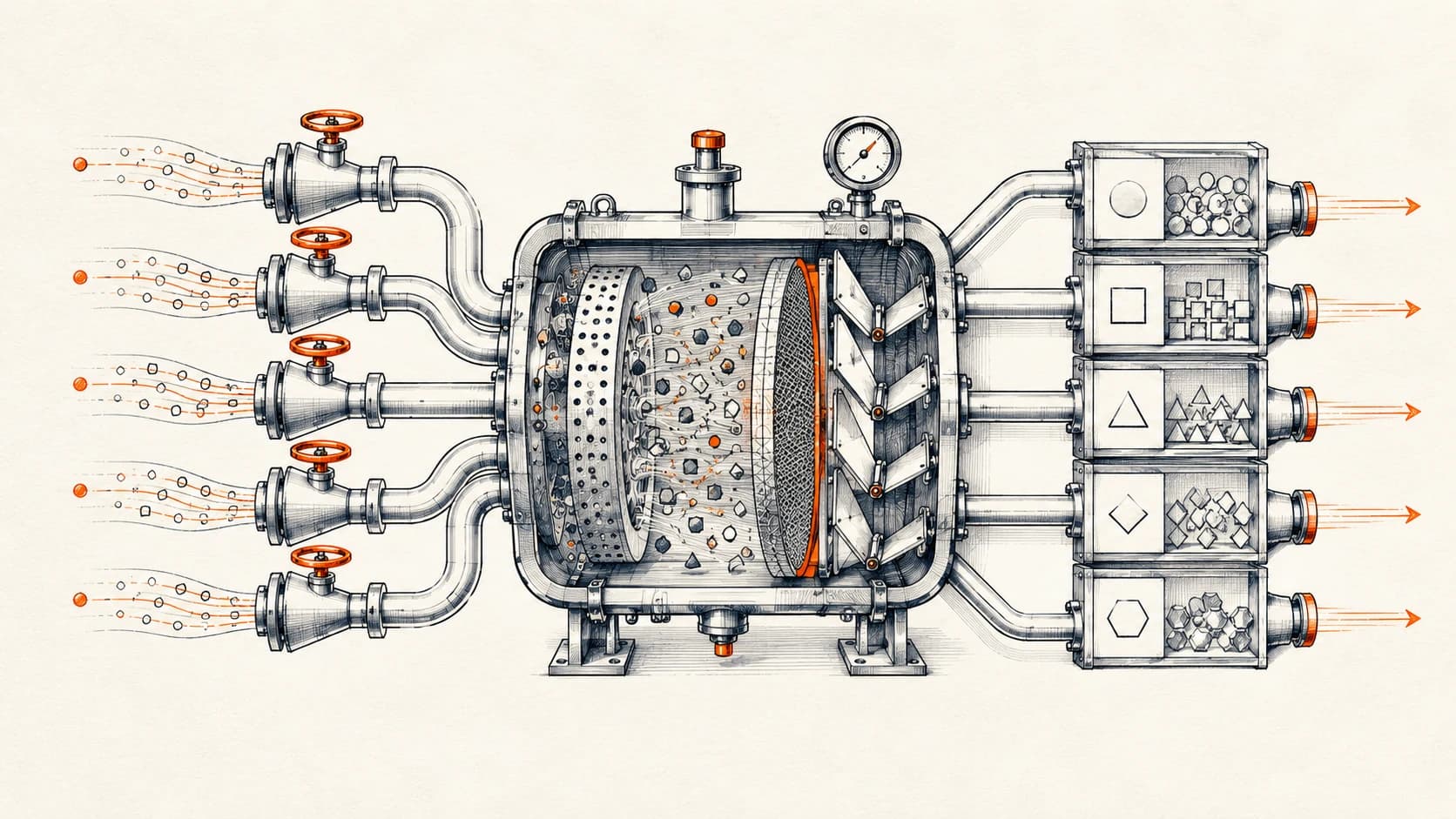
IndiaMART leads should not be copied manually into a CRM. A better setup is to capture every inquiry, normalize the contact details, check for duplicates, create or update the right Zoho CRM record, assign an owner, and log the full handoff so the sales team knows what happened.
For founders, this matters because IndiaMART can generate useful buying intent, but the lead quality and response process can become messy very quickly. If every inquiry is handled from email, WhatsApp, spreadsheets, and memory, the team loses speed and visibility. An n8n workflow can turn those scattered inquiries into a controlled sales pipeline.
The practical architecture is simple: IndiaMART inquiry source → n8n webhook or polling step → validation and deduplication → Zoho CRM lead/deal update → WhatsApp or email alert → database log. The goal is not just to “send a lead to Zoho.” The goal is to make sure the lead is clean, traceable, and ready for sales follow-up.
Why This Matters
Many startups and growing B2B businesses treat IndiaMART as a separate lead inbox. Sales teams check it during the day, copy details into a sheet, call the buyer, and maybe update the CRM later. That works when the volume is small. It breaks when multiple people respond, the same buyer sends repeated inquiries, or follow-ups are not tracked properly.
The real problem is not only manual entry. The bigger problem is that the founder cannot clearly see which inquiries were new, which were already contacted, which were qualified, and which ones became actual opportunities. When IndiaMART is disconnected from the CRM, the sales pipeline becomes incomplete.
This is where n8n development and Zoho CRM consulting become useful together. n8n handles the automation logic. Zoho CRM becomes the system of record. The business gets a cleaner pipeline instead of another disconnected notification channel.
How the Workflow Should Work
The workflow should start by collecting the inquiry from the available IndiaMART source. Depending on the business setup, that source may be an API, email notification, exported lead feed, or another approved integration path. The exact input can vary, but the workflow design should remain the same.
First, n8n should extract the important fields: buyer name, company name, phone number, email, product or service requested, message, city, timestamp, and source. If some fields are missing, the workflow should still create a useful partial record instead of failing silently.
Second, the workflow should normalize the data. Phone numbers should be cleaned into a consistent format. Email addresses should be lowercased. Product names should be mapped to internal service categories where possible. If the inquiry text contains useful context, AI can optionally summarize it into a short note for the sales team.
Third, the workflow should check whether the buyer already exists in Zoho CRM. The duplicate check should use phone number first, then email, and then company name if needed. Creating a new lead every time is one of the fastest ways to make a CRM unusable.
Fourth, the workflow should either create a new Lead, update an existing Lead, or create an associated Deal or task depending on the sales process. For many startups, the safest first version is to create or update a Lead and add a follow-up task for the sales owner.
Finally, the workflow should notify the right person. This could be a WhatsApp alert, email, Slack message, or internal dashboard update. The notification should include the buyer details, inquiry context, CRM link, and recommended next action.
Tools and Architecture
A production-ready IndiaMART to Zoho CRM automation normally needs four layers.
The first layer is lead capture. This is where the IndiaMART inquiry enters the system. The capture layer should be stable, monitored, and easy to test. If the source is email-based, use a dedicated inbox and structured parsing rules. If the source is API-based, use a secure credential and clear error handling.
The second layer is workflow logic in n8n. This is where the lead is cleaned, classified, enriched, checked for duplicates, and routed. n8n is useful because it can connect APIs, CRMs, databases, messaging tools, and AI steps in one visual workflow while still giving enough control for production logic.
The third layer is Zoho CRM. Zoho should hold the final lead record, owner assignment, pipeline status, notes, tasks, and follow-up history. If Zoho fields are poorly structured, automation will only move messy data faster. Before connecting IndiaMART, founders should define the exact fields the sales team needs.
The fourth layer is logging. A small PostgreSQL table or internal database log can store each raw inquiry, transformed payload, CRM action, status, error message, and retry count. This makes the system easier to debug when a lead does not appear where expected.
For teams that rely heavily on WhatsApp follow-up, the same workflow can connect to WhatsApp automation. For example, the workflow can alert a sales rep instantly or create a controlled first-response template after the CRM record is created.
Common Mistakes
The first mistake is sending every inquiry directly to Zoho without validation. If the phone number is missing, the product category is unclear, or the same buyer already exists, the workflow should handle that case intentionally.
The second mistake is ignoring duplicate logic. IndiaMART leads may repeat, and buyers may inquire about similar products more than once. Duplicate handling should update the existing CRM timeline instead of creating multiple competing leads for the same person.
The third mistake is not assigning ownership. A CRM record without an owner is just a database row. The workflow should assign a salesperson based on territory, product type, round-robin logic, or a simple default rule.
The fourth mistake is not logging failures. If Zoho rejects a request or an API times out, the workflow should record the error and retry safely. Without logs, founders only discover the problem when someone asks why a lead was missed.
The fifth mistake is automating before cleaning the CRM structure. If Zoho CRM already has unclear stages, duplicate fields, and inconsistent naming, IndiaMART automation will expose those issues. It is better to clean the CRM model first, then connect new lead sources.
Implementation Checklist
Use this checklist before building the workflow:
- Define the exact IndiaMART lead source and how n8n will receive it.
- List required fields for a sales-ready Zoho CRM lead.
- Decide whether each inquiry creates a Lead, Deal, task, or note.
- Normalize phone numbers, emails, city names, and product categories.
- Add duplicate checks using phone number and email.
- Assign the right sales owner automatically.
- Add a clear status field such as new, duplicate, updated, failed, or assigned.
- Notify the sales team with the CRM link and inquiry summary.
- Store raw and processed payloads in a log table.
- Test missing fields, duplicate buyers, invalid phone numbers, and Zoho API failures.
- Review the first week of logs before expanding the workflow.
This checklist keeps the project grounded. The point is not to create a complicated automation stack. The point is to make sure every lead reaches the right place, in the right format, with enough context for fast follow-up.
When to Talk to Abhijeet
If IndiaMART is already bringing inquiries but your team still copies leads manually, follows up from personal phones, or checks multiple sheets to understand pipeline status, this is a good automation candidate.
AbhijeetBuilts can help design the CRM fields, build the n8n workflow, connect Zoho CRM, add logging, and create the right handoff process for your sales team. The best first version is usually focused: capture IndiaMART leads, deduplicate them, create clean Zoho records, and alert the right person.
Once that foundation works, the same architecture can expand into website forms, WhatsApp inquiries, Meta ads, outbound campaigns, and internal sales dashboards. That is how a startup moves from scattered lead handling to a real operating system for sales.
If you want to build this properly, start with a short process review and then turn the highest-intent lead source into a reliable workflow. You can reach out through the contact page when you are ready to connect IndiaMART, Zoho CRM, and n8n into one clean system.
Related resources
Keep building the automation map
Move from the guide into the services and proof pages connected to this topic.
Related services
Service
Explore n8n Workflow Development
Custom n8n workflow automation for lead capture, CRM sync, AI enrichment, approvals, and notifications — built to keep running when nobody is watching.
Service
Explore Zoho CRM Consulting
Zoho CRM setup, custom modules, client scripts, Deluge functions, workflow rules, and cross-module automation.
Service
Explore WhatsApp Automation
WhatsApp automation for lead qualification, multilingual AI conversations, sales alerts, and clean CRM handoff — every enquiry answered, every conversation remembered.
Further reading
Guide
Read: n8n vs Zapier for Startups: Which Automation Platform Should You Choose in 2026?
A practical founder-focused comparison of n8n and Zapier, covering ease of use, flexibility, costs, AI workflows, and which platform startups should choose in 2026.
Guide
Read: Zoho CRM vs Salesforce vs HubSpot: Which CRM Should a Founder Choose in 2026?
A practical founder-focused comparison of Zoho CRM, Salesforce, and HubSpot, with guidance on choosing the right CRM before adding automation.
Guide
Read: Salesforce to Zoho CRM Migration: When Startups Should Switch and How to Do It Safely
A practical founder-friendly guide to deciding when Salesforce to Zoho CRM migration makes sense, what to clean before moving, and how to avoid breaking sales operations during the switch.
Proof pages
Case study
See case study: Custom Zoho CRM with Auto-Pipeline for a Freight Forwarder
A freight CRM that carries an enquiry through contacts, accounts, deals, quotes, jobs, cost sheets, and invoicing — with client scripts and Deluge automation removing the re-typing between every stage.
Case study
See case study: Complete Zoho Stack for a B2B Packaging Manufacturer
One Zoho operating system for a B2B packaging manufacturer — sales, service, inventory, accounting, ticketing, and analytics — replacing the legacy Excel and Salesforce files the business used to run on.